Beading
Blog | Elements | EmbroideryStudio
August 23rd, 2021
3 minute read
Decorative Beading
Our latest digital embroidery innovation
EmbroideryStudio e4.5 Designing now supports Beading devices using the much-anticipated new Beading add-on Element. Never have there been so many beading decorative options and variations possible. Create detailed beading designs using multi-bead runs and unique decorative fixing stitches, previously only possible by hand.
Beading Palette
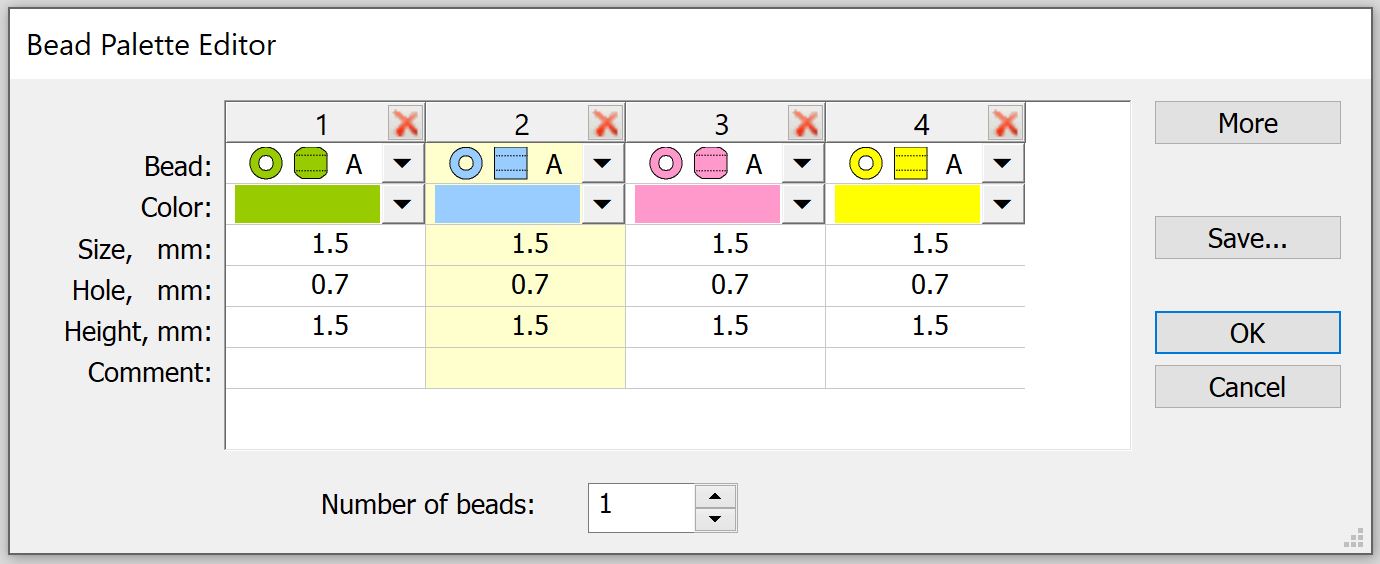
New to beading and like the Sequin Advanced Element, a Beading Palette is prepared for a design. This is where the user defines the bead shape, color and size.
Now commercial embroidery machines can create unique beading run objects with a variety of different beads.

How to use the Beading Palette
- Click the Beading Toolbar, select the Bead Palette Editor and prepare the palette with beads for use.
- Specify shape, color, and size.
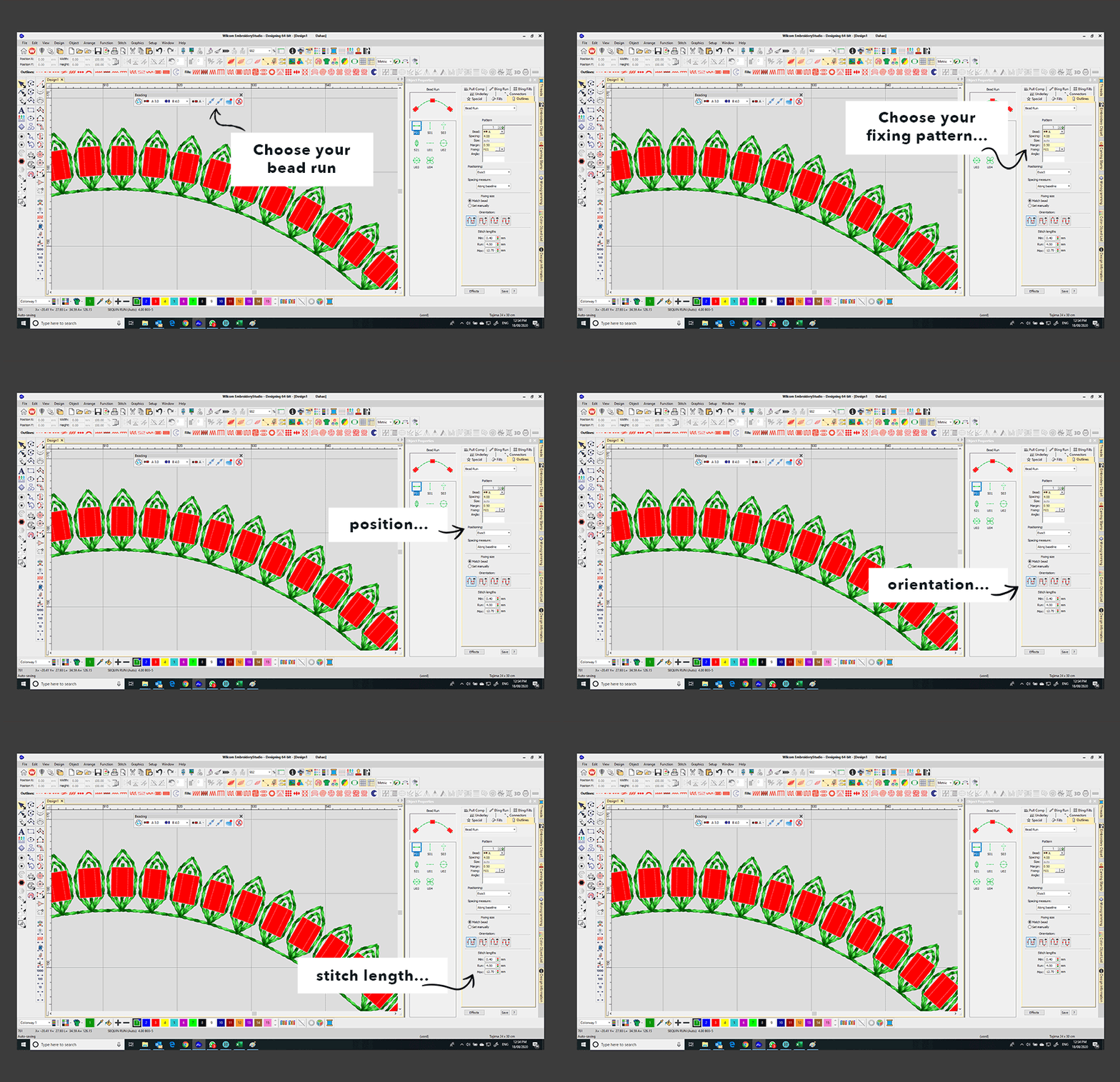
- Set the desired bead spacing and fixing style from the Object Properties docker.
- Remember to first Select Machine Formatfrom the Design dropdown menu that supports bead devices.
Superior level of creativity and control
Bead Auto Run
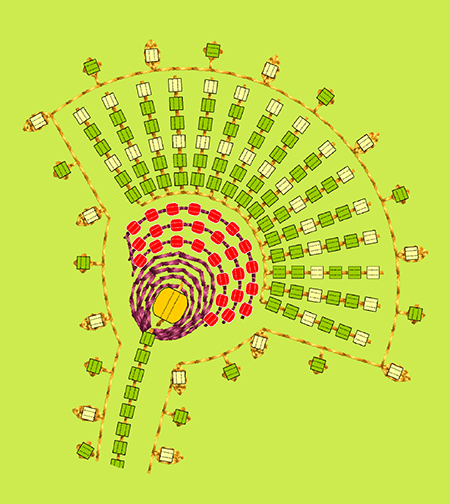
Create the beading run object using the beads in the palette. The changeable default settings are editable down to the individual bead level, making it easy to create the desired look. The system will automatically drop the first bead from your palette, and the Object Properties docker controls the rest.
Bead Manual Run
If more control is needed, select the Bead Manual Run, where beads are placed with precision with every mouse click. Manually digitize each stitch and drop a bead with a right-click. Select from the decorative fixing stitches or create your own fixing stitch. The Tab key will toggle through the bead palette to select the exact bead for the drop.
Fixing Stitches
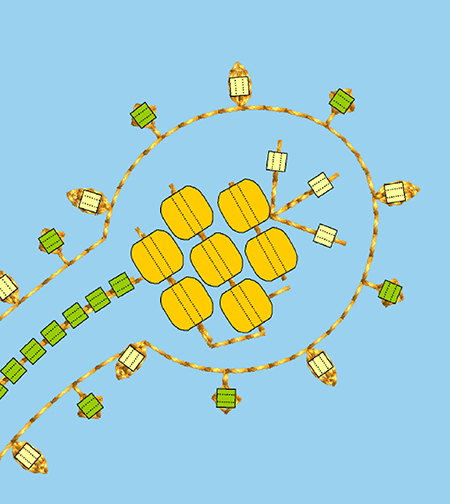
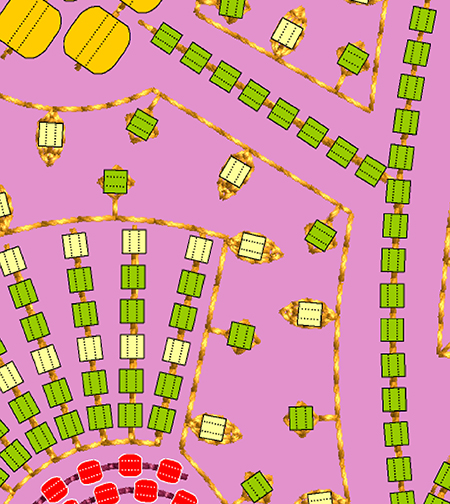
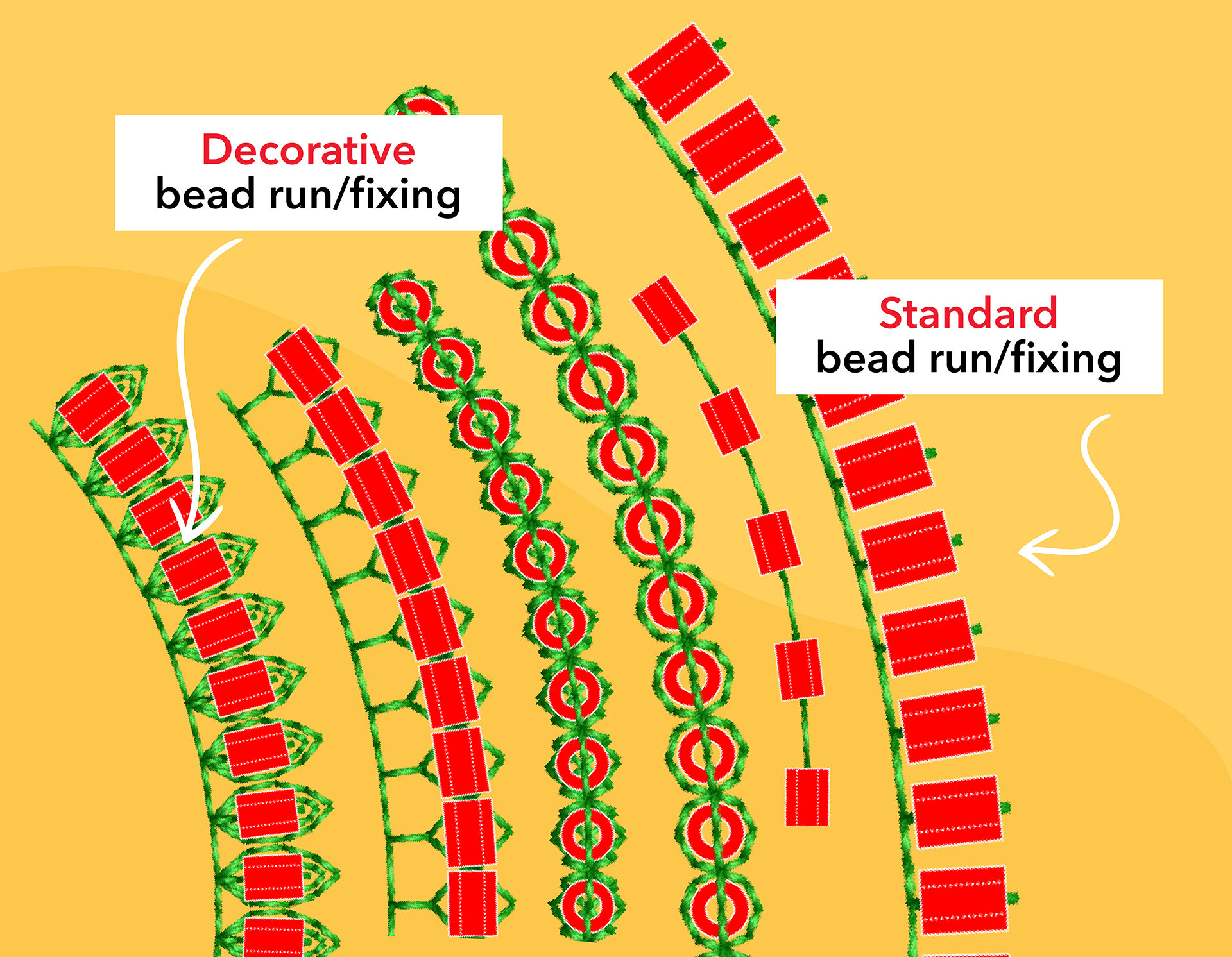
The fixing stitches support the classic upright, flat, and sideways beading options. Besides the traditional types, decorative fixing stitches, such as star and flower patterns are available for each individual bead in the run object. The choice is incredible. Use one fixing stitch or multiple fixing stitches in your bead run and design.
Endless design potential


Not only is there a choice of multiple beads, but you can also now access unique fixing stitches for the different beads. It completely broadens the creativity that’s possible.
More Options. More Control. More Variations.

Use the settings in the Object Properties docker for bead position, spacing, orientation and more.
Scalable
Once a beaded object is created, it can be re-sized or re-shaped as any other object-based embroidery object. The editing options have intelligent spacing for tight curves so that at all times, the beads appear evenly spaced.
Watch the Wilcom team digitize a stunning beaded flower design that previously could only be embroidered by hand.
The Beading Element is available as an add-on Element in
EmbroideryStudio e4.5 Designing
Explore everything StitchFEST has to offer, including inspiring blogs, live demonstrations,
educational content, free giveaways, and exclusive event-only discounts.
Don’t miss your chance to save 20% on EmbroideryStudio 2026 during the event.
Got questions? We’re here to help.
Contact us

Related Articles
Your Wilcom Dongle and its Security Codes
3 minute read
August 2nd, 2021
Outsourcing and EmbroideryStudio e4.5 Editing
5 minute read
September 14th, 2021
Raised Satin
2 minute read
July 26th, 2021