Boost your productivity with Shaping Tools
Blog | EmbroideryStudio
December 12th, 2023
2 minute read
Boost Your Productivity with Shaping Tools
In the fast-paced world of digitizing, productivity is key. The Shaping Tool in EmbroideryStudio Digital Edition Designing is a hidden gem that can significantly enhance design efficiency.
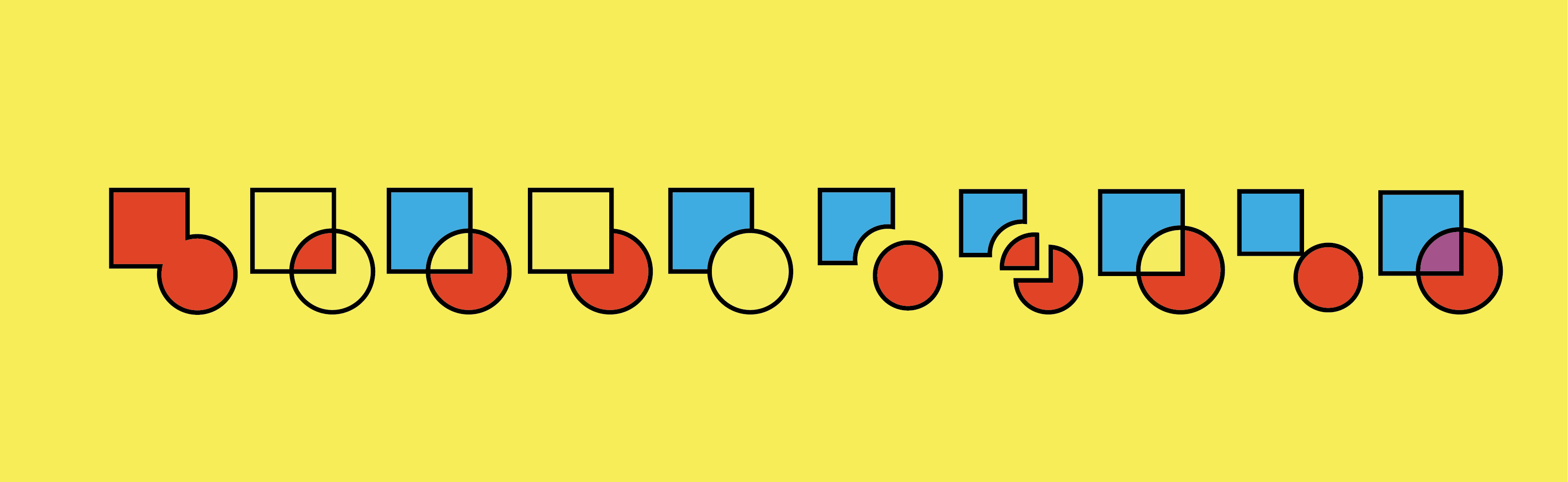
This tool provides options for welding, combining, intersecting, excluding, flattening, and dividing.

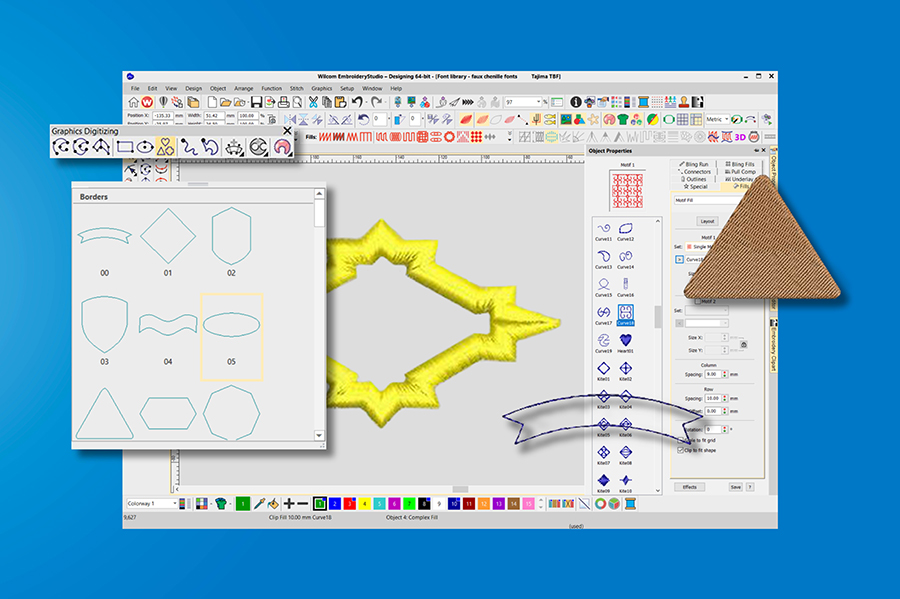
8 powerful Shaping tools with additional overlap control.
Explore Shape Manipulation
Look at digitization differently and view designs as a series of individual shapes that come together to create the whole.
The Shaping Tool empowers digitizers to seamlessly combine multiple closed shapes into one single object, to which any stitch type or effect can be easily applied.
The Shaping Tool enhances digitizing with effortless shape creation, boosting productivity.

Tip: Easily edit your designs using the convenient ‘spacebar’ shortcut to swiftly toggle the re-shape nodes from curved to straight.
Seamless Integration with the
Basic Shapes Gallery
The Shaping Tool works seamlessly with other software features, especially the vector shapes in the Basic Shapes Gallery. This collaboration provides a wide range of shape options, allowing designers to experiment with various combinations and configurations to achieve the precise shapes required.
A wider array of shape creations are possible when combined with shapes in the Basic Shapes Gallery!

Digitizers are free to explore their creativity more deeply, developing exceptional logo designs that make a lasting impression!
Design: Plumbing by Kate
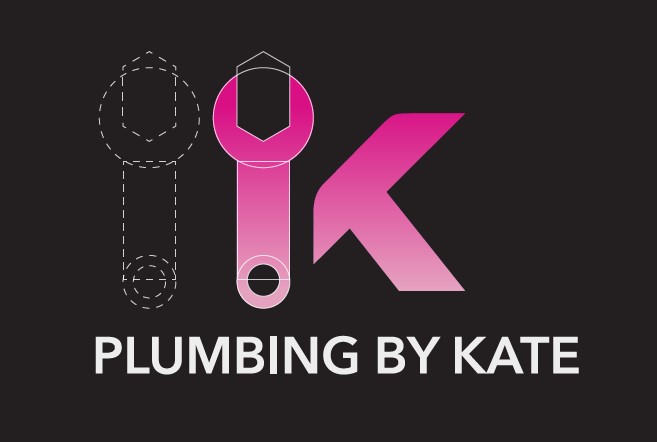
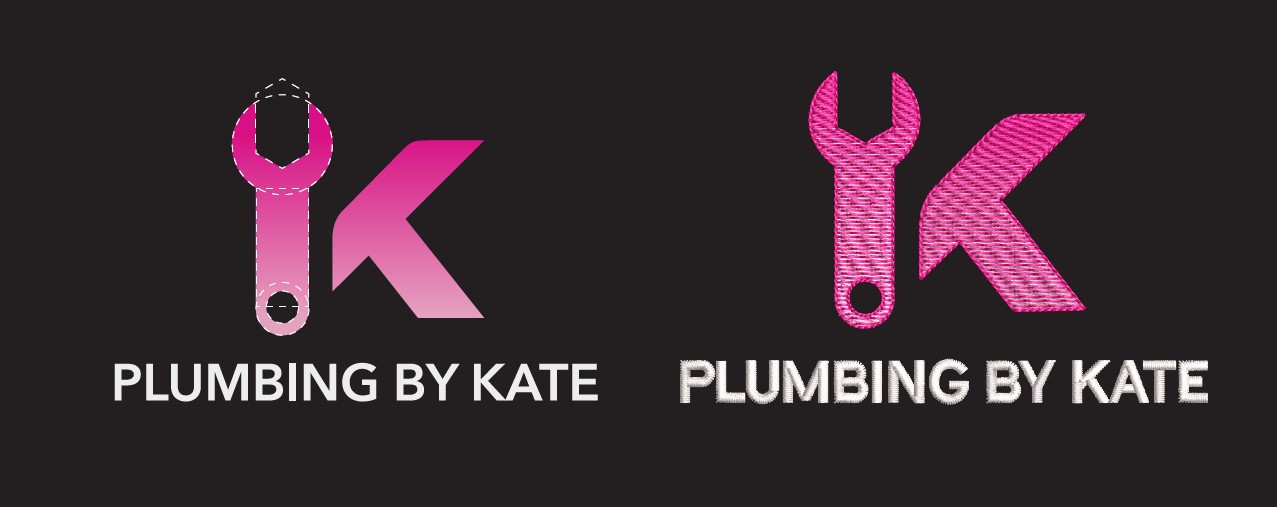
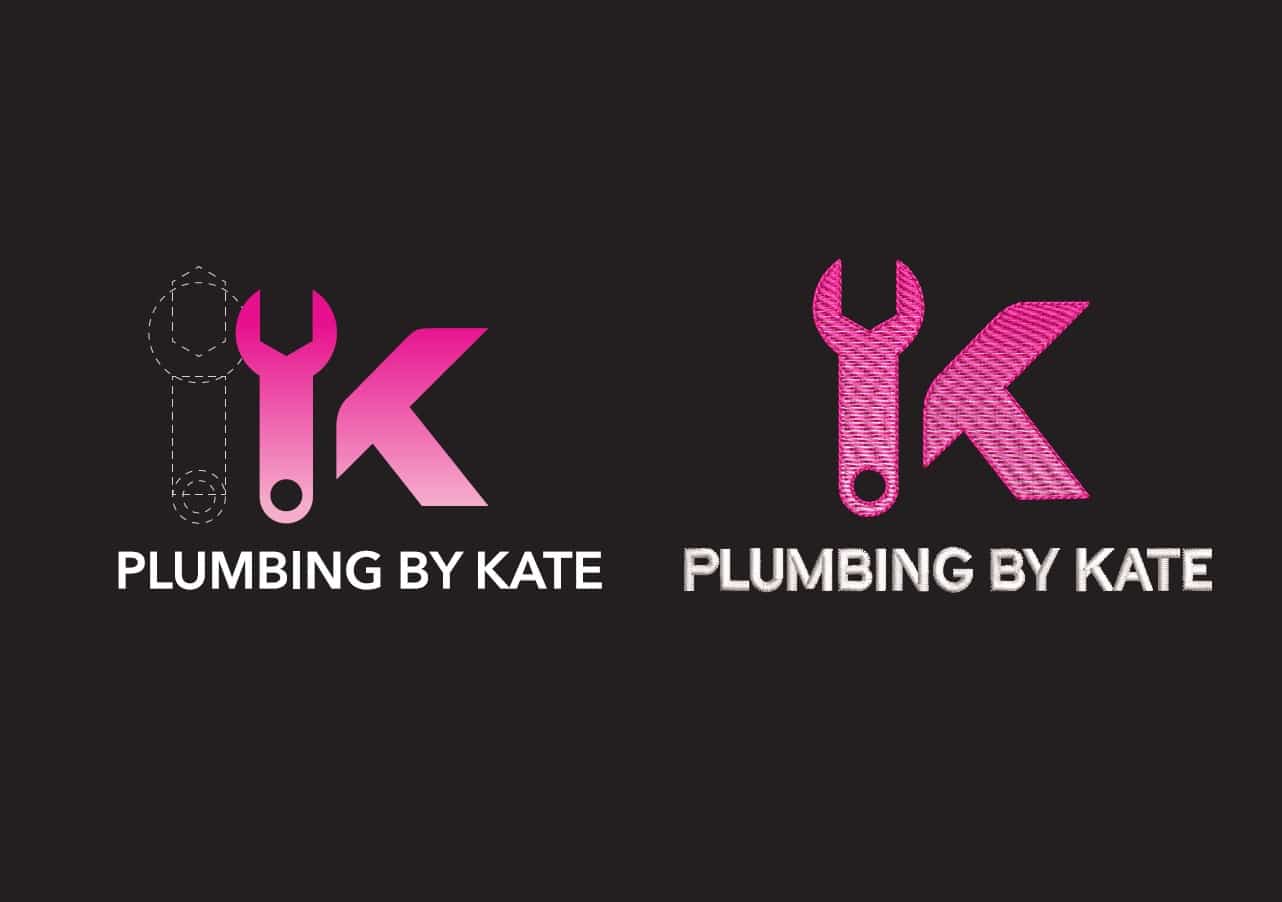
Wilcom designers skillfully use shapes from the Basic Shapes Gallery and the Shaping Tool to digitize the ‘Plumbing by Kate’ logo quickly. They add a quick and impactful final touch using new features in EmbroideryStudio Digital Edition Designing.
- The Basic Shapes and Shaping Tool are used to construct the wrench.
- EmbroideryStudio’s extensive library of fonts is used and kerned to perfection.
- The Color Blending tool effortlessly achieves impressive color gradients in less time.
- The Outline and Offsets tool achieves a perfect outline around the objects. (This advanced feature offers stitch and vector offset options, including creating offsets for holes).

All features used are available in EmbroideryStudio Digital Edition Designing.
See it in action!
Looking to update your existing Wilcom software or trade-in a competitor software?
As our gift to you, download the FREE 'Plumbing by Kate' design today!
Please fill in the form below
Explore everything StitchFEST has to offer, including inspiring blogs, live demonstrations,
educational content, free giveaways, and exclusive event-only discounts.
Don’t miss your chance to save 20% on EmbroideryStudio 2026 during the event.
Got questions? We’re here to help.
Contact us

Related Articles
Wilcom in Space: India’s Axiom Mission 4 Patch
3 minute read
July 22nd, 2025
Elevate Your Commercial Logos with Photo Flash
2 minute read
December 7th, 2023
EmbroideryStudio Digital Edition Available in 14 Languages
1 minute read
December 5th, 2023