









Elements
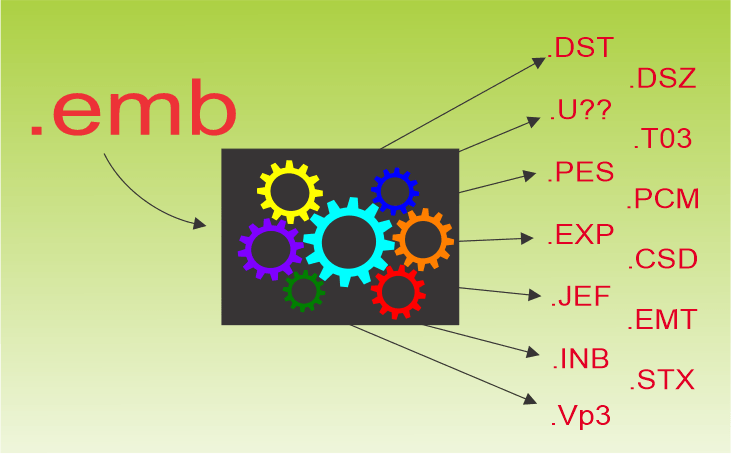
Batch Convert Machine Files
Blog | Elements | EmbroideryStudio
The library feature of EmbroideryStudio provides the means to convert a batch of files to a designated folder. In the following video you will see .emb files converted to .dst and U01 files, or for that...
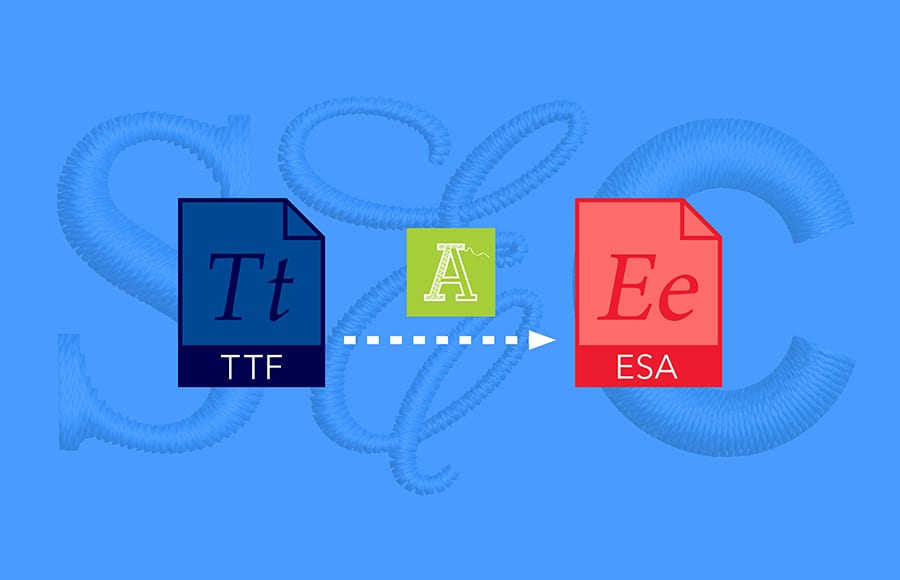
Another case for the Font Creator Element
Blog | Elements | EmbroideryStudio | Lettering | Tips & Tutorials | Video
When an unusual font or a special corporate font is required, Font Creator is my go to tool. I know, I can hear the comments now, “Too involved” or ” I do not have...

Multi-sequin embroidery designs
Blog | Elements | Feature overview
Ever wanted to digitize dazzling sequin designs? EmbroideryStudio already offers a Single Sequin Element for the creation of single sequin runs and fills. EmbroideryStudio e4.5 now also supports twin...
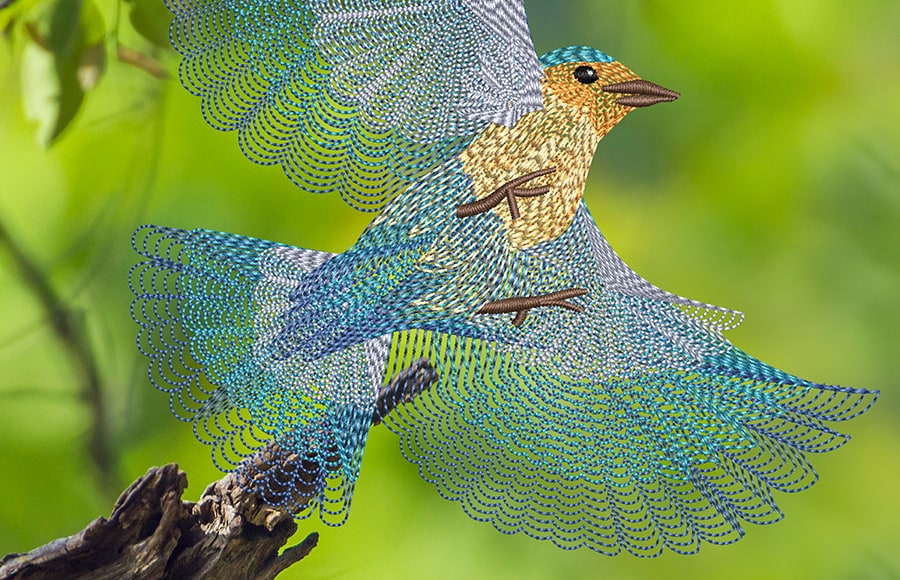
Use Spiral Fill to digitize a realistic bird design
Blog | Elements | EmbroideryStudio | Feature overview
Spiral Fill is a captivating addition to EmbroideryStudio Digital Edition Designing! Enhance your designs with dynamic stitch patterns, adding motion and depth with perfect spirals. Bring your...
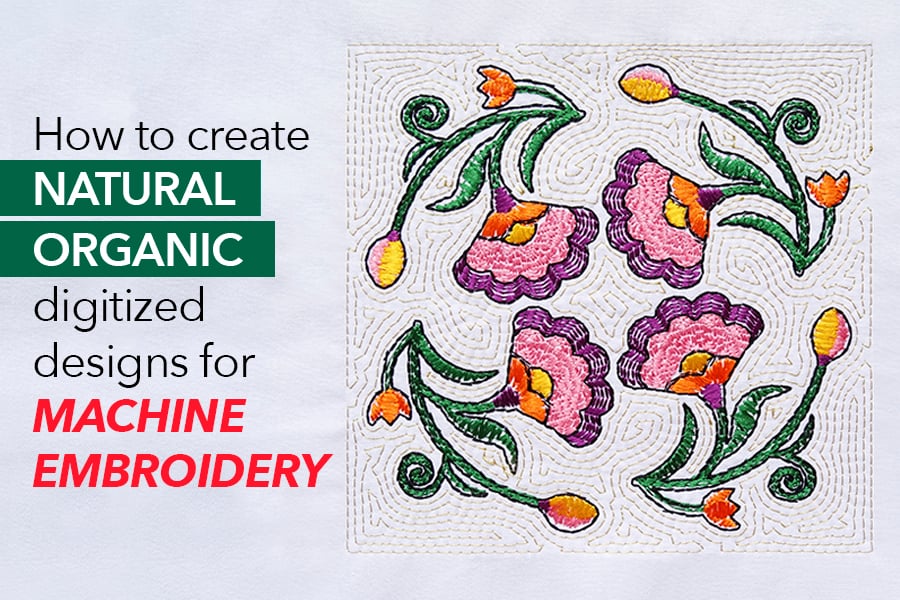
Natural organic hand stitch effect for machine embroidery
Blog | Elements | EmbroideryStudio | Feature overview
The latest EmbroideryStudio e4.5 feature is called “Hand Stitch Effect.” Apply this newest effect to your favorite stitch types, and you’ll have a natural...
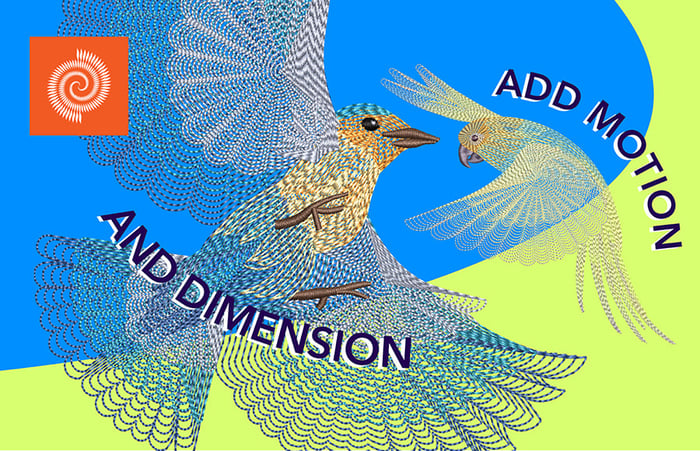
Easily add motion and dimension with Spiral Fill
Blog | Elements | EmbroideryStudio | Feature overview
It is useful when trying to emphasize movement in your digitizing. However, it works best with simple shapes that can be stitched in ONE segment. The default property values produce tight...

Reef Photo Stitch Element
Blog | Elements | EmbroideryStudio
You may have thought that Wilcom’s photographic Elements are only used for faces and pets. Well, try the new Reef Photo Stitch on ANY high contrast photographic image and watch the magic...
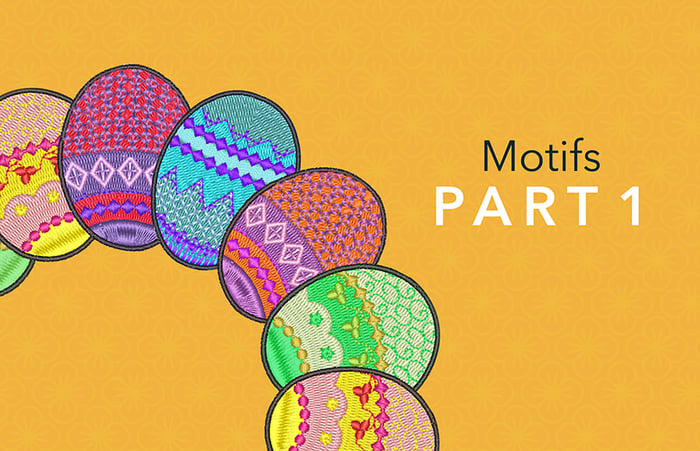
Motif as a Stamp
Blog | Elements | EmbroideryStudio | Feature overview
There are four methods of adding a motif pattern to an Embroidery Design in EmbroideryStudio 4.5 Each of these applications is based on the same library of Motif shapes. To select the motif you wish to use...
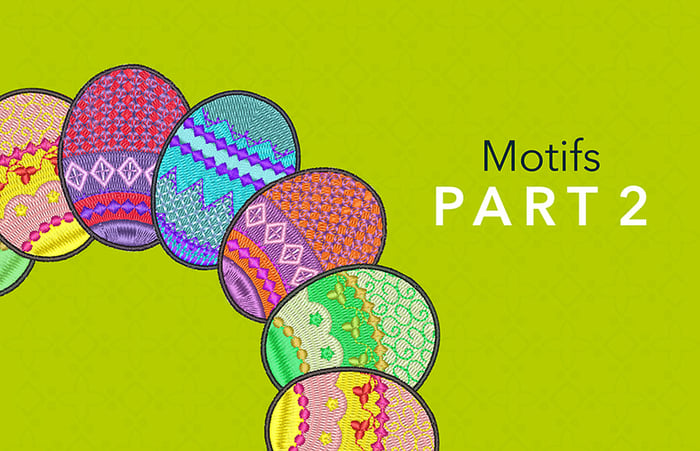
Motif Outlines and Columns
Blog | Elements | EmbroideryStudio | Feature overview
The Motif Run Tool is found in the Outline Toolset The reality is the motif is a property that can be assigned to any outline tool type. So after creating a running stitch, triple run, backstitch, stem...
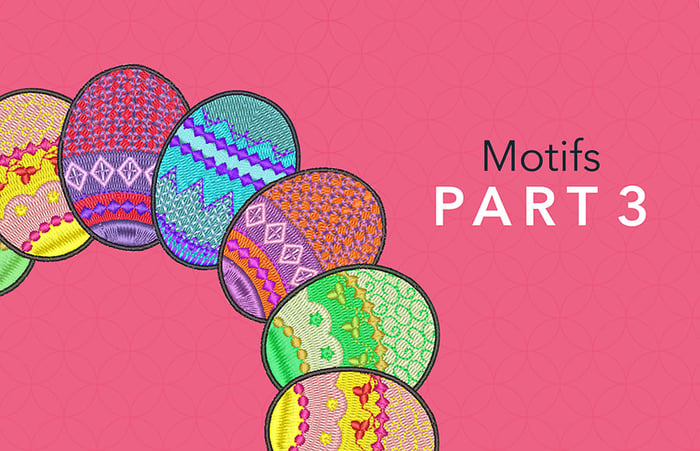
Motif Fill
Blog | Elements | EmbroideryStudio
Motif Fill is standard in EmbroideryStudio Designing and Decorating. As you can see in this image you can get some pretty funky designs combining Motil fill with 3D Globe out To create a motif fill select...

Maze Fill
Blog | Elements | EmbroideryStudio | Video
Fill any vector shape with a run stitch where you set the spacing and the stitching never crosses itself. The stitch type gives a stunning effect with the click of a button but when used in...
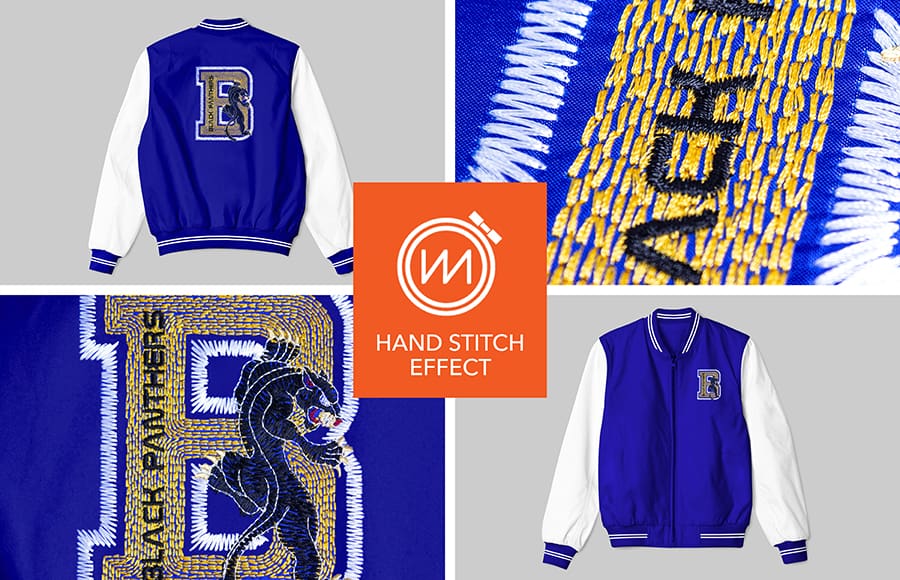
Hand Stitch Effect
Blog | Elements | EmbroideryStudio | Feature overview
Hand stitching gives a beautiful rusticated effect to designs. It is an effect rather than a stitch type and therefore can be applied to most stitch types and input methods. The stitch effects can be used...