Create Professional Halloween Badges with EmbroideryStudio Digital Edition
Blog | EmbroideryStudio
October 31st, 2023
2 minute read
Create Professional Halloween Badges with EmbroideryStudio Digital Edition Designing
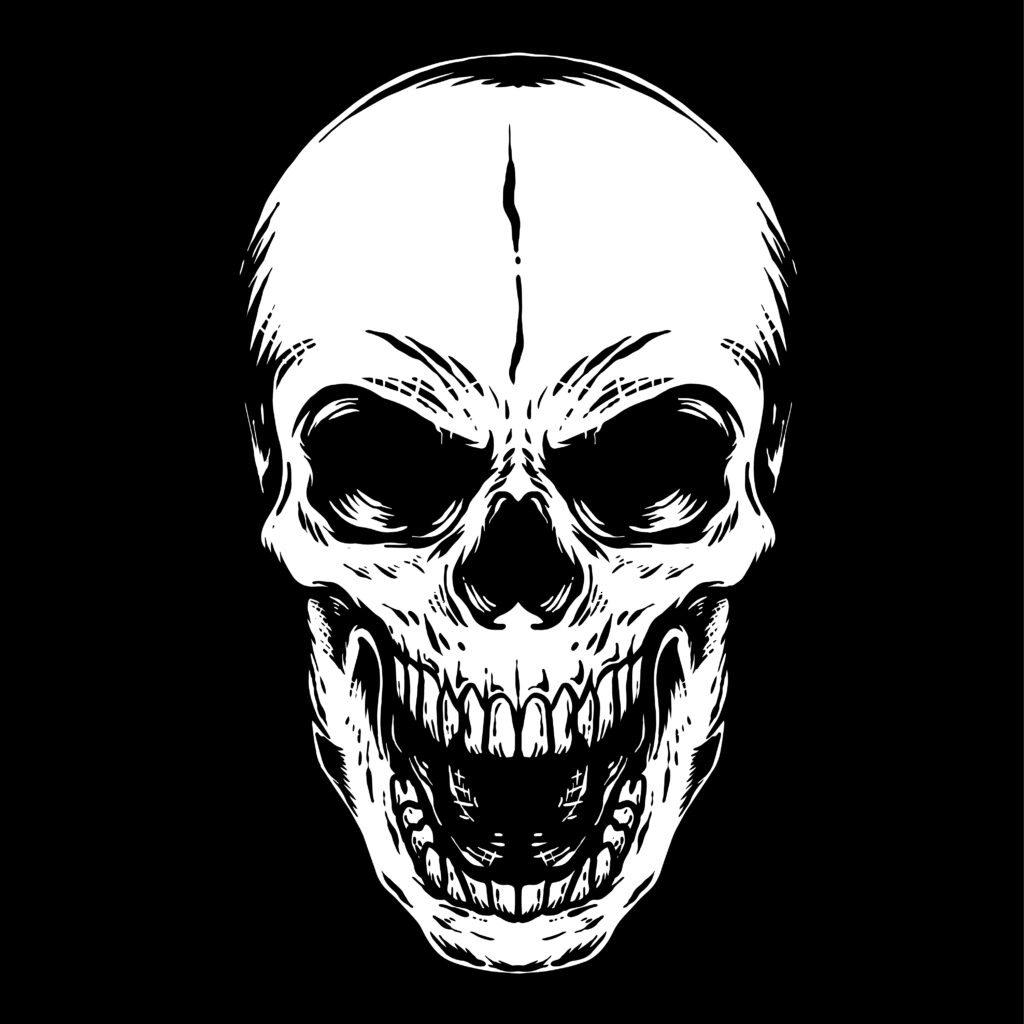
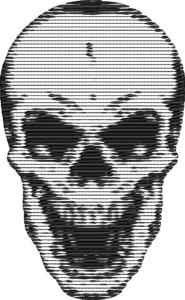
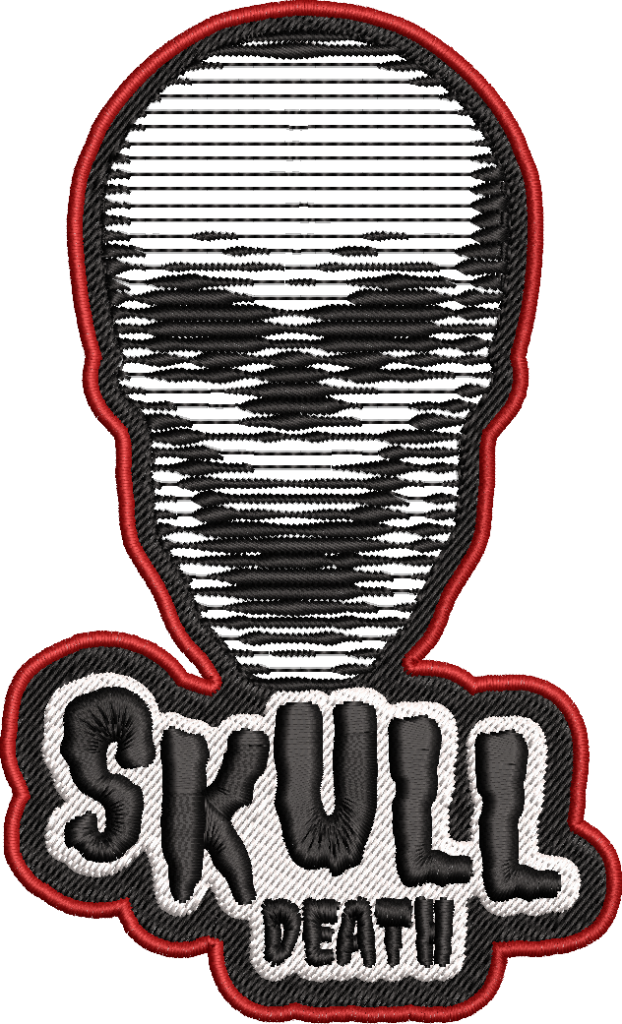
Witness the seamless process as Wilcom designers effortlessly prepare embroidery designs for efficient flatbed badge embroidery production.
Brought to you by Wilcom’s EmbroideryStudio Digital Edition Designing!
Halloween Tips & Tricks
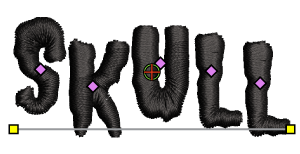
Wilcom’s embroidery software boasts world-class lettering capabilities that will elevate your Halloween designs.

Customize a standard font by pressing SHIFT while selecting the individual letter node. This provides the option to move the letter off the baseline. Do these for each letter to match your spooky theme and make your creations stand out.
The newly added Outlines and Offset tool in EmbroideryStudio Digital Edition Designing has many capabilities.
Here, we are creating badges, and the tool is used to uniform the design!

Create multiple outlines for your embroidery, ensuring the overall design has a satin stitch outline that encapsulates your Halloween masterpiece, for a professional badge finish.
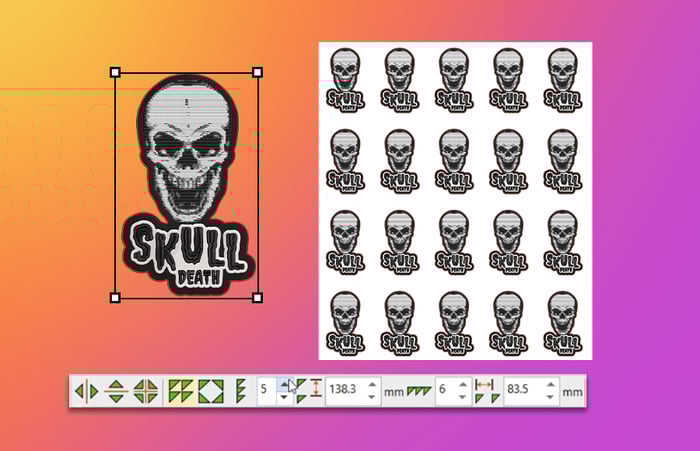
Embracing Mirror Merge in EmbroideryStudio Digital Edition Designing propels businesses into a new era of production efficiency, where a few clicks transform ordinary embroidered designs into rows of symmetrical wonders, seamlessly prepared for the embroidery machines with efficient color resequencing. This Halloween production timeline is streamlined for faster turnarounds.

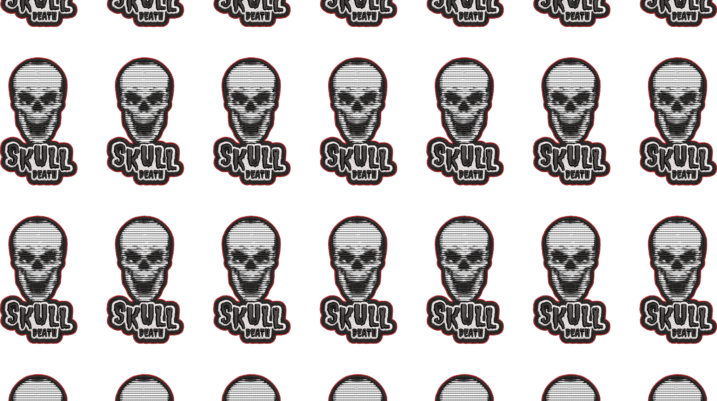
In the above example, the Mirror Merge tool effortlessly generates 7 columns and 8 rows of Halloween badges, requiring only 5 stops and 4 color changes. Without the Mirror Merge tool, this 3-color design would demand 225 stops and 224 color changes.
Mirror Merge automatically resequences colors for efficient production runs.
Watch It In Action!
Try the world's favorite embroidery solution!
Start your 14-Day FREE trial.
Mirror Merge, Photo Flash, and Offsets & Outlines are features included in Designing. Photo Flash and Offsets & Outlines can be added to the Decorating level via Elements.
Got questions? We’re here to help.
Contact us

Explore everything StitchFEST has to offer, including inspiring blogs, live demonstrations,
educational content, free giveaways, and exclusive event-only discounts.
Don’t miss your chance to save 20% on EmbroideryStudio 2026 during the event.
Got questions? We’re here to help.
Contact us
Related Articles
Save Money with EmbroideryStudio Digital Edition Subscriptions
3 minute read
November 1st, 2023
How to Identify Illegally Cracked Embroidery Software
1 minute read
October 28th, 2023
Illuminate the Halloween Night with Madeira’s Luna Thread
2 minute read
October 26th, 2023