Creating QR codes with CorelDRAW
Blog | Feature overview | Tips & Tutorials
July 20th, 2022
1 minute read
Create a QR Code in minutes with CorelDRAW® Graphics Suite

By owning EmbroideryStudio e4.5 software, you also have a QR Code Generator at your fingertips!
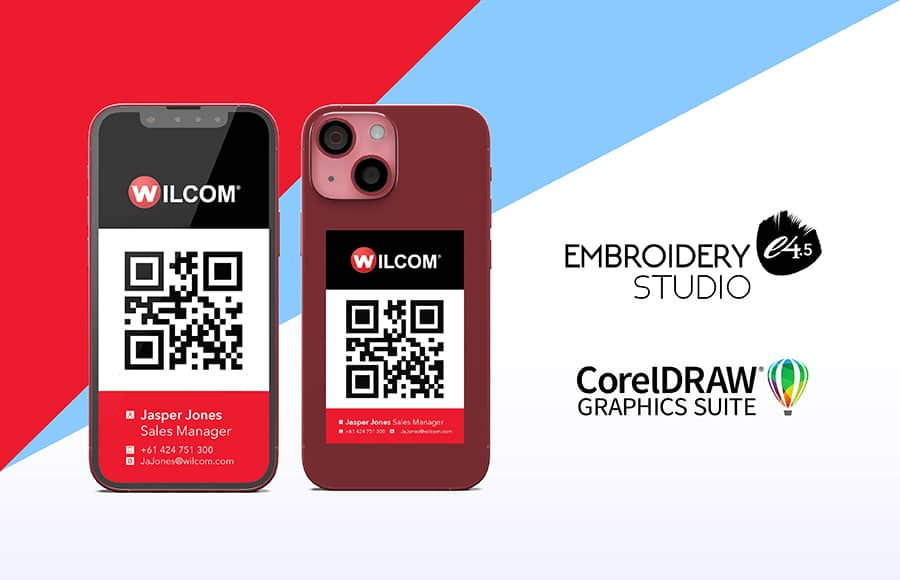
Integrated with EmbroideryStudio DESIGNING and DECORATING software is your own complete version of CorelDRAW® Graphics Suite. One of the many exciting features is its QR Code Generator.
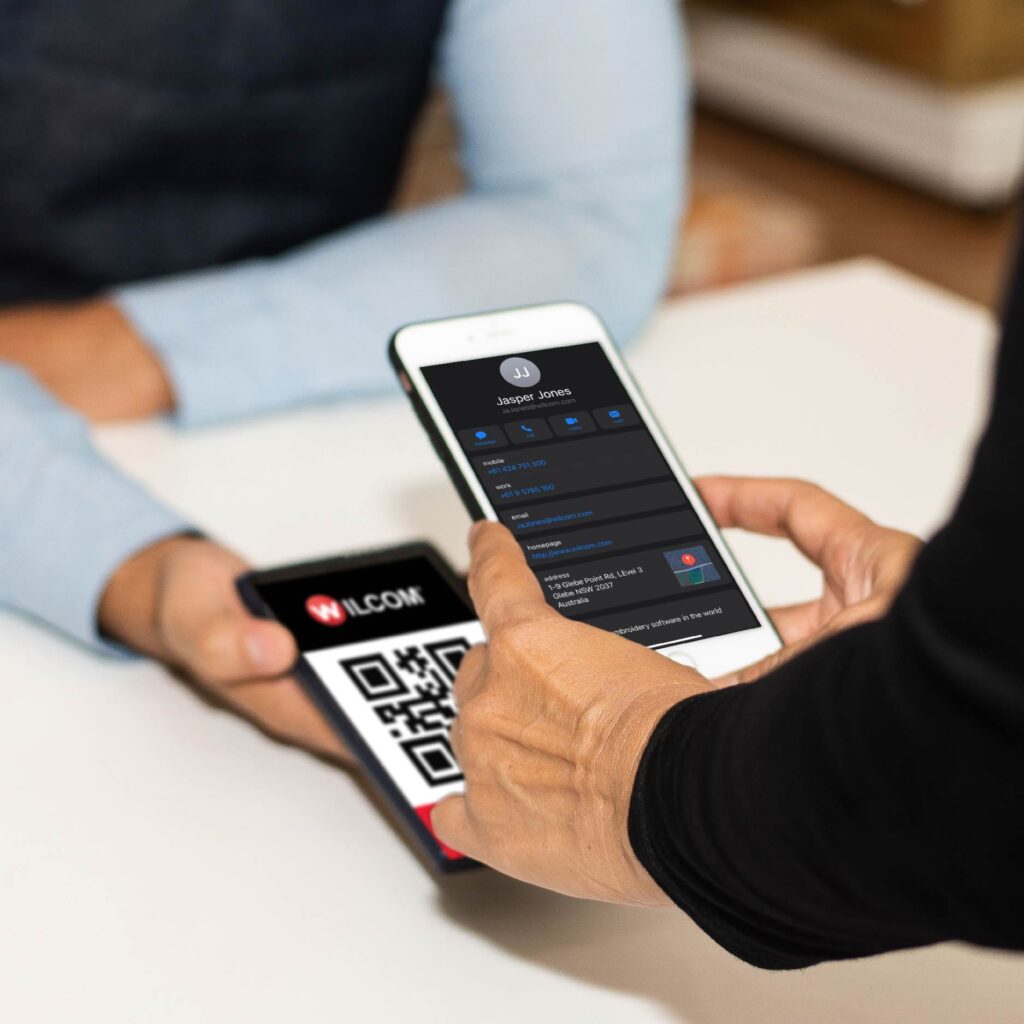
A QR code (quick response code) is used to provide easy access to online information through the digital camera on your smartphone or tablet. It can be used to quickly link customers to virtual business cards, URLs, emails, videos, promotions, and so much more.
Start creating and customizing your own QR codes immediately. No third-party software is required. Simply open CorelDRAW, and you’re ready to create your own. Give it a go!
I have a QR code on my virtual business card. It's the simplest way I found to connect with new customers and clients at trade shows.
Eduardo Serje
It only takes a few minutes.
See it in action!
Explore everything StitchFEST has to offer, including inspiring blogs, live demonstrations,
educational content, free giveaways, and exclusive event-only discounts.
Don’t miss your chance to save 20% on EmbroideryStudio 2026 during the event.
Got questions? We’re here to help.
Contact us

Related Articles
WilcomWorkspace Estimator Save Function
1 minute read
July 21st, 2022
10 Mistakes your Customers Should Avoid
5 minute read
August 1st, 2022
10 Tips to get the best embroidery results
2 minute read
June 29th, 2022