Layer with Reef Photo Stitch
Blog | Elements | EmbroideryStudio
March 15th, 2021
3 minute read
Paint with embroidery layers
using Reef Photo Stitch
Bring a logo or digitizing to life with layers of tonal thread colors.
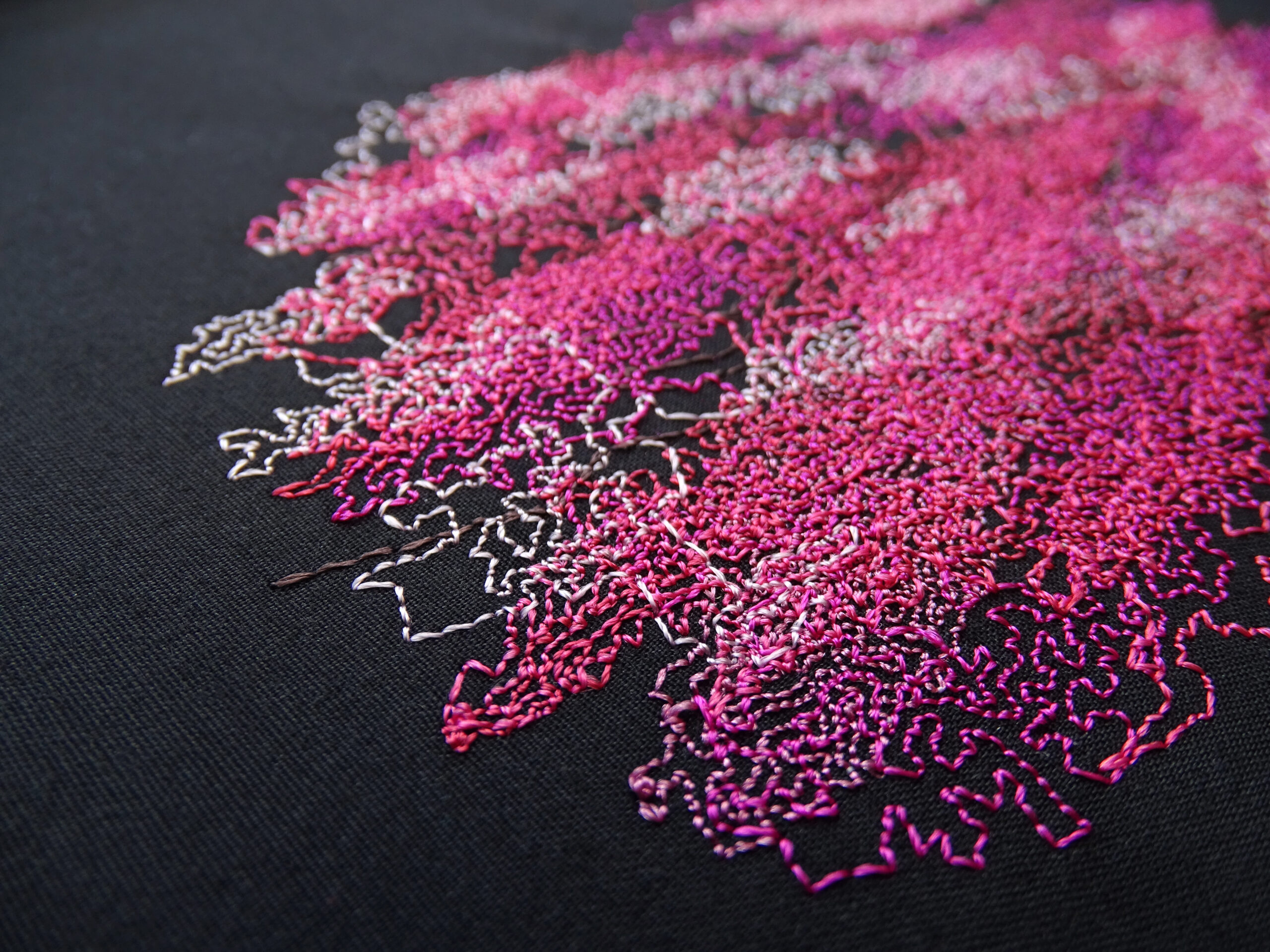
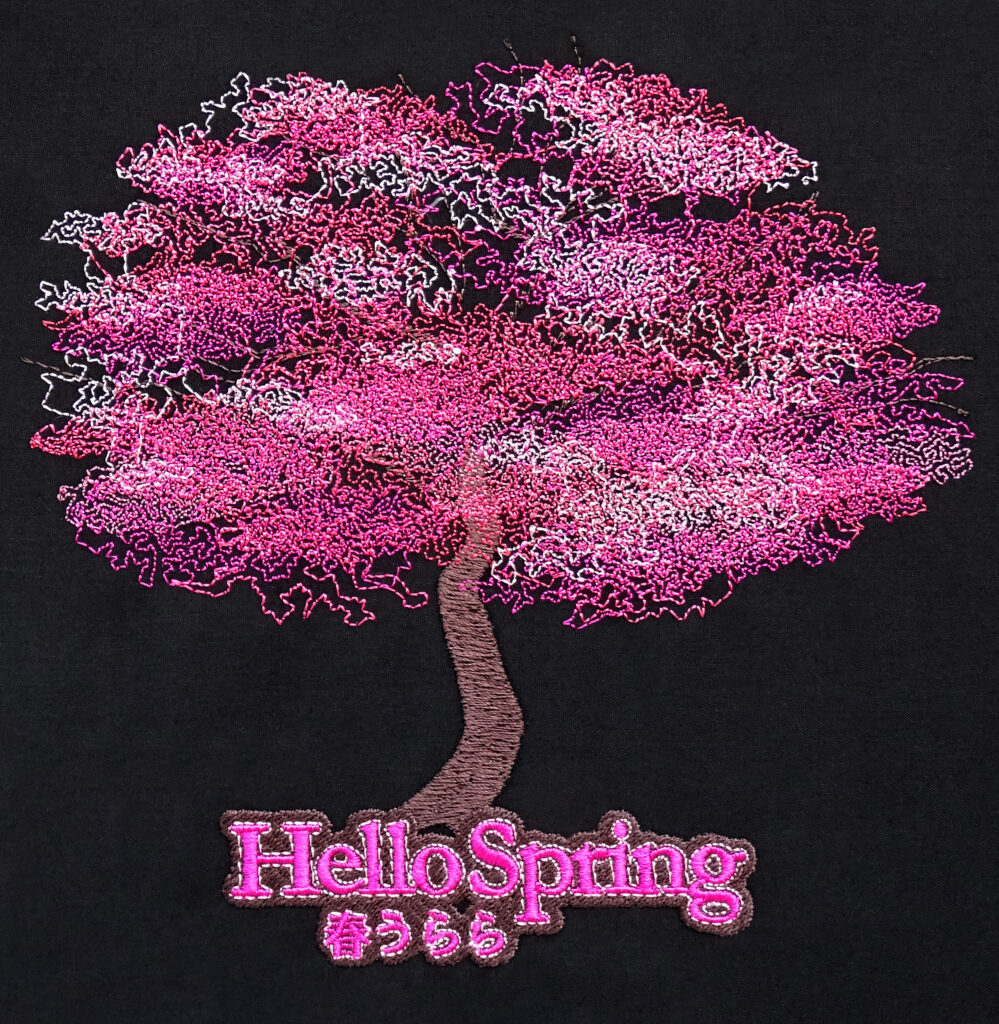
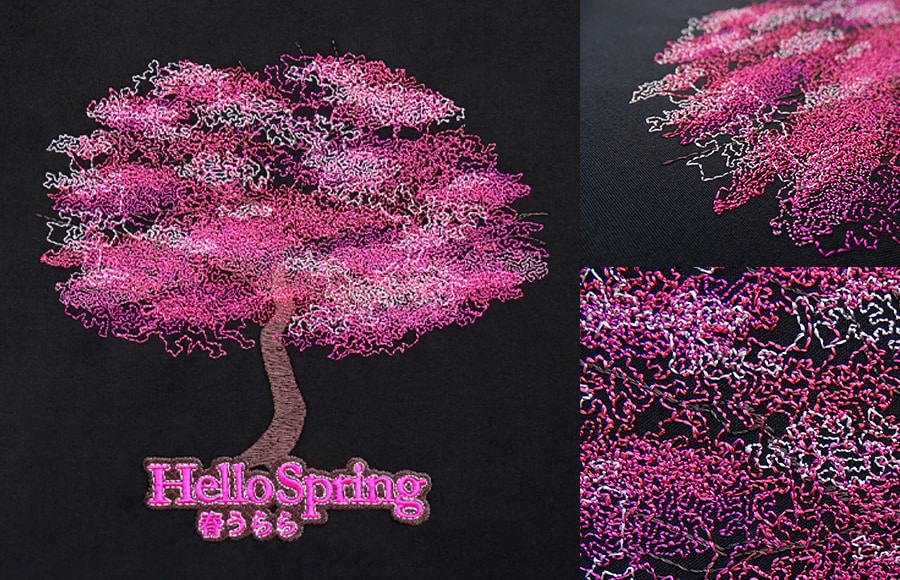
To produce this unique design, we use an image rather than a photo. We incorporate layers of varying shades, and the end result is like an embroidery painting.
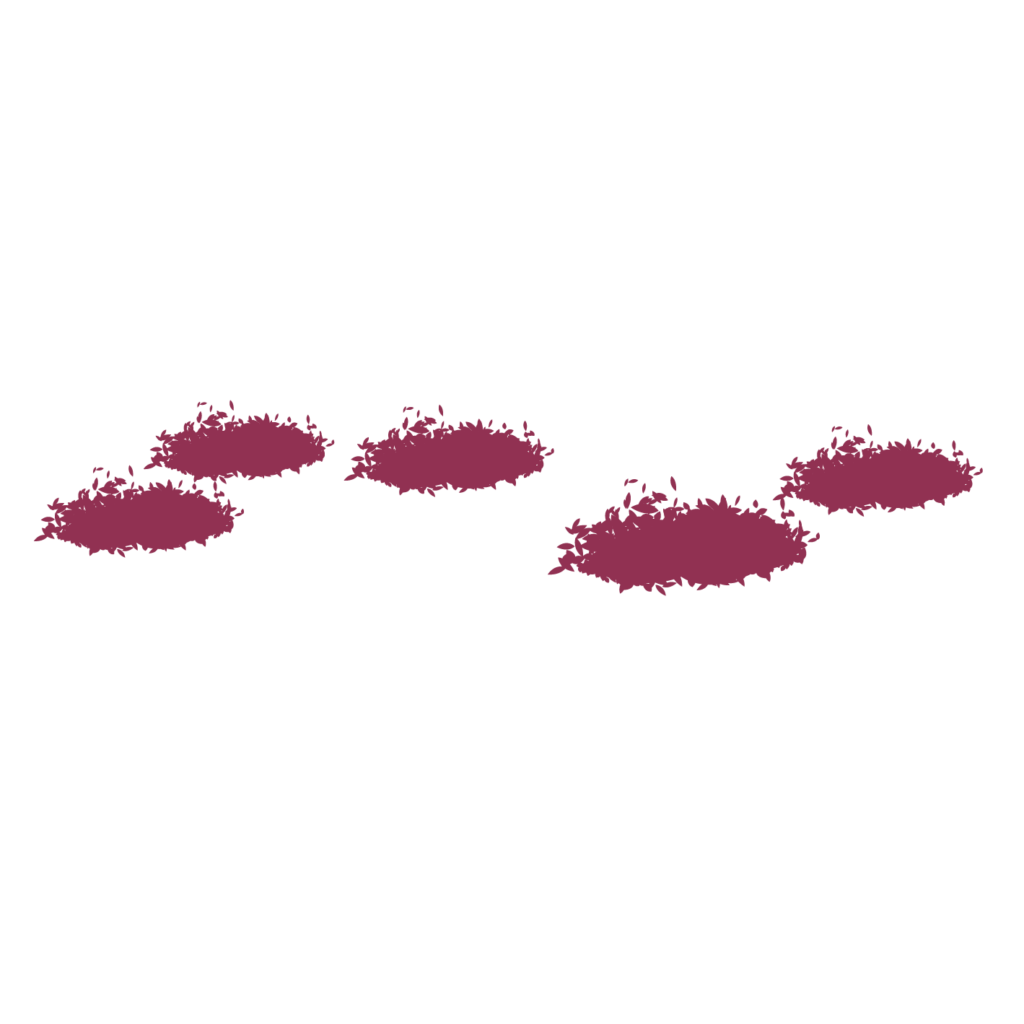
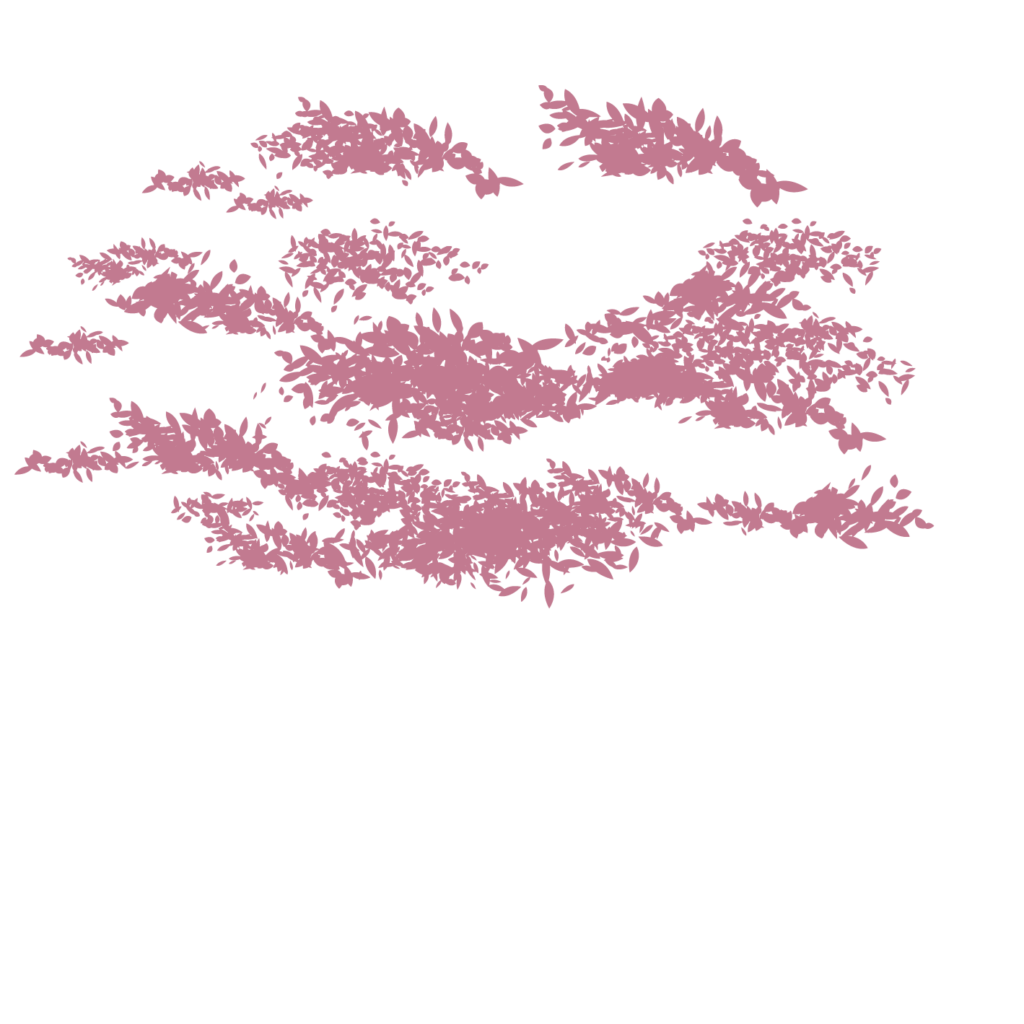
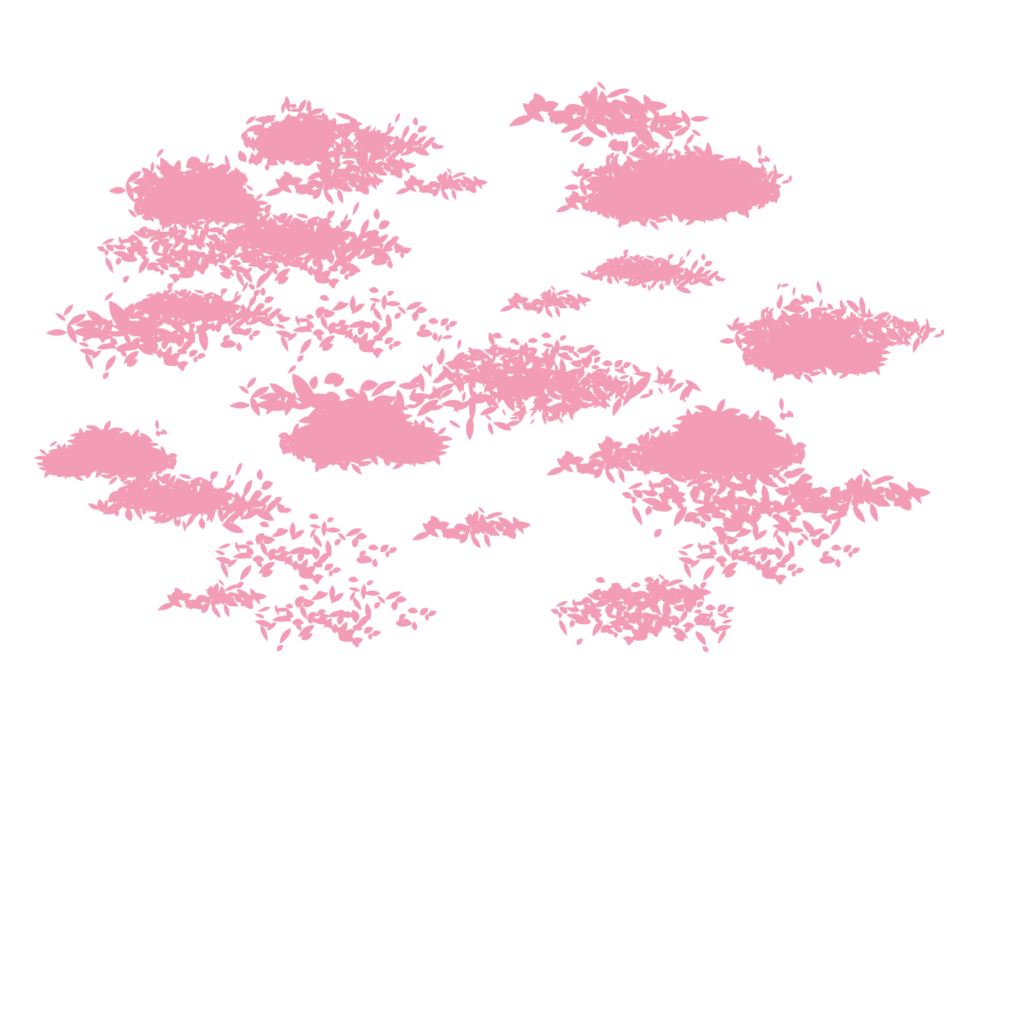
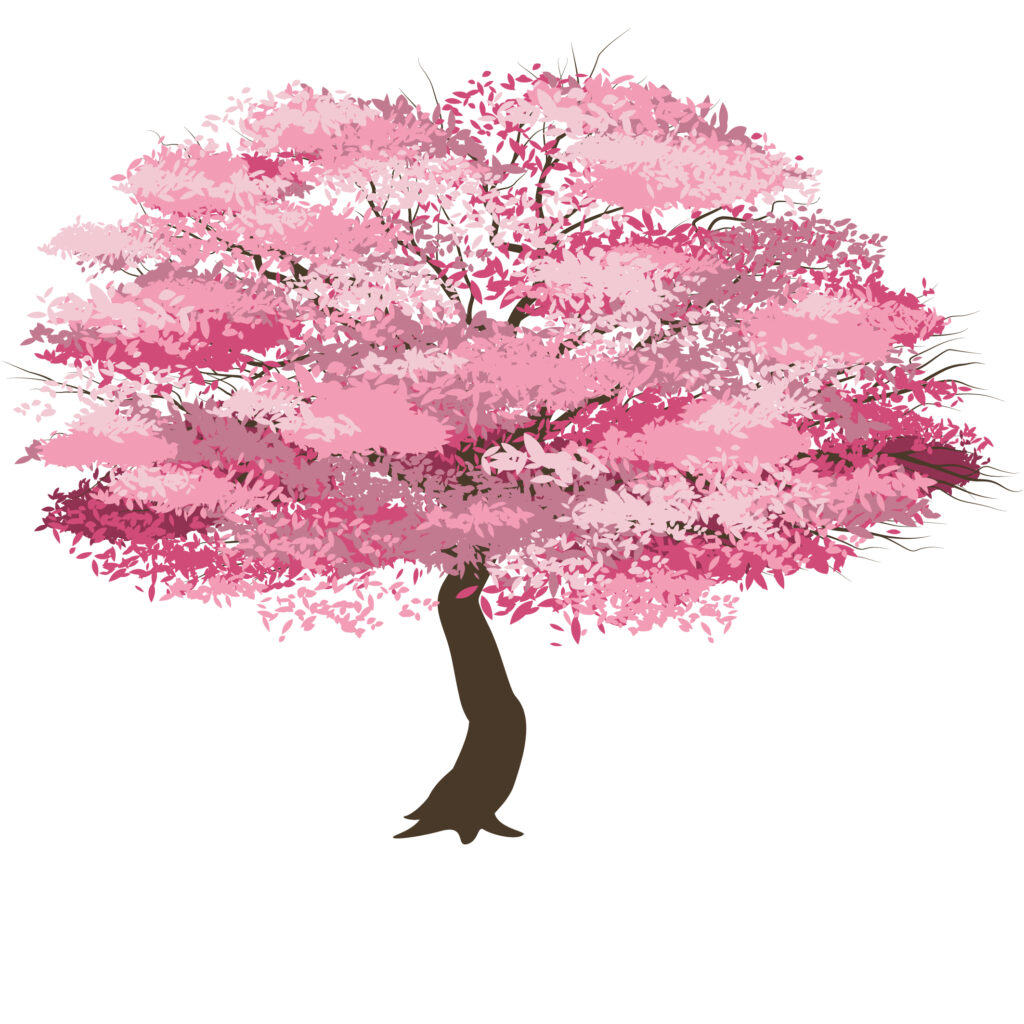
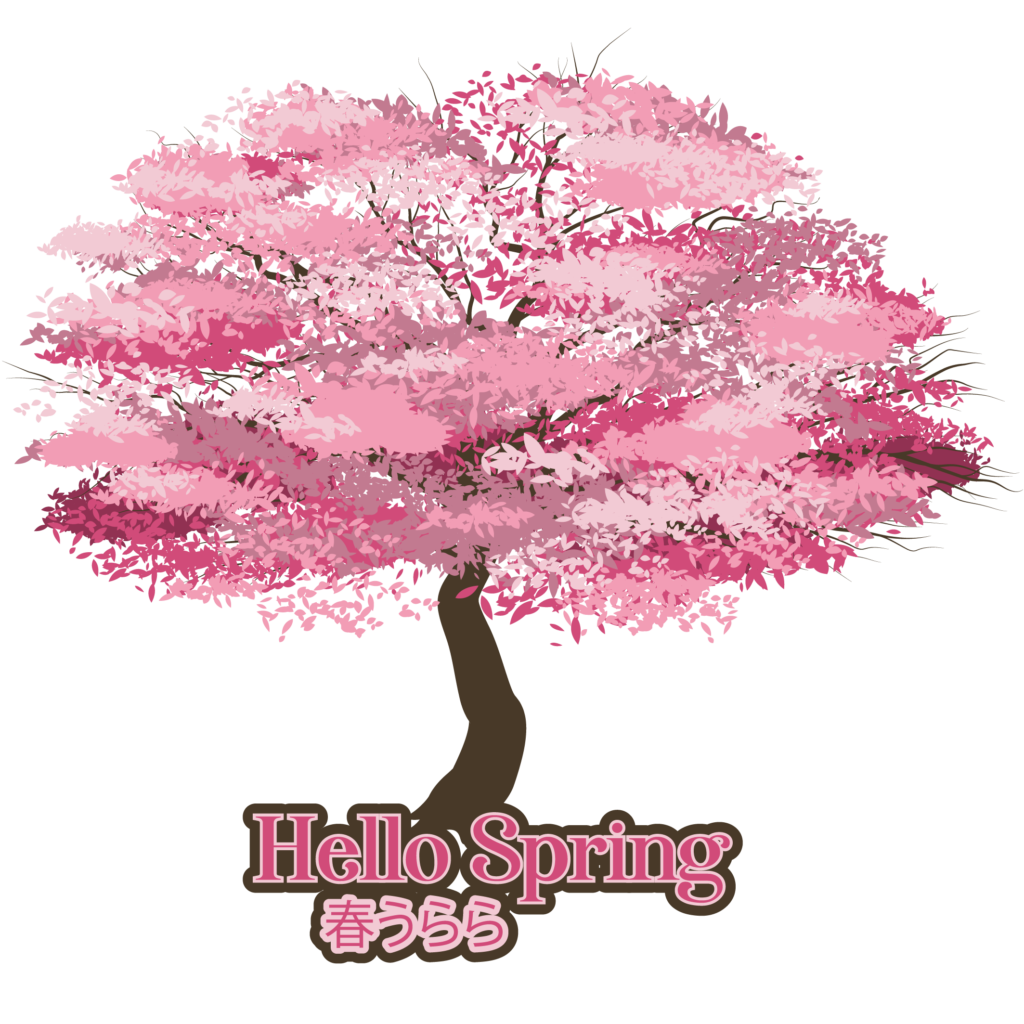
If you recall, the Reef Photo Stitch creates a single color design that never crosses over each other and only has a single trim. We use this to our advantage and ask the graphic designer to separate the color layers of our Cherry Blossom design and export each color into bitmaps.


The 5 overlapping colors create a sea of pink, reminiscent of Spring in Japan when the Cherry Blossom trees are in full bloom!

Use the Creative Element, Reef Photo Stitch to lay down the first layer of stitches. Then continue with Reef Photo Stitch for all the pink layers of the tree. Do this one at a time. Color each layer a different tone of pink to add dimension.
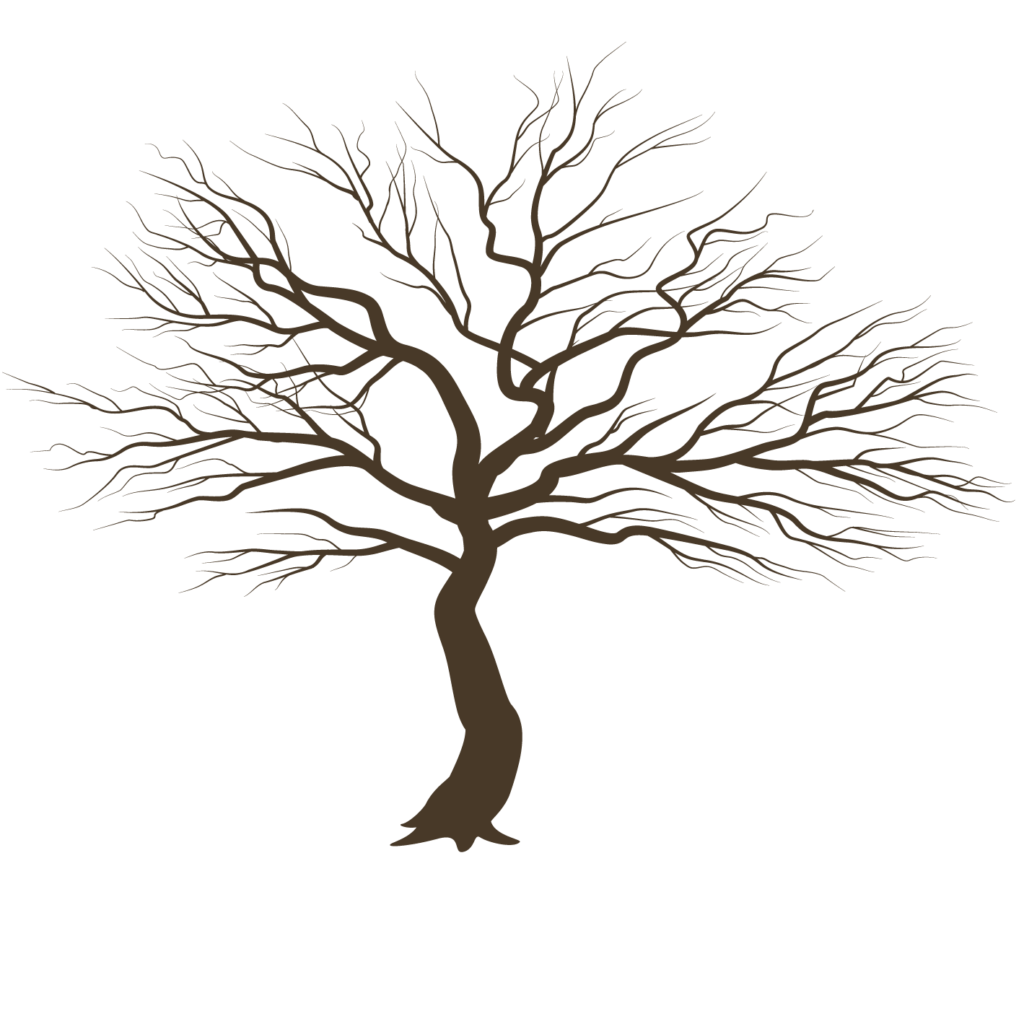
Then simply digitize the trunk and branches as you would normally. (Try adjusting the Random factor of the Tatami stitch to create a rougher trunk surface or a split pattern effect to simulate bark).
The layers create a powerful sense of depth.


To finish off, the outlines around the letters and Japanese characters are easily duplicated in EmbroideryStudio using the Outlines and Offsets tool. The Backstitch is used for a pronounced outline.
Enquire about EmbroideryStudio Elements
The designs can be as simple or as complex as you like. Combine Reef Photo Stitch with standard digitizing for spectacular results.
See how it's done
WilcomWorkspace
Get full access to Open, Resize, Recolor, Print and Export the
e4.5 Reef Photo Stitch Cherry Blossom design
Download your FREE Cherry Blossom .EMB file
plus the layered bitmaps
Simply fill in the form below and we’ll send it to you.
CorelDRAW tutorials
If you require further information about color and printing color separations using CorelDRAW, please watch these tutorials. For this and other advice about getting the most out of this powerful package, make sure to visit the Corel Discovery Center.
Tip: To print color separations in the method shown below, the colors in the design must be Pantone colors.
Color Separations
Color Palettes
Related Blogs on REEF PHOTO STITCH

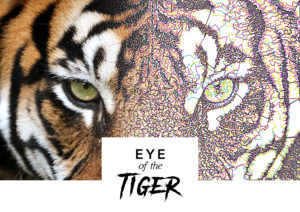
Eye of The Tiger Reef Photo Stitch
Reef Photo Stitch Element Today, Wilcom brings you their newest creative technique using the REEF PHOTO STITCH Element. All our Elements are specifically designed to

Reef Photo Stitch Element
Create intriguing designs and stay ahead of the competition with Reef Photo Stitch Element You may have thought that Wilcom’s photographic Elements are only used for

Get creative with EmbroideryStudio e4.5
EmbroideryConnect is a small, yet powerful assistant that enables embroiderers to wirelessly manage and transfer embroidery designs.
Explore everything StitchFEST has to offer, including inspiring blogs, live demonstrations,
educational content, free giveaways, and exclusive event-only discounts.
Don’t miss your chance to save 20% on EmbroideryStudio 2026 during the event.
Got questions? We’re here to help.
Contact us

Related Articles
Working with Colorways
2 minute read
March 9th, 2021
Texture with String Stitch
2 minute read
April 1st, 2021
Introducing WilcomWorkspace
1 minute read
February 10th, 2021