









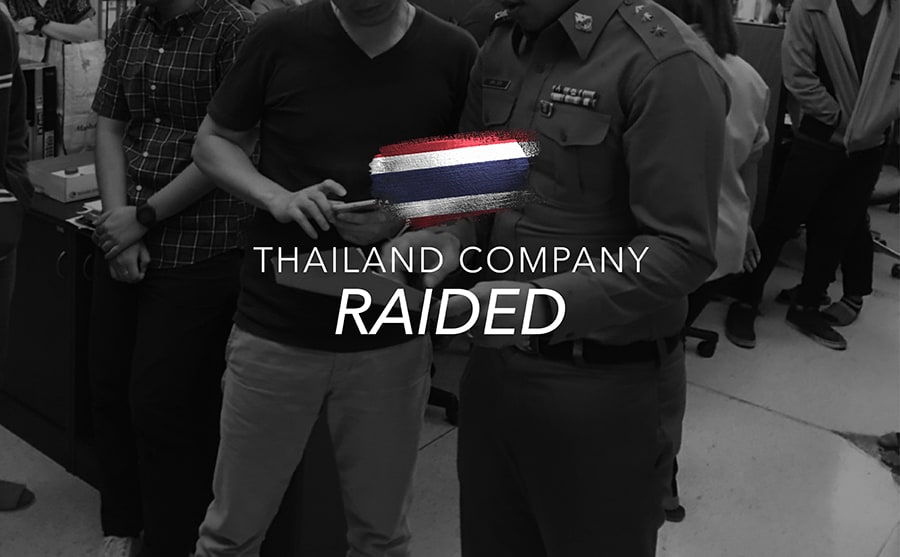
Thailand company raid
Blog | EmbroideryStudio | News and Stories
During 2019 Wilcom has steadily increased it’s investment in anti-piracy programs, particularly in the South East Asian Region. Recently a company in Thailand was raided and 35 unlicensed...
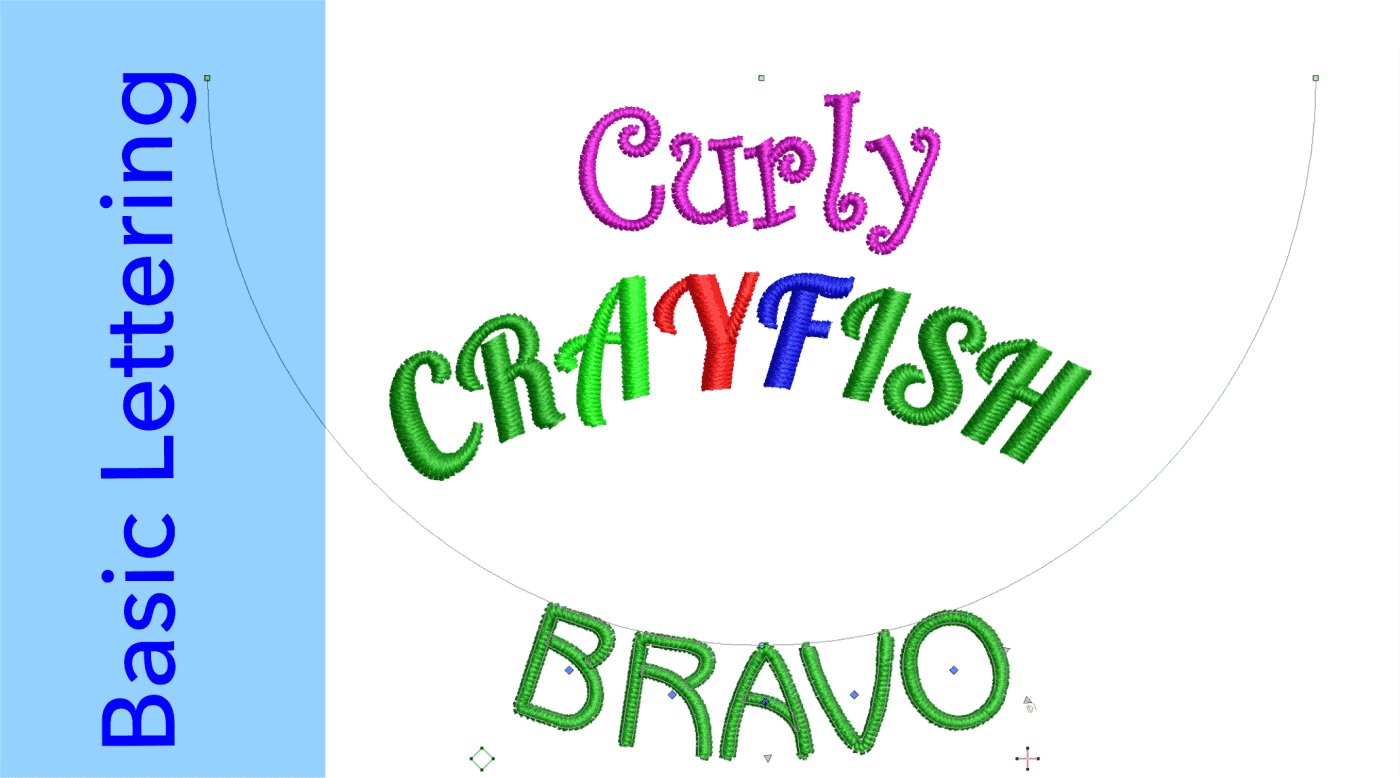
Basic Lettering
Blog | EmbroideryStudio | Lettering
Even the basic Embroidery Studio packages include powerful lettering features. Easily create lines or paragraphs of the best quality lettering from native .esa fonts or a large selection of TTF’s...

5000 Legal Licenses in India
Blog | EmbroideryStudio | News and Stories
It’s with great pride that we congratulate IIGM, our Wilcom distributors in India who have just sold their 5,000th official Wilcom software license. We also want to thank and congratulate Nilkanth...
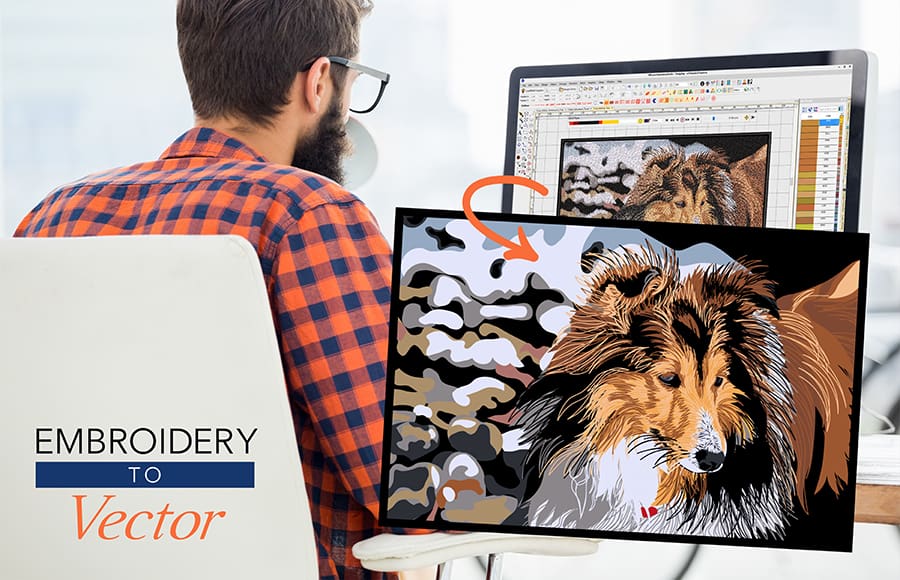
Embroidery to Vector Graphics
Blog | EmbroideryStudio
How often do you get asked by customers… “Can you send me my embroidery design as graphics for my businesscard?” This question will no longer create stress in you or...
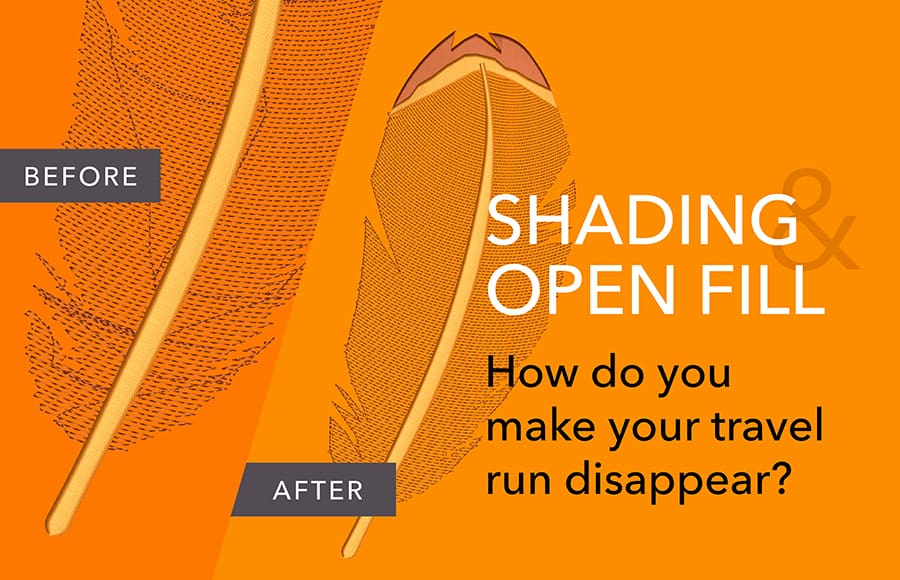
Shading and Open Fills
Blog | EmbroideryStudio
The Trapunto Effect is a very cool feature included as standard in EmbroideryStudio Designing. With a single click a travel runs is forced to the edge of an object so it cannot be seen....
Installing the Software
Blog | EmbroideryStudio
The key to a clean and stress free installation of your software is to take your time and follow the instructions presented on the screen during the installation process. As of July 2019 and the...

How to cut your digitizing time in half!
Blog | EmbroideryStudio | Feature overview
With EmbroideryStudio e4 Elements, you no longer need to make this sacrifice! These add-on Elements automate many complex embroidery techniques, which means you can bring your visions to life and...
Support for Windows 7 is ending
Blog | EmbroideryStudio
As Microsoft says, all good things come to an end. Microsoft has officially announced as of “January 14, 2020, Microsoft will no longer provide security updates or support for PCs...
Megan Hilliard New Designers 2019 Winner
Blog | News and Stories
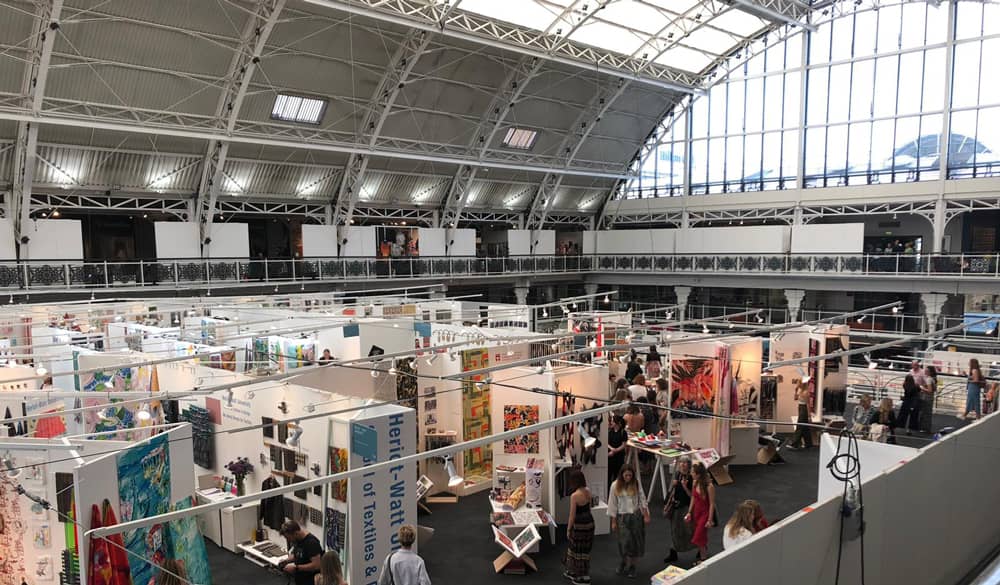
I’ve always known I wanted to work within a creative field but didn’t focus on Textiles until my foundation course. The University of Loughborough is where I was given the opportunity to...

Wilcom International Partners with Leading Chinese Embroidery Technology
Blog | News and Stories
Wilcom Pty Ltd today announces its partnership with Chinese tech giant, Beijing Dahao Technology Corp Ltd. The joint venture, Wilcom Dahao (Beijing) Software Technology Co Ltd, amalgamates...
Auto Digitizing with Decorating
Blog | EmbroideryStudio
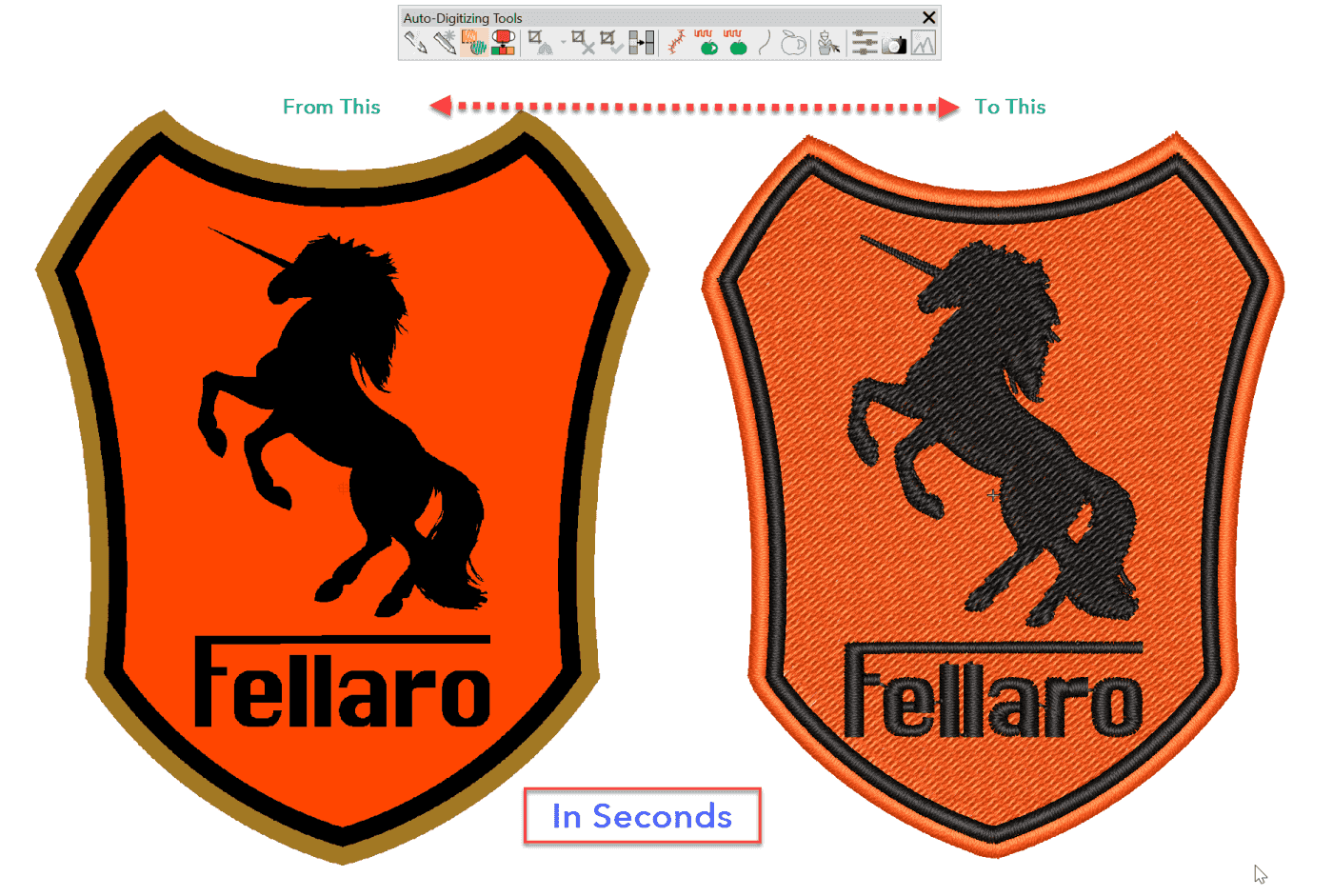
If you have clean bitmaps with minor pixellation available then the Instant Smart design tool in the Auto digitizing toolbar can create an embroidered design in seconds which is ideal for quoting and in...

2019 CorelDRAW Designing Contest
Blog | EmbroideryStudio | News and Stories
Show the world what you can create with CorelDRAW. All you have to do is submit an original CorelDRAW® 2019, Corel PHOTO-PAINT® 2019 or Corel DESIGNER® 2019 creation to be entered to win....