Creating a Predefined Baseline
Listen to this great Wilcom blog
Audio generated by DropInBlog's Blog Voice AI™ may have slight pronunciation nuances. Learn more
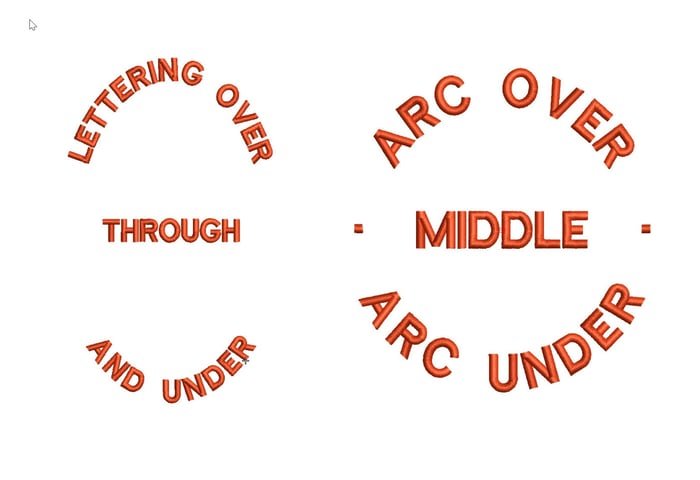
d elliptical designs that have lettering around the logo and possibly through the middle.
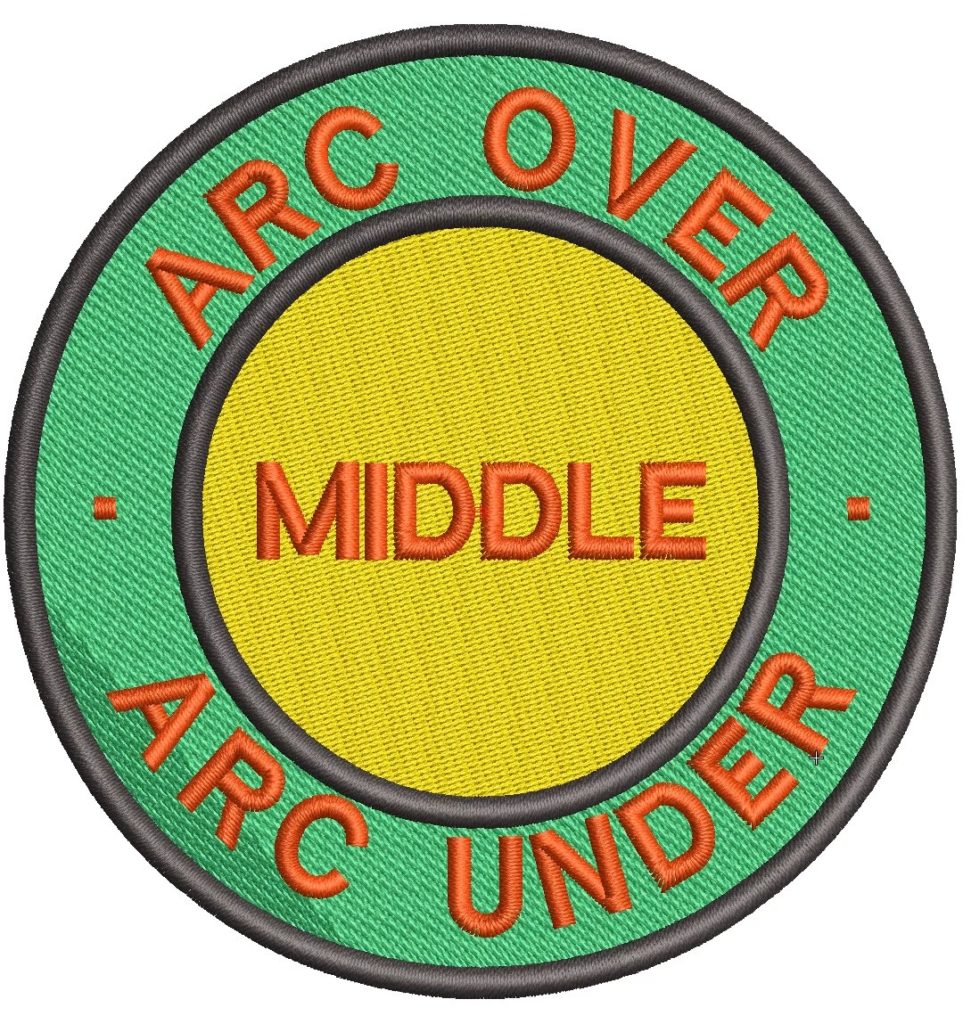
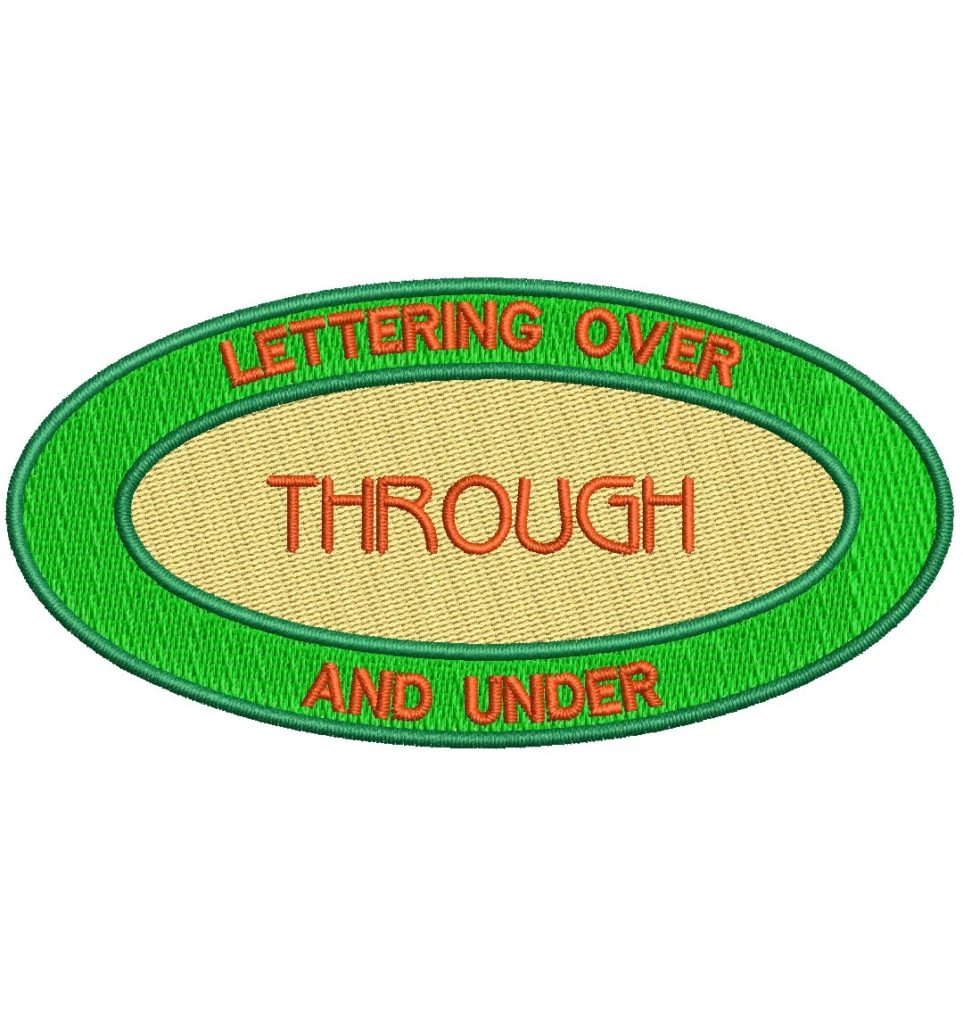
The procedure is exactly the same as for a circular baseline but involves three lines of lettering.
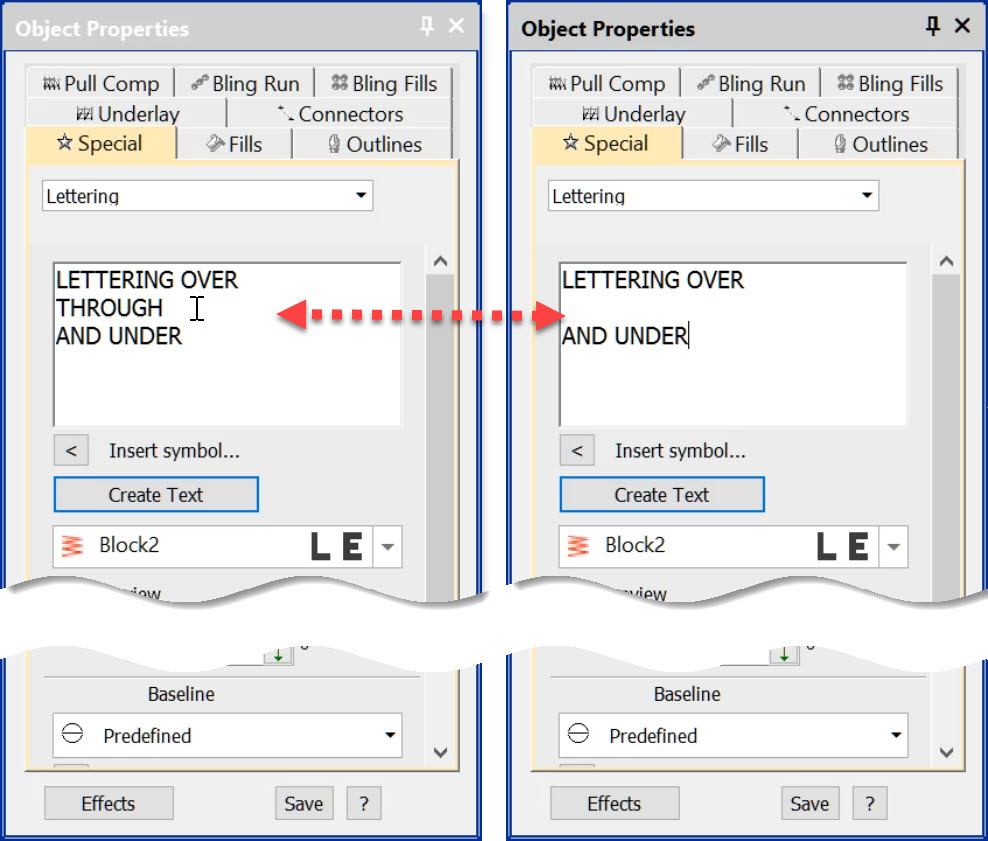
If you do not require the middle line then either leave it out in the property box as in the image below or delete it after the lines have been created.
Keep and eye out in the video for when I make the first click in the center of the logos, to keep the orientation of the lines horizontal or at justification angle of 90 degrees hold down the CTRL key while moving the mouse out to the right.
Ask about the world's
favorite embroidery software!
Trial all levels and features

Already own Embroidery Software? Get a No-Obligation Quote Today!
Get the latest Wilcom blog posts and company updates straight into your inbox.
Got questions? We’re here to help.
Contact us