










Support for Australian Businesses
Blog | News and Stories
Many businesses are affected in some way by the COVID-19 pandemic. To help businesses survive, the Australian Government has recently announced a financial stimulus package that could help...
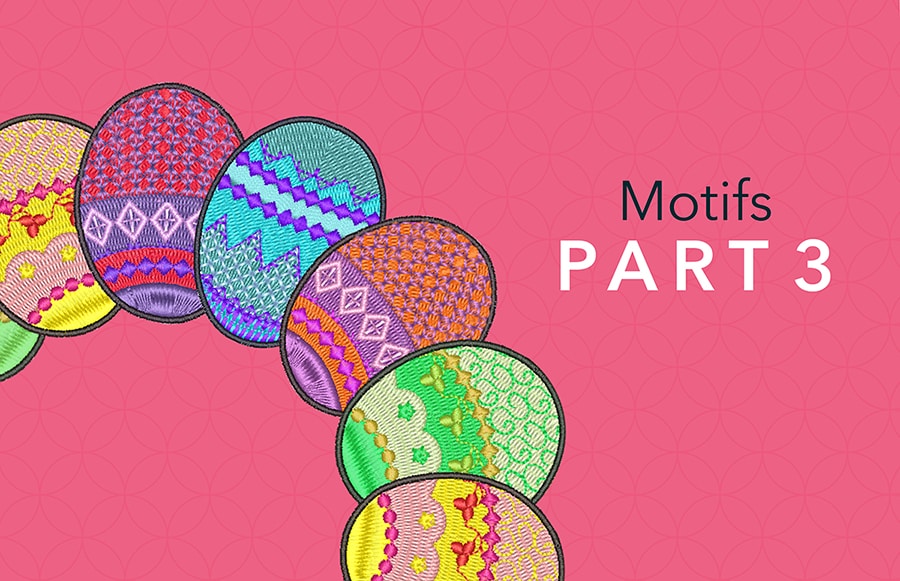
Motif Fill
Blog | Elements | EmbroideryStudio
Motif Fill is standard in EmbroideryStudio Designing and Decorating. As you can see in this image you can get some pretty funky designs combining Motil fill with 3D Globe out To create a motif fill select...

More connected than ever before
Blog | News and Stories
Some call it “working from home”, but we call it expansion! Wilcom can now proudly share that we have opened over 45 offices spanning across globe. In all seriousness, our team is not...

Maze Fill
Blog | Elements | EmbroideryStudio | Video
Fill any vector shape with a run stitch where you set the spacing and the stitching never crosses itself. The stitch type gives a stunning effect with the click of a button but when used in...
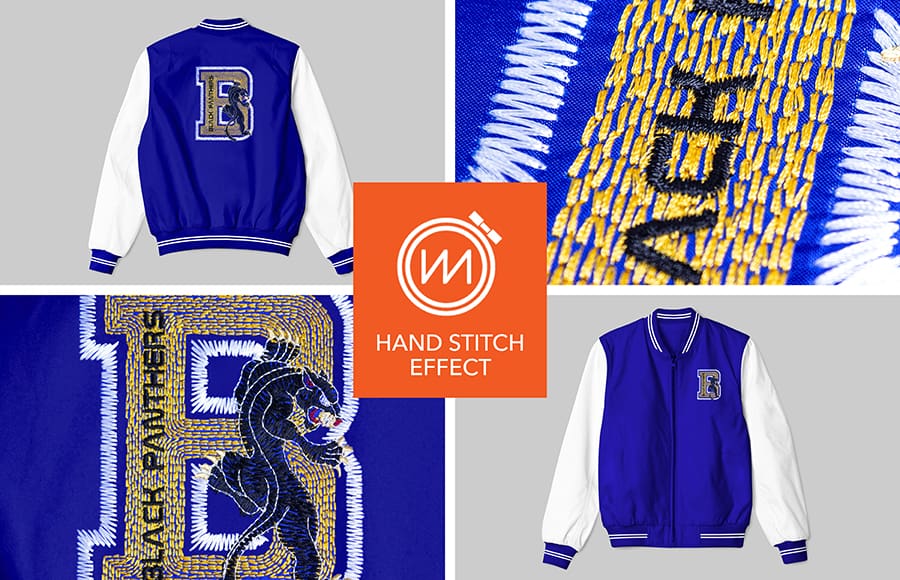
Hand Stitch Effect
Blog | Elements | EmbroideryStudio | Feature overview
Hand stitching gives a beautiful rusticated effect to designs. It is an effect rather than a stitch type and therefore can be applied to most stitch types and input methods. The stitch effects can be used...
A Peak Behind the Piracy Curtain
Blog | News and Stories
Many years ago, prior to joining Wilcom, I spent over 10 years working in the software security space with DRM (Digital Rights Management). Our solution protected valuable software as well as games...
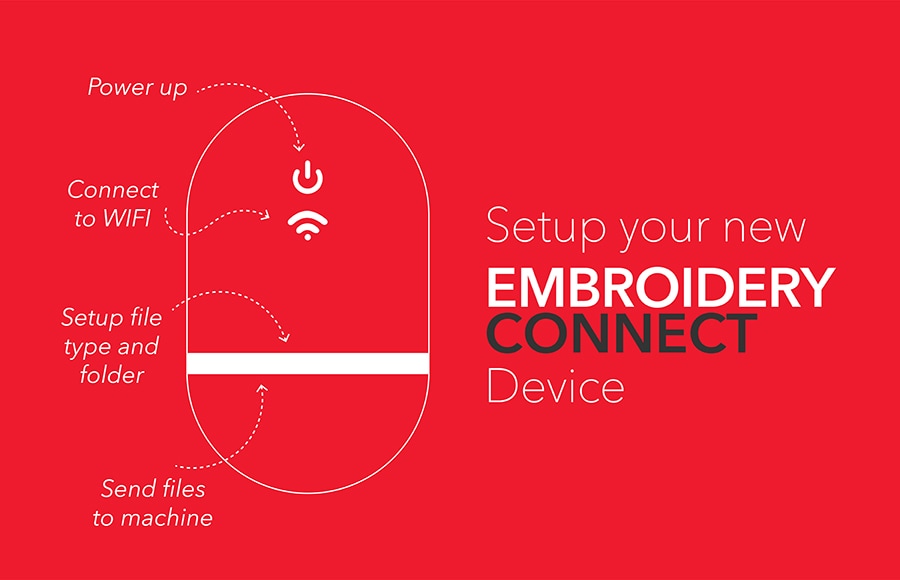
Setup your NEW EmbroideryConnect device
Blog | EmbroideryStudio | Tips & Tutorials | Wilcom EmbroideryConnect Device
This “MAGIC” device will send your embroidery files from your EmbroideryStudio 4.5 software directly to your embroidery machine via your wireless network. There are two methods to send a file...

Business as usual during uncertain times
Blog | News and Stories
At Wilcom, we are committed to providing you with exceptional customer support from our teams of experts both here in Australia and globally. As you know, there are constant...

First raid in Vietnam
Blog | EmbroideryStudio | News and Stories
Several unlicensed Wilcom software systems were discovered during the raid and the company has agreed to a commercial settlement and the purchase of legal licenses. Once again this resulted in business...

TABS and GROUPS
Blog | EmbroideryStudio | Tips & Tutorials
Tabs are a convenient way to switch from one work area to anotherGroups are a convenient way to compare files side by side or above and below each other.Typically you would do this to view a...

Get creative with EmbroideryStudio e4.5
Blog | EmbroideryStudio | Release announcement | Wilcom EmbroideryConnect Device
2020 is going to be an exciting time for Wilcom’s EmbroideryStudio users as we continue to innovate our flagship embroidery and multi-decoration solution. An update is planned for early February...
NEW IN 2020 – Wilcom’s EmbroideryConnect WiFi Device
Blog | News and Stories
For over 40 years, Wilcom has been focused on developing the world’s leading embroidery and multi-decoration design software, EmbroideryStudio. Used by most embroidery designers all around the...