What can I learn from an Embroidery Design?
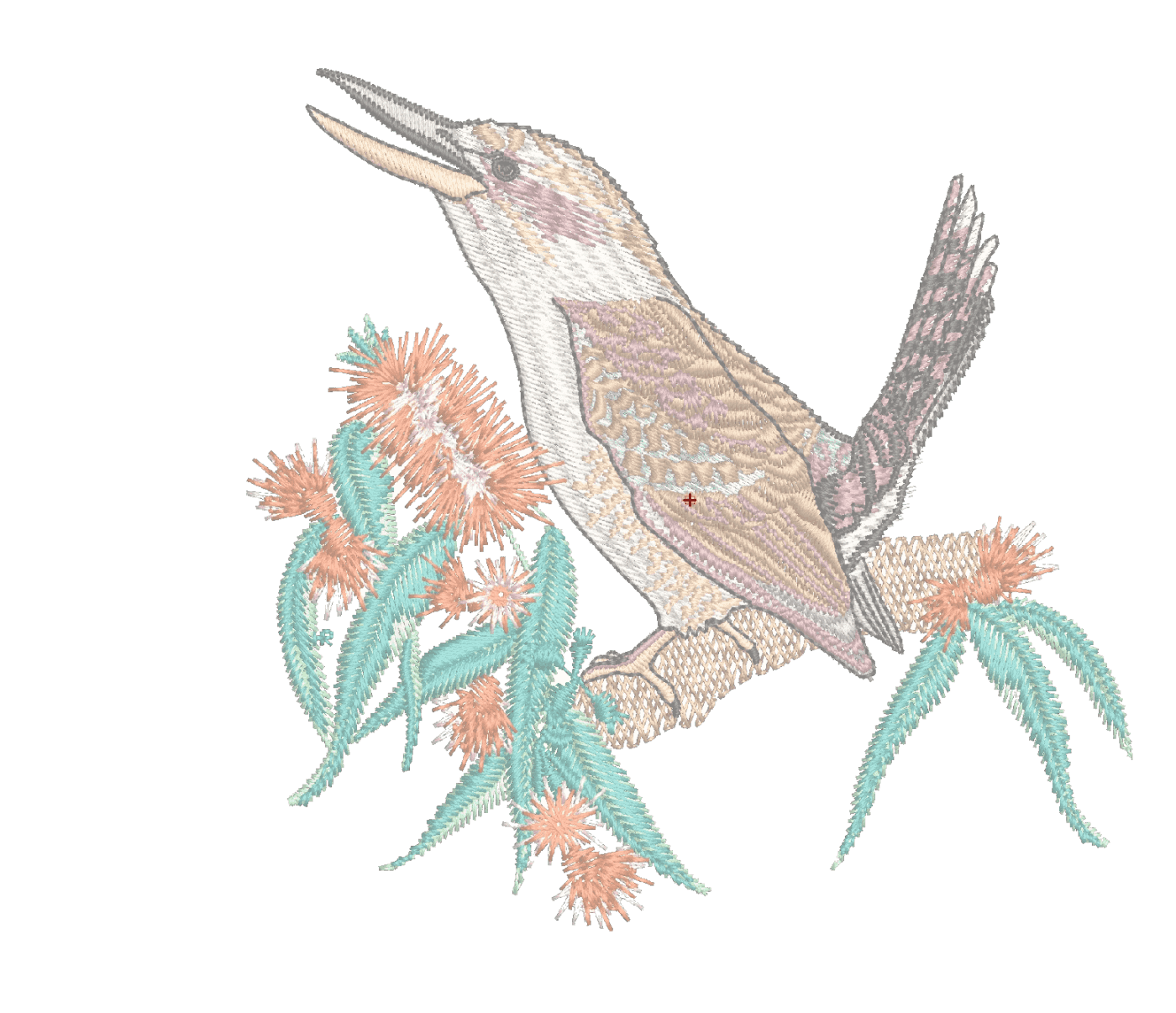
Analyzing completed embroidery files is an excellent method to learn from others.
Knowing what to look for is key to the learning process and the best places to begin are the Color Object and the Object Properties Lists.
Understanding the settings and sequence of objects in a will give you confidence and help you develop your own styles and techniques.
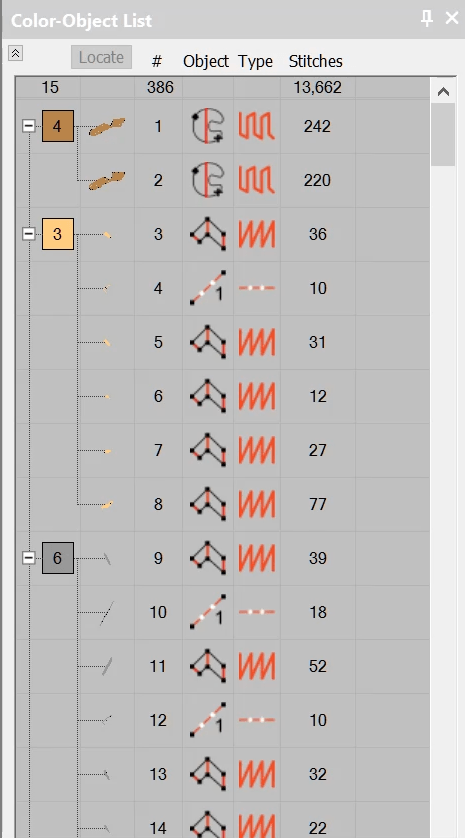
Color Object List
The Color Object List is your “roadmap” to the design showing the order of stitching, the top of the list being the last first to be stitched.
Note there are 6 columns in order from 1 to 6 the display the color blocks, the number of the element/object in the design, the tool used to create the object,the stitch type and finally the number of stitches in the object.
Object Properties
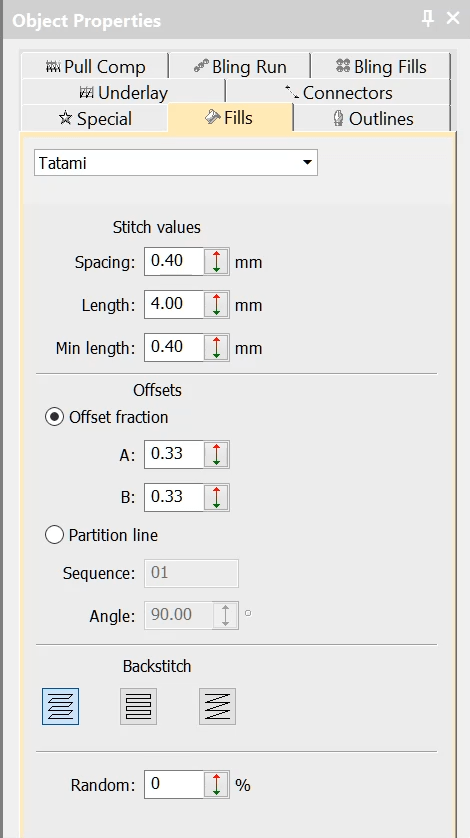
The object properties determine the attributes of each object, i.e. the stitch type, stitch density, underlay settings, pull compensation and others. Select an object in the work area and then select the different Tabs in the Properties box to see what the properties are.
Try changing some and watch the results in the object you have selected.
Effects
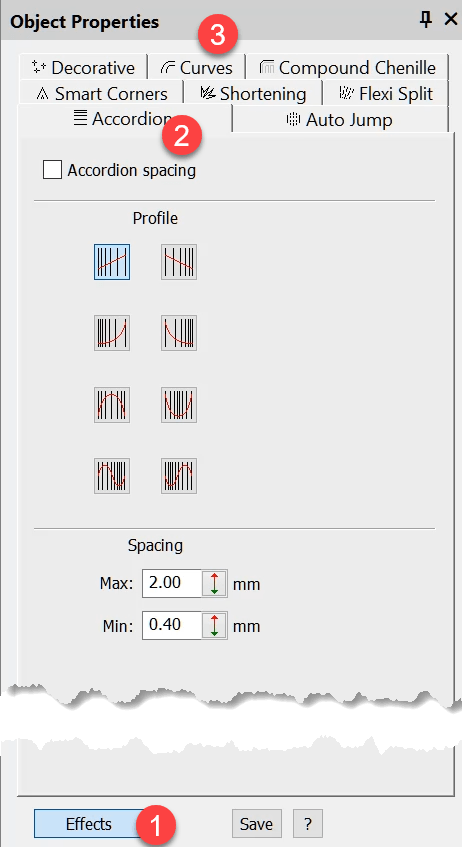
In the following video I look at where to find some of the more advanced setting, for example Florentine Fill and Accordion Spacing. Here is a tip… look for the Effects Button
Ask about the world's
favorite embroidery software!

Got questions? We’re here to help.
Contact us