FlexiSplits
Blog | EmbroideryStudio | Tips & Tutorials
November 10th, 2020
2 minute read
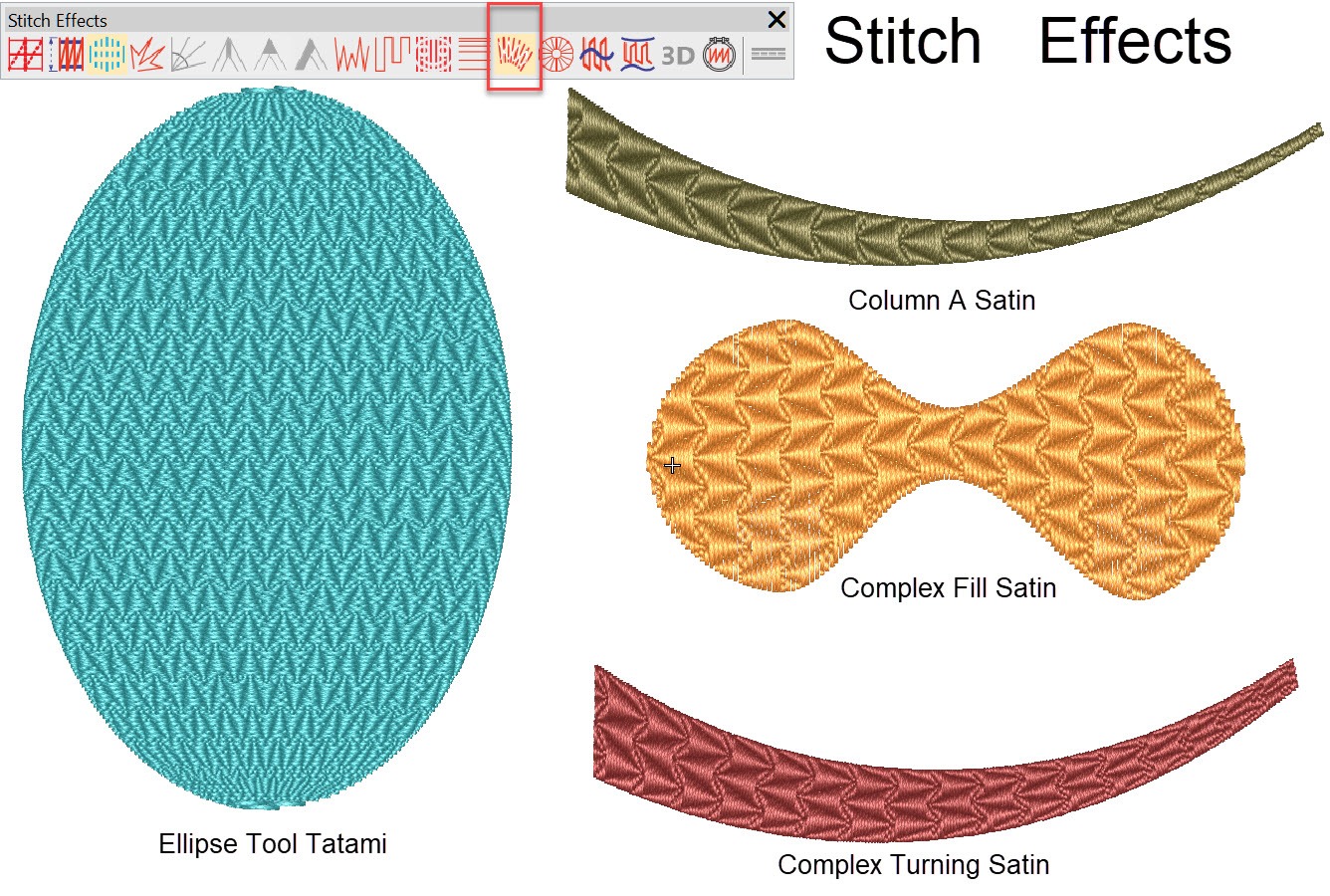
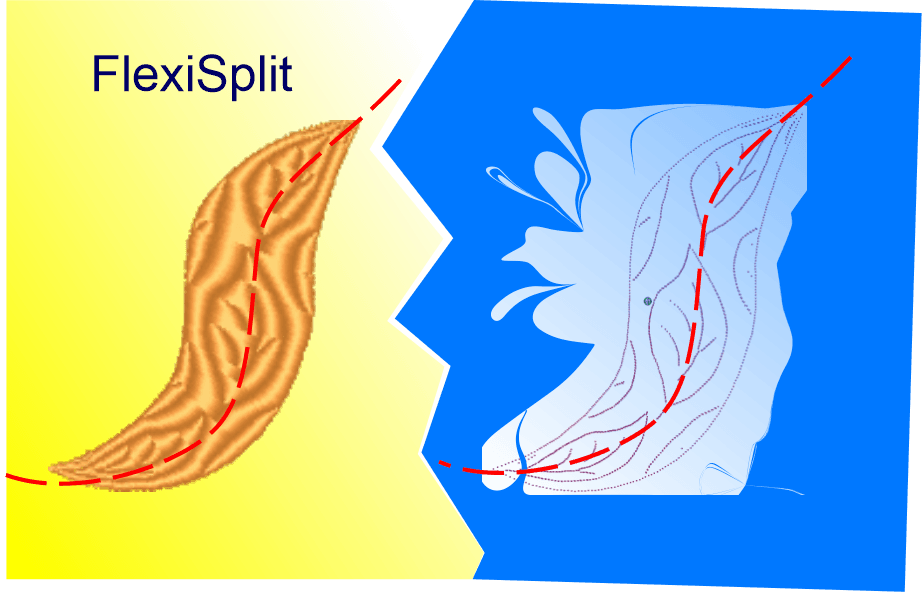
Flexisplit is an effect that can be applied to Satin or Tatami fills created with any tool.
There are dozens of preset Flexisplit patterns available to choose from, each of which can be resized and applied as a single row or multiple rows that can be made to fit to the shape of the object.
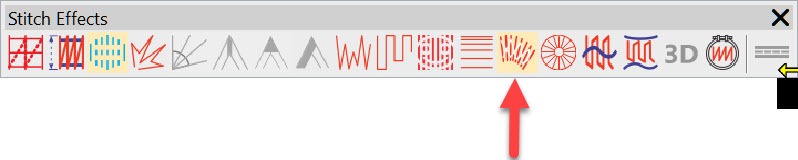
Create your object with the tool of your choice, select the fill type and the Flexifit effect from the effects toolbar.

If the icon is not highlighted then the fill type you have chosen does not accommodate Flexifit.
Left clicking the icon will activate the tool and right click will open the settings to allow you to choose your pattern.
Turn around curves and Corners
When FlexiSplit is applied to curves and corners the pattern follow the curve or angle.
More Articles

FlexiSplits
Flexisplit is an effect that can be applied to Satin or Tatami fills created with any tool. There are dozens of preset Flexisplit patterns available

Motif as a Stamp
There are four methods of adding a motif pattern to an Embroidery Design in EmbroideryStudio 4.5 Individually placed randomly (Stamp) As a Run As a

Create Embroidered Stars
Various Stars Stars and other symmetrical designs occur in lots of embroidered files at many different sizes and a variety of styles, in the following
Share with a Friend
Explore everything StitchFEST has to offer, including inspiring blogs, live demonstrations,
educational content, free giveaways, and exclusive event-only discounts.
Don’t miss your chance to save 20% on EmbroideryStudio 2026 during the event.
Got questions? We’re here to help.
Contact us

Related Articles
CorelDRAW Graphics Suite & Maze Fill
4 minute read
November 5th, 2020
Auto Start End Update
2 minute read
November 20th, 2020
Colorwheel and Eye Dropper
1 minute read
October 29th, 2020