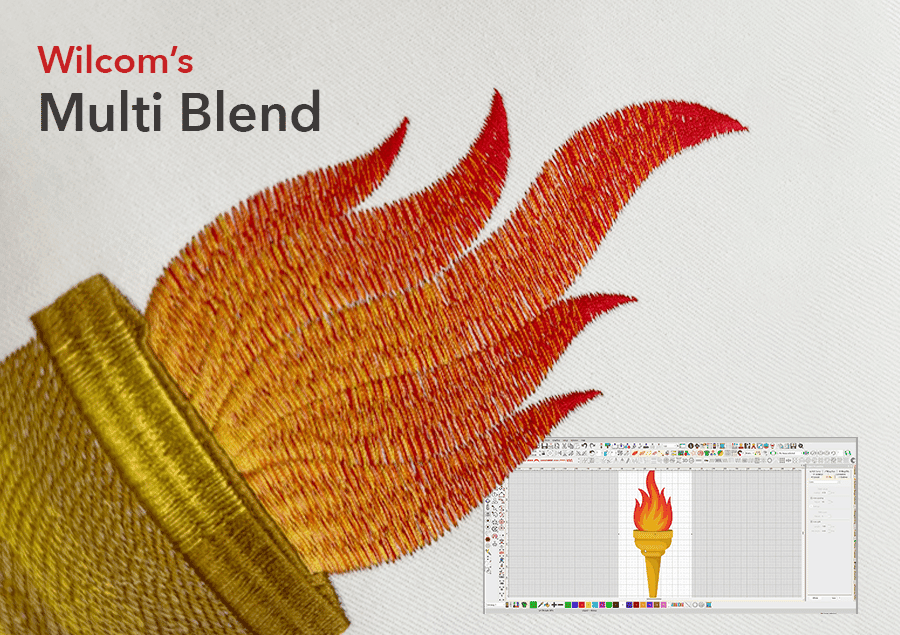
Wilcom's Multi Blend
Table of Contents
Blend Stitch Types and Colors in One Object
Multi Blend: a new way to create layered embroidery with colors, stitch types, shading, and effects in a single editable object.
Every great design starts with structure. With the right foundation, you can build depth, dimension, and visual impact, layer by layer. That’s why we’re introducing the industry’s first Multi-Blend feature: a powerful new way to work with layered embroidery, giving you greater creative control across complex designs.
It was surprisingly difficult to name this feature — simply because it does so much. For the first time, users can view, manage, and control their embroidery objects within a single Docker, adding color, shading, stitch effects, and even different stitch types to one design.
Once created, it behaves as a single object, meaning any adjustment to its shape will be applied across all layers.
No more manually building layers. Multi Blend brings everything together in one intuitive, creative workspace.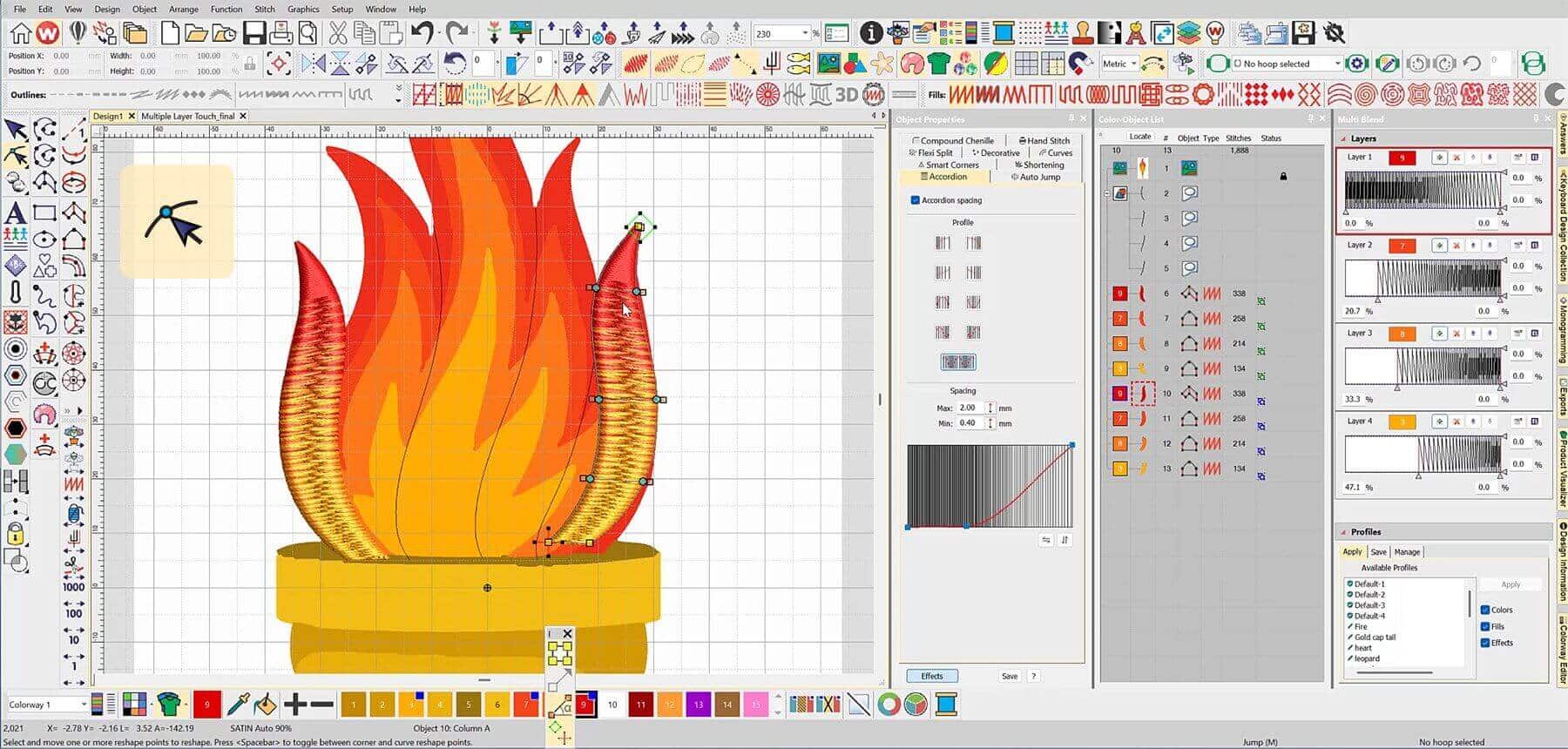
Multi Color & Multi Layers
The new Multi Blend effect and expanded Accordion Spacing now support multi-layer configurations across all fill stitch types, delivering smoother shading and more natural multi-color transitions from a single editable object.
Dramatically simplifies workflow while greatly expanding creative possibilities.Accordion Spacing
Custom settings are now part of Accordion Spacing Profiles in EmbroideryStudio. Designers can define variable densities within a single object, creating sophisticated, wave-like color effects using two or more colors, all without creating separate layers.
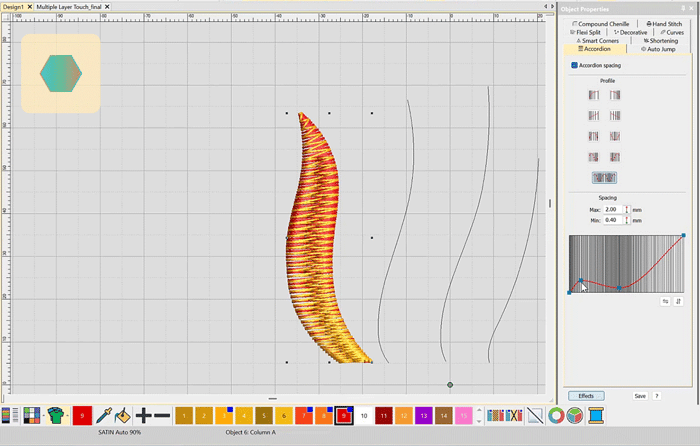
See How Easy It Is to Create Custom Accordion Spacing Effects
Multi Stitch
You’re not limited to color alone. You can mix and manage different stitch types within the same object, combining shading, texture, and effects for deeper creative expression.
Multi Effect
You can now apply multiple stitch effects to a single object created with Column A or Column B, giving you even more flexibility and precise creative control throughout your designs.
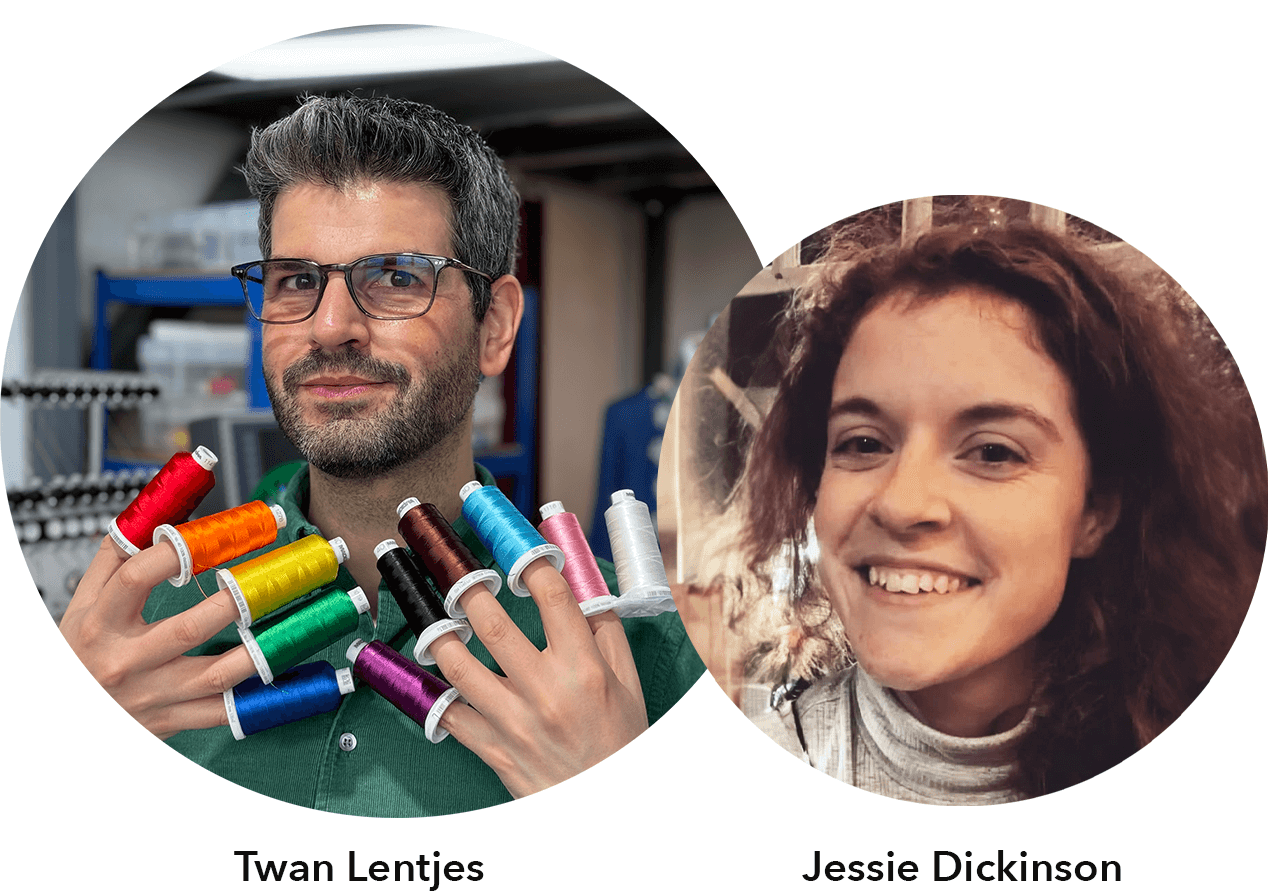
Wilcom cannot wait to see all the amazing creations
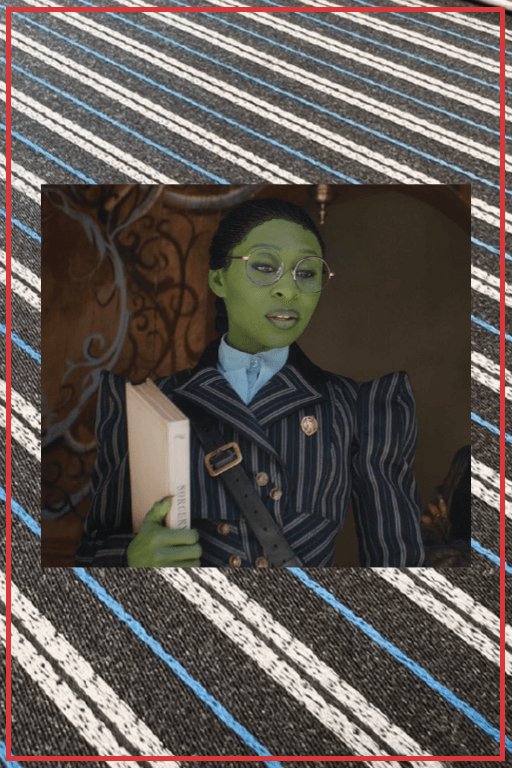
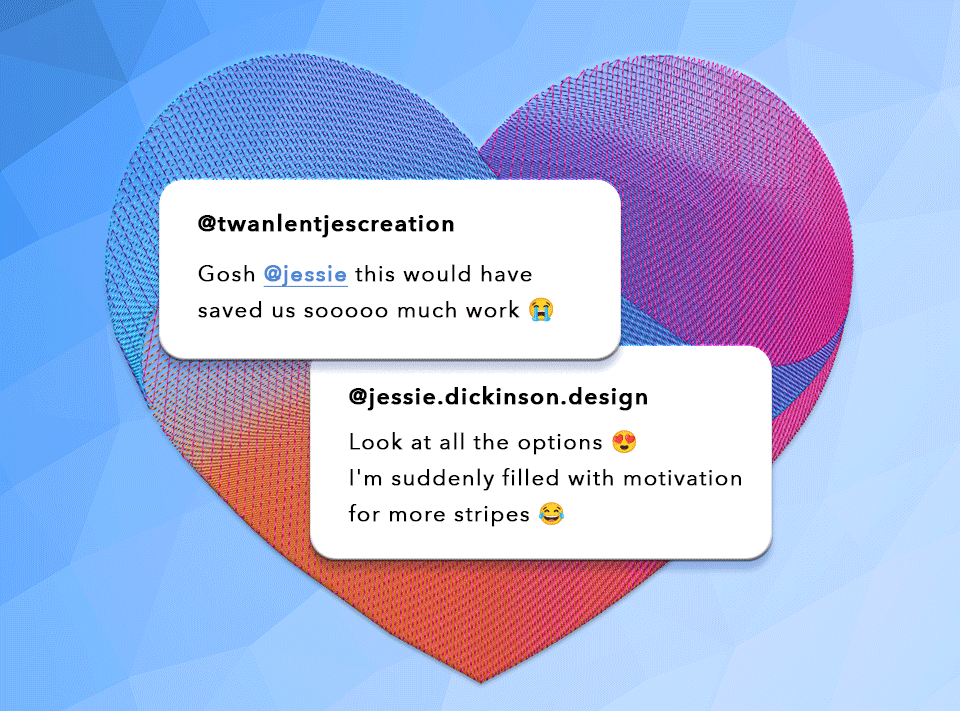
Create Realistic Fire Effects
with EmbroideryStudio’s Multi Blend Tool
Step-by-Step Video and Instructions
Creating realistic fire effects in embroidery can be challenging, but with EmbroideryStudio 2026, you can build beautiful color graduations and layered dimensions with ease. In this step-by-step tutorial, you’ll learn how to digitize this striking torch design while picking up helpful workflow tips along the way.
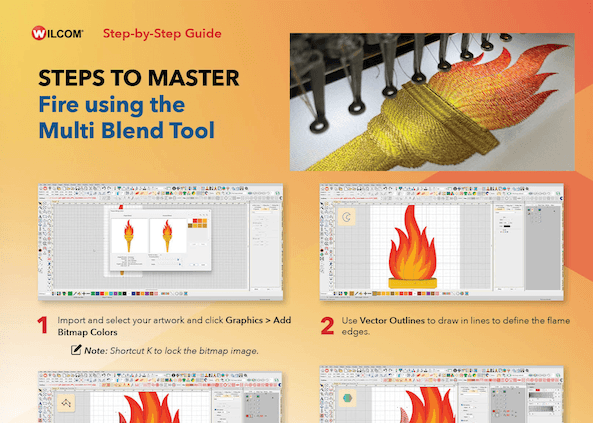
The Multi Blend tool makes it easy to add shading, depth, and realistic color transitions through layered embroidery blends. By combining different colors and stitch types, you can create smooth gradients and achieve the exact effect you want.
Changes can be previewed instantly, and even better, the entire multi-layered blend can be edited, layer by layer or reshaped as a single object. This industry-first feature makes complex graduation effects faster and easier than ever.
Learn How to Create this Torch Design
Wilcom customers can log in to Wilcom Academy and unlock exclusive content.

Learn how to:
- Match Artwork Colors Instantly
- Edit and Reshape every Layer in One Move
- Save and Reuse Blend Profiles Anytime
- Blend Colors and Stitch Types Layer upon Layer
Get the step-by-step video and downloadable PDF instructions
In the meantime, see how it works
FAQs
What is Multi Blend?
Multi Blend is a new embroidery feature introduced in EmbroideryStudio 2026 that allows you to combine multiple colors, stitch types, shading effects, and textures into a single editable object. Instead of creating separate layers manually, everything can now be managed together in one intuitive Docker.
How does Multi Blend differ from Color Blend?
Multi Blend is the next evolution of Wilcom’s Color Blend feature and has now fully superseded it in EmbroideryStudio Designing 2026.
In previous versions of EmbroideryStudio Designing, Color Blend focused primarily on creating smooth transitions between 2 thread colors within a design. It allowed designers to create gradient and shading effects, but was limited to color-based layering.
Can I use different stitch types within the same object?
Yes. With the new Multi Stitch capability, you can combine different stitch types inside a single object. This allows designers to create richer textures, deeper shading, and more advanced embroidery effects without breaking designs into multiple elements.
Has Accordion Spacing been expanded?
Yes. Accordion Spacing has been significantly expanded in EmbroideryStudio 2026.
Designers can now create custom Accordion Spacing profiles to produce wave-like color transitions, smooth gradients, and realistic shading effects within a single editable object.
This gives designers more flexibility to create natural multi-color blends and varied densities without manually building separate layers, making complex embroidery effects faster and easier to create.
What kinds of embroidery effects can I create with Multi Blend?
Multi Blend is ideal for creating realistic embroidered gradients.
By combining colors, stitch types, and effects in one object, designers can achieve highly detailed and visually dynamic embroidery designs faster than ever before.
Ask about the world's
favorite embroidery software!

Got questions? We’re here to help.
Contact us