Creating a Vector Cut Line from an Embroidery Design Video
Listen to this great Wilcom blog
Audio generated by DropInBlog's Blog Voice AI™ may have slight pronunciation nuances. Learn more
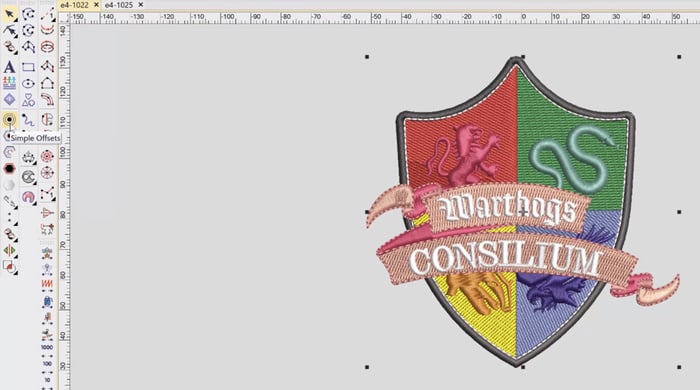
A vector cut line from your embroidery design can be required to create an applique cut line, or when creating a dye cut or laser cut outline.
In this short video I show you how you can take an embroidery design file in Wilcom EmbroideryStudio and create a vector cut line.
Ask about the world's
favorite embroidery software!
Trial all levels and features

Already own Embroidery Software? Get a No-Obligation Quote Today!
Get the latest Wilcom blog posts and company updates straight into your inbox.
Got questions? We’re here to help.
Contact us