










June Giveaway
Blog | Elements | EmbroideryStudio
Experience Wilcom’s amazing creative stitch types with our FREE weekly giveaway.This embroidery design is courtesy of DavidSharp.co.uk Wilcom has given away ONE FREE embroidery design each week in...
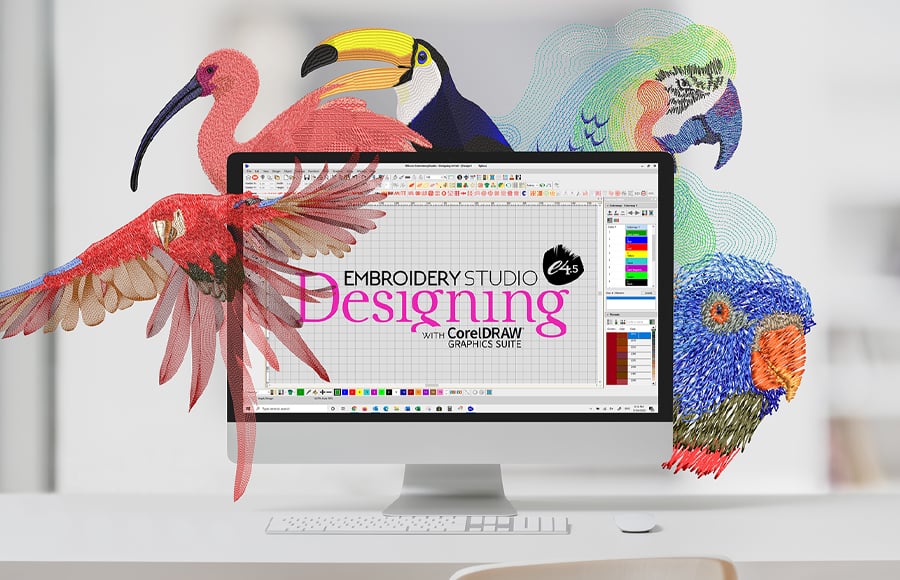
Why update from e3 to EmbroideryStudio e4.5 Designing
Blog | EmbroideryStudio
Still using old EmbroideryStudio software ? Here are 18 reasons to update (including inclusions and exciting paid Elements). Imagine the difference all this can make to your productivity and your...

June Giveway Rewind
Blog | EmbroideryStudio
Experience Wilcom’s amazing creative stitch types from Week 1 & Week 2 of our June Giveaway. Due to popular demand, we are offering previous weeks design again. For a limited time only!!...
Locally Made
Blog | News and Stories
The world has been experiencing massive life changes over the last 12 months, and perspectives on how to run a successful business are changing as well. Unsurprisingly, there has been a strong focus on...
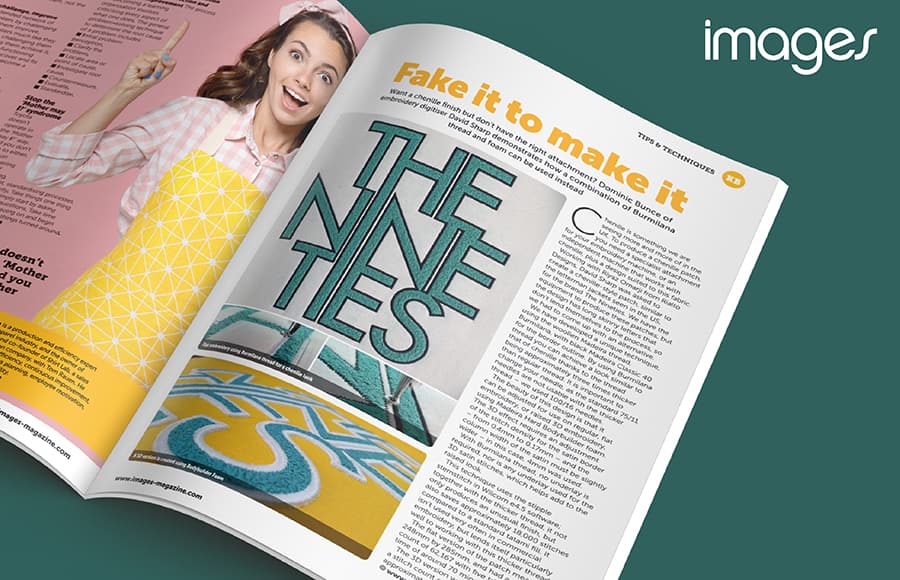
Faux Chenille
Blog | Elements | EmbroideryStudio
David Sharp, a Wilcom UK customer, has used one of the numerous creative stitches in Wilcom’s EmbroideryStudio e4.5 Designing to create the look and feel of Chenille without the need for...
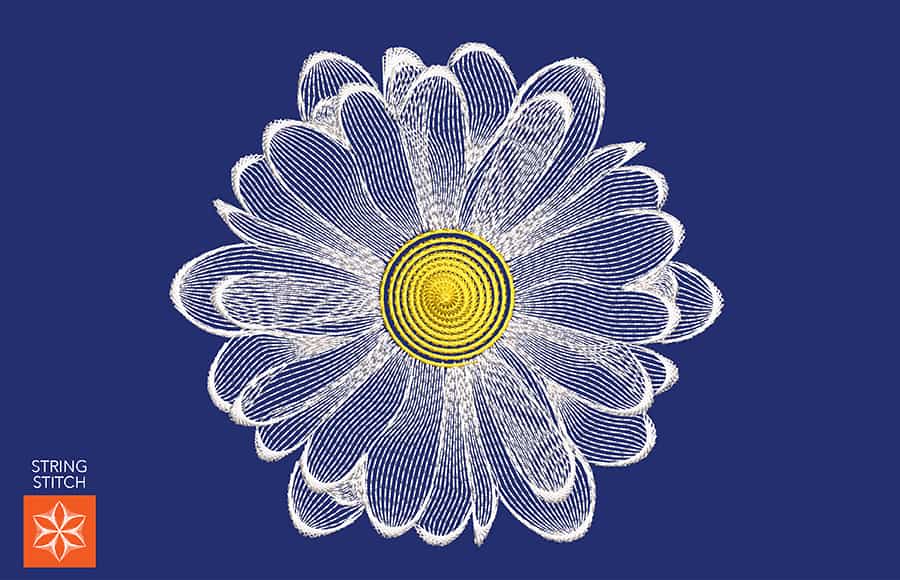
String Stitch Daisy Flower
Blog | Elements | EmbroideryStudio
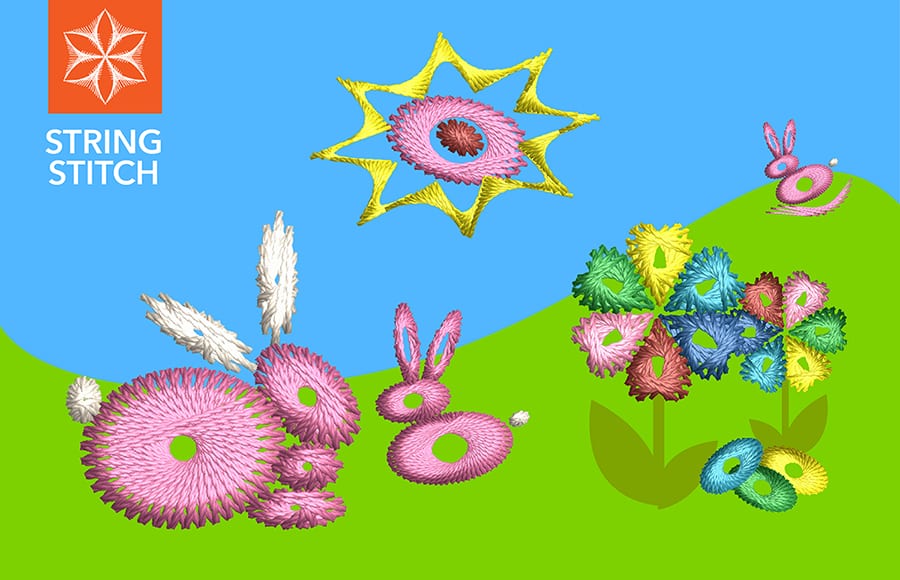
At Wilcom, we’ve been showcasing our creative stitch types with different applications. Today we showcase the String Stitch Element. It creates decorative ‘string art’ stitch effects,...
A Gift of Gratitude
Blog | EmbroideryStudio | News and Stories
There has never been a better time to reflect and remember the many men and women who have served us locally and overseas and those that continue to do so today. Let us take a moment to express our...
Texture with String Stitch
Blog | Elements | EmbroideryStudio
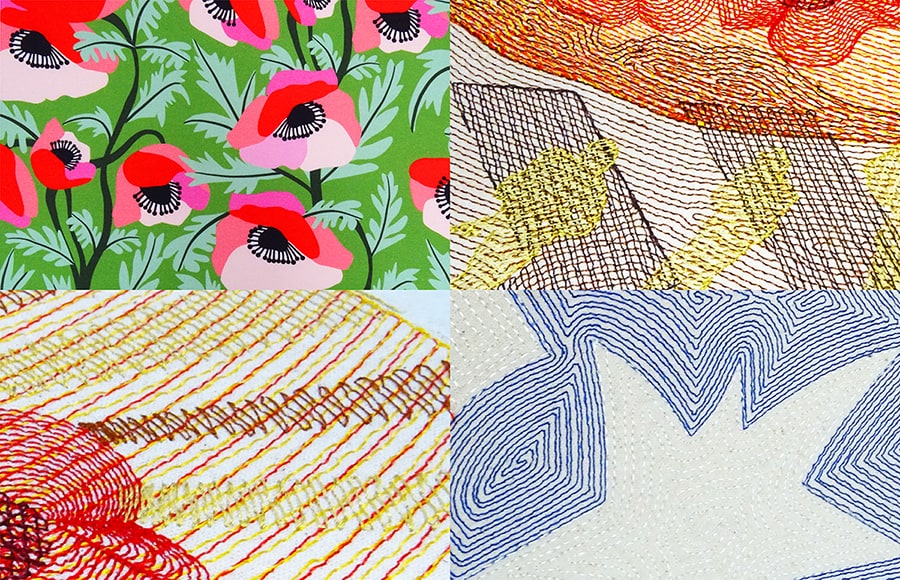
Now is the time to experiment with textural stitch type. See what you can create with this uniquely traditional Indian stitch, called Paghadi Stitch. The series of overlapping ‘curved...
Layer with Reef Photo Stitch
Blog | Elements | EmbroideryStudio
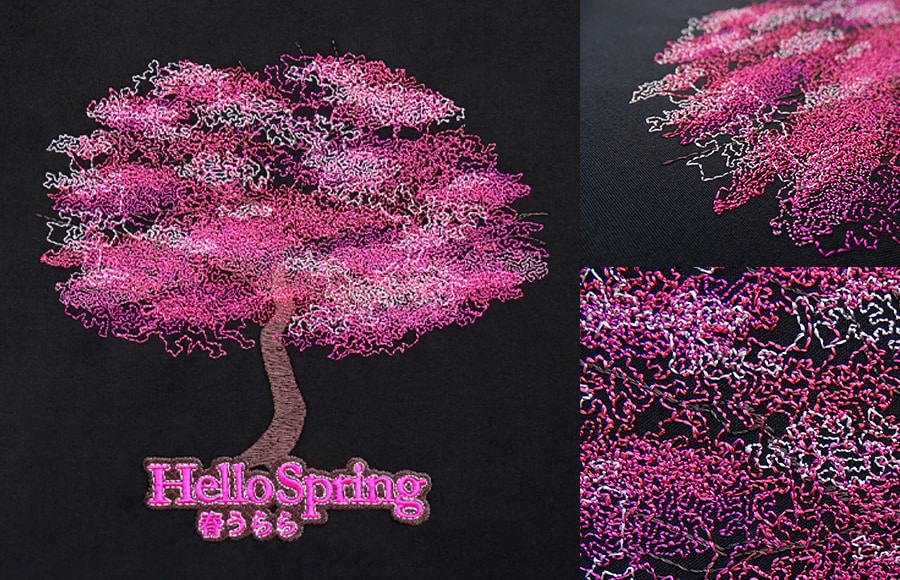
Bring a logo or digitizing to life with layers of tonal thread colors. To produce this unique design, we use an image rather than a photo. We incorporate layers of varying shades, and the end result is...
Working with Colorways
Blog | EmbroideryStudio
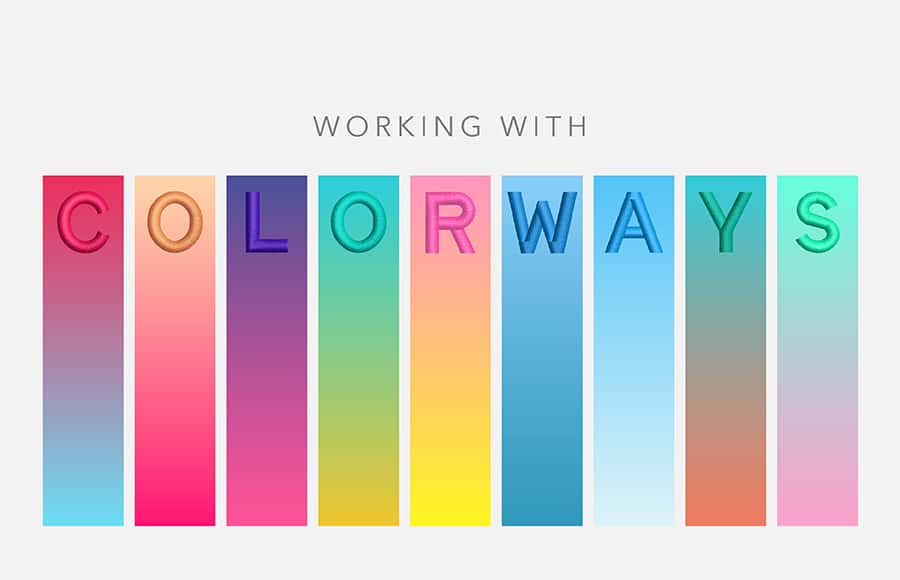
To ensure customers get the correct colors embroidered every time they order. It’s important the digitizer records the different color options. It could be PMS colors for the corporate logos...
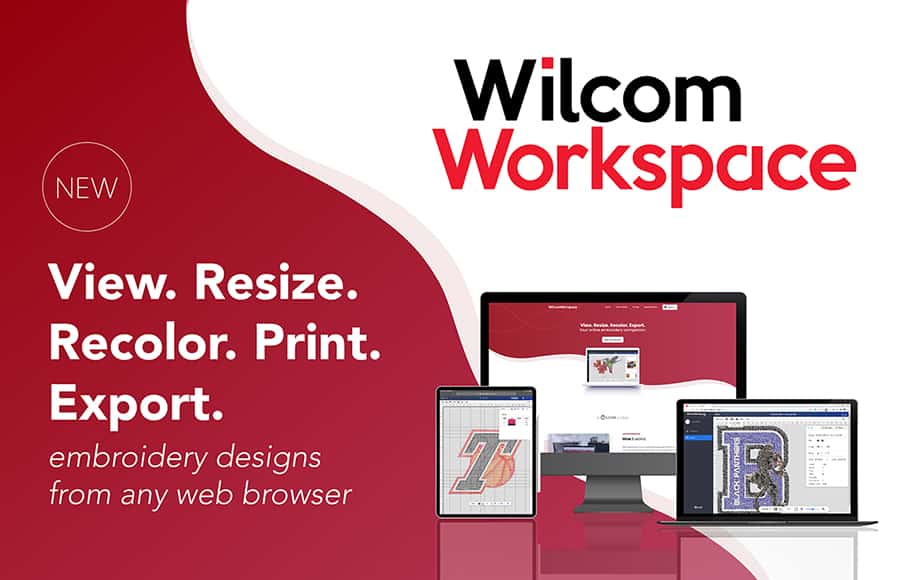
Introducing WilcomWorkspace
Blog | Release announcement
WilcomWorkspace is a new web-based application that allows you to view, resize, recolor, print and convert embroidery files to machine stitch files from any web browser on your PC, Mac or tablet device....
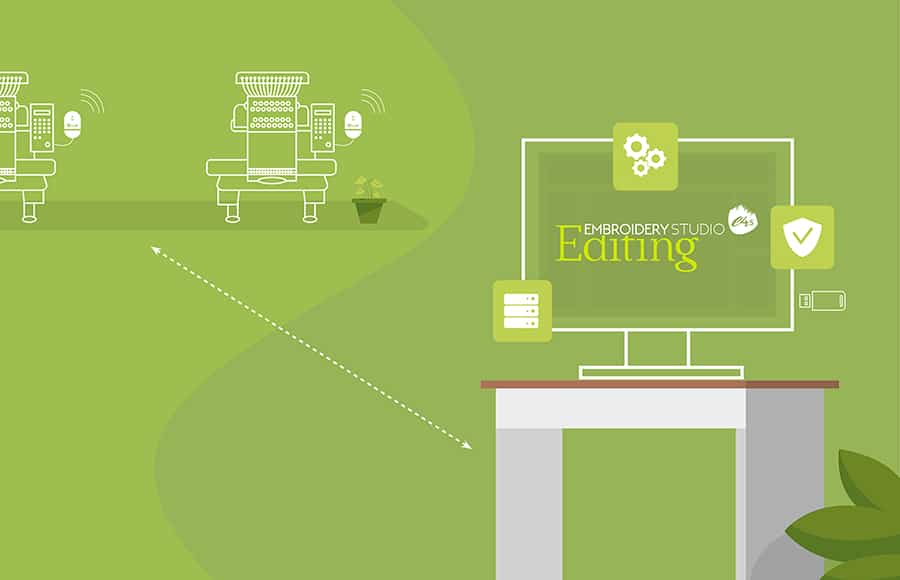
Wilcom’s Social Distancing Production Solution
Blog | EmbroideryStudio
In today’s new world, keeping staff safe is a priority, and Wilcom’s wireless embroidery solution is perfect for maintaining your physical distancing protocols. This package is...