









Design Editing Techniques
Blog | EmbroideryStudio
Whether a newbie or you feel like a refresher, this video walks you through some basic, but frequently used techniques for digitizing or editing. It provides a great overview to anyone looking to learn more...
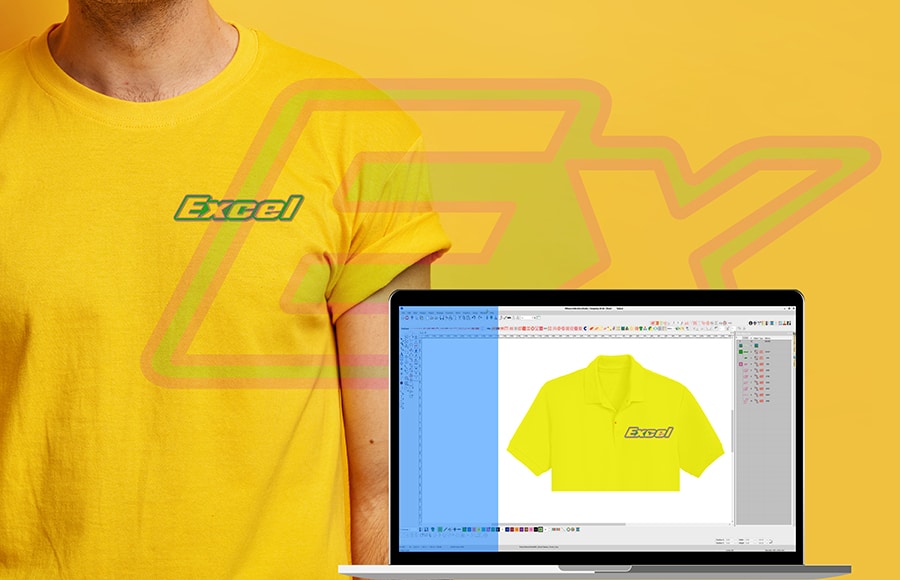
Cutout Embroidery
Blog | Elements
Leaving a negative area in your embroidery design not only saves lots of stitches, the process could be the simplest embroidery exercise you will ever complete. In fact, there is absolutely no digitizing...

Features for embroiderers in CorelDRAW 2020
Blog | Feature overview
ENHANCED – Corel PowerTRACE™ allows you to convert bitmap images, such as JPEGs, into vector images, with the powerful Artificial Intelligence. (The artifact removal and upsampling are built...
Auto Start End Update
Blog | EmbroideryStudio | Lettering | Tips & Tutorials
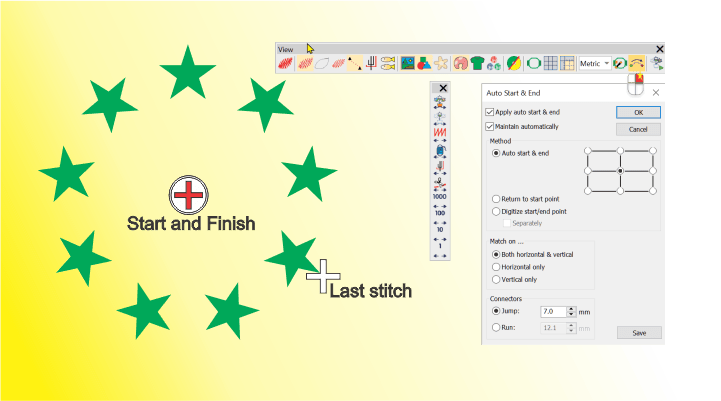
In version 4.5 of the software the last stitch of the last object created is identified with a white cross (location of the cursor.)When using the Stitch edit tool or traveling through the design the...
FlexiSplits
Blog | EmbroideryStudio | Tips & Tutorials
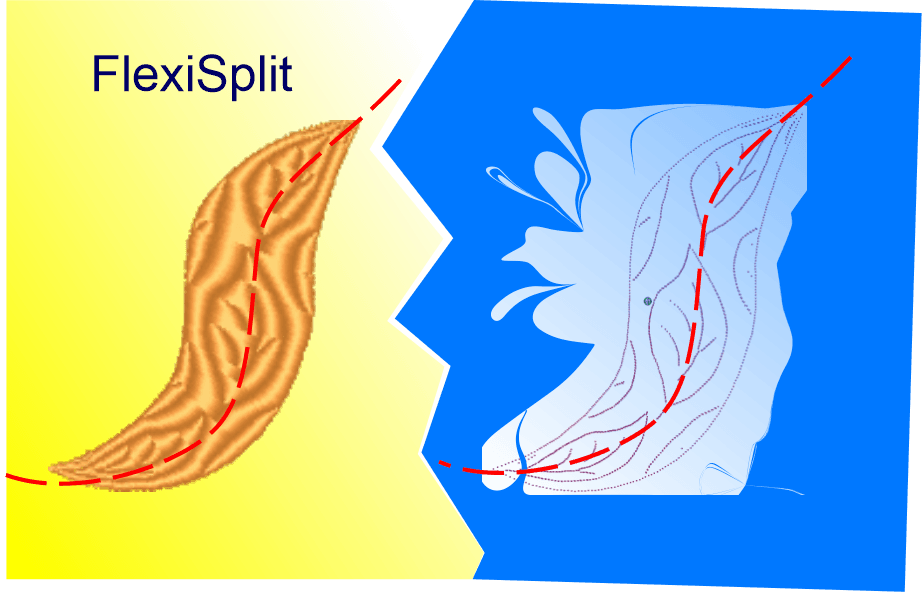
Flexisplit is an effect that can be applied to Satin or Tatami fills created with any tool. There are dozens of preset Flexisplit patterns available to choose from, each of which can be resized and applied as a...
CorelDRAW Graphics Suite & Maze Fill
Blog | EmbroideryStudio | Feature overview
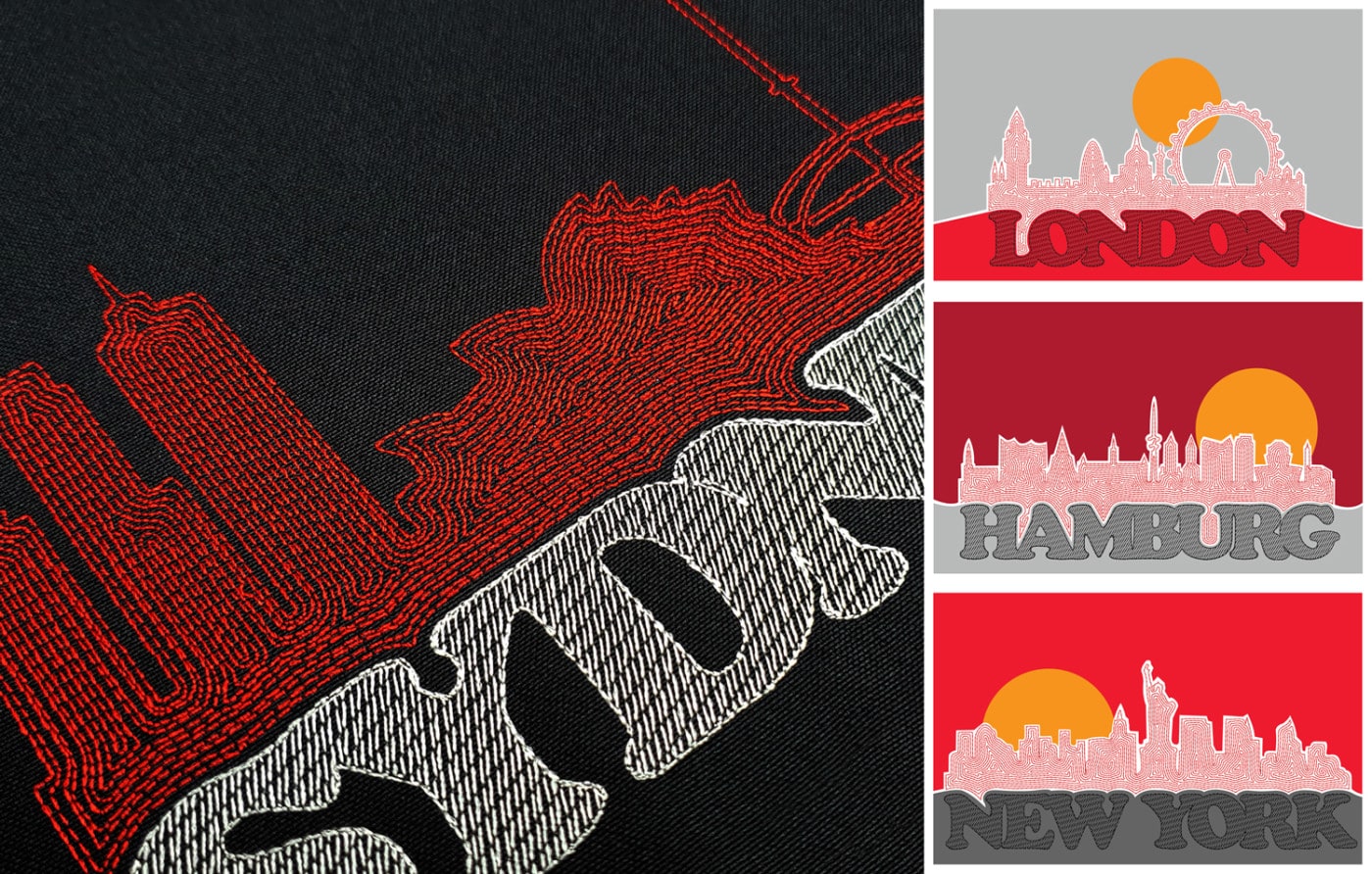
As a digitizer, you have intimate knowledge of stitches and embroidery. Learn to design your own logos. Here we demonstrate how to create a modern cityscape logo using the integrated CorelDRAW®...
Colorwheel and Eye Dropper
Blog | EmbroideryStudio | Tips & Tutorials
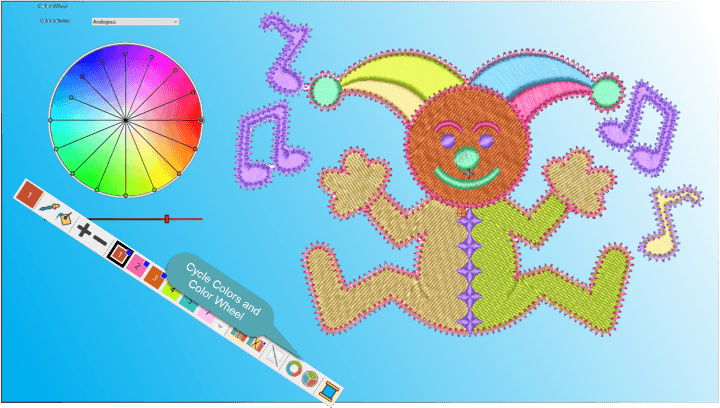
Selecting a color by clicking on a color chip in the working palette or using the Eye Dropper tool and selecting an object in the work area, will make that color ACTIVE Once Active use the Bucket tool to drop...
Batch Convert Machine Files
Blog | Elements | EmbroideryStudio
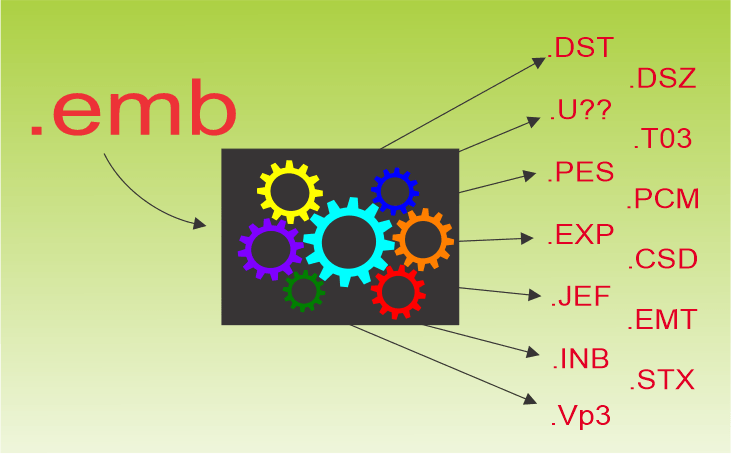
The library feature of EmbroideryStudio provides the means to convert a batch of files to a designated folder. In the following video you will see .emb files converted to .dst and U01 files, or for that...
EmbroideryConnect Webinar
Blog | EmbroideryStudio
Wednesday 28th October Join Wilcom’s global product expert, Brenden Prazner, for your chance to see EmbroideryConnect in action. Plus, have the opportunity to ask all your questions from the...
Editing is for Everyone
Blog | EmbroideryStudio | Lettering
Keeping in mind that many people outsource the design components of their embroidery files and add lettering in house, I wanted to make some comment on the benefits of including editing to your embroidery...
Powerful Design Library
Blog | EmbroideryStudio | Feature overview
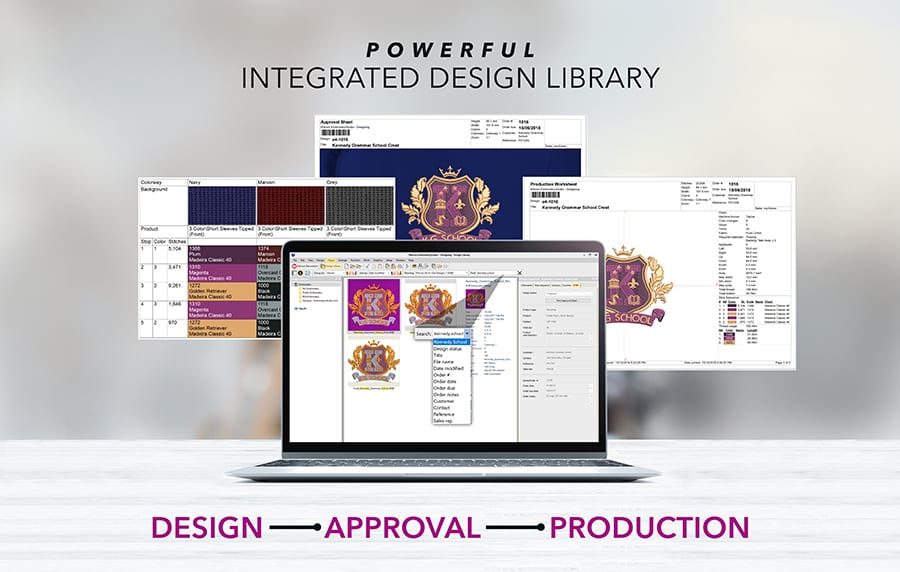
Wilcom’s EmbroideryStudio Design Library is the heart of our flagship embroidery software product, as it provides access to all your embroidery designs. Design Library is so powerful that many users who...
New thread chart – Setta Lumina
Blog | EmbroideryStudio
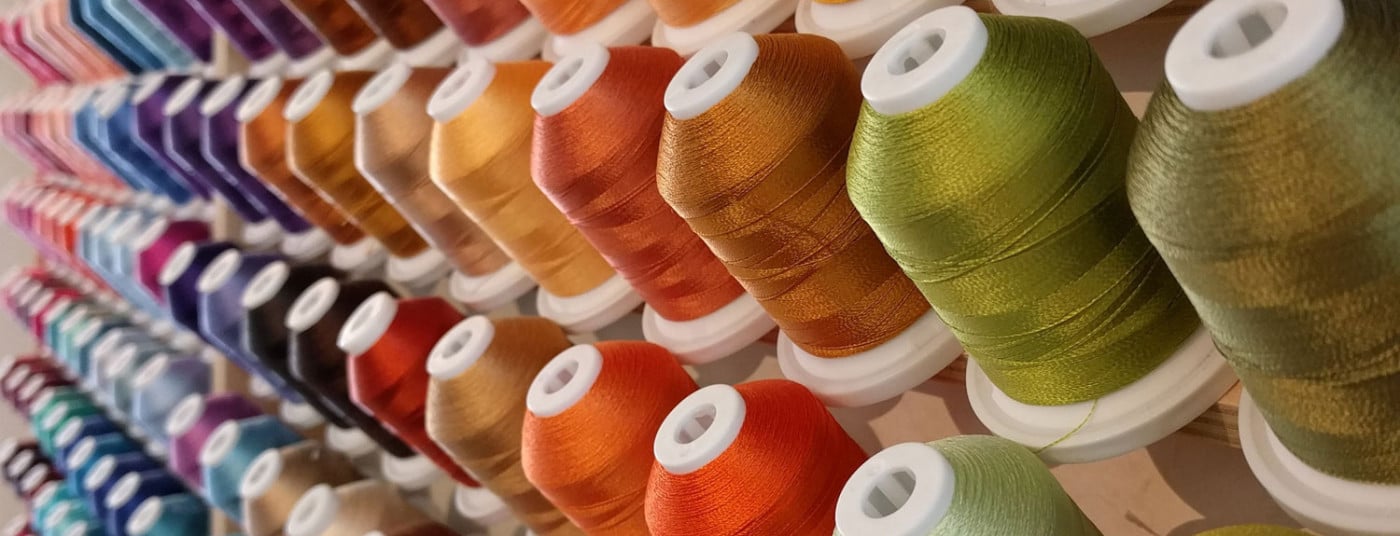
A new thread chart Setta Lumina is available to download for Wilcom’s EmbroideryStudio. For e4.5: