Repair any Damaged Garment with the help of CorelDRAW
Listen to this great Wilcom blog
Audio generated by DropInBlog's Blog Voice AI™ may have slight pronunciation nuances. Learn more
If you have not already, then at some time in your embroidery career you will need to make a repair to a damaged garment.
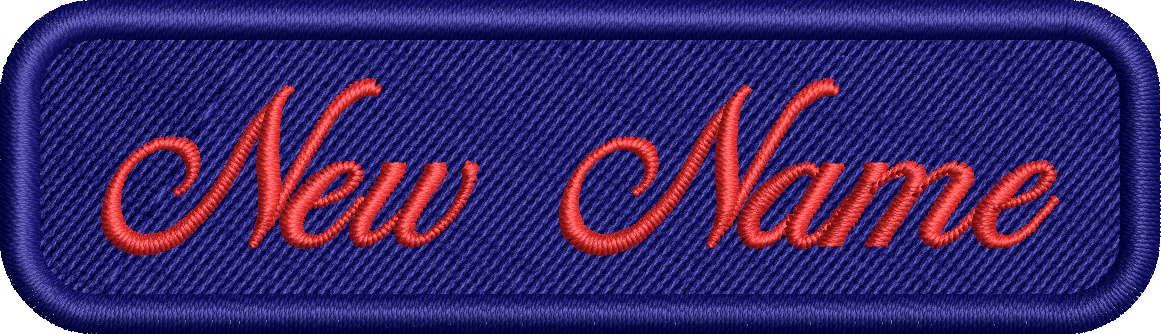
One way to do this is cover the old logo or damaged garment with a block of Tatami fill the same color as the garment, and then stitch the new lettering or logo on top.
If the block is to be a rectangle then rounded corners will give a much neater result and lessen the distortion of the shape caused by push and pull on the fabric.
Using the rectangle tool in CorelDRAW is the most efficient way to create the shape with consistent radius corners, and once created converts to stitches with the click of a button.
Ask about the world's
favorite embroidery software!
Trial all levels and features

Already own Embroidery Software? Get a No-Obligation Quote Today!
Get the latest Wilcom blog posts and company updates straight into your inbox.
Got questions? We’re here to help.
Contact us