10 Reasons To Love EmbroideryStudio 2026
EmbroideryStudio 2026
❤️ There’s so much to love!
Productivity in Motion. Creativity in Living Color.
EmbroideryStudio 2026 introduces smarter tools that boost creativity and efficiency — from Multi-Layer Stitch and Color Blending to Redwork, streamlined exports, precision grids, and advanced digitizing controls. Designed for speed, accuracy, and complete creative freedom.
This is the most powerful EmbroideryStudio release yet!
10 Ways EmbroideryStudio 2026
Is Redefining Digitizing
Multi Blend
Available in DESIGNING only
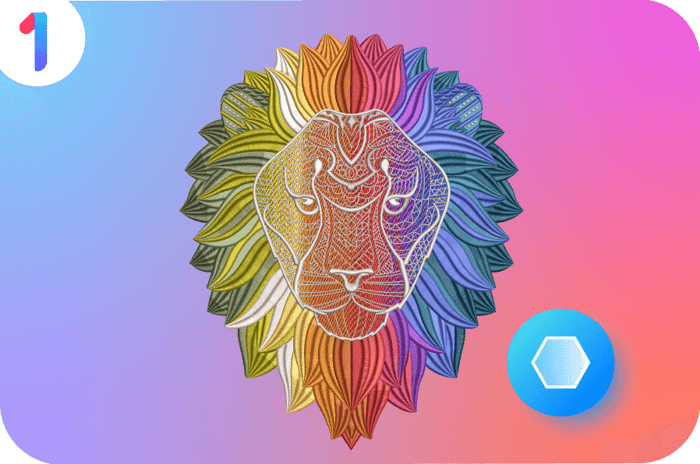
Bring embroidery to life with stunning depth and dimension. Designers can blend stitch types and colors across layers, adjust shading and settings with simple controls, and preview changes instantly.
Create and save your own custom blends to design faster and more creatively.
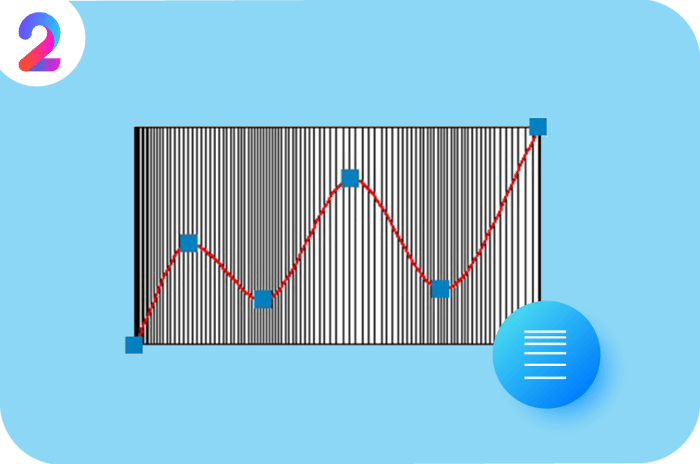
Custom Accordion Spacing
Available in DESIGNING only
Accordion Spacing has been expanded to support variable densities within a single Accordion Object. It gives embroidery designers full flexibility to define graduations, enabling them to create sophisticated, wave-like color-blending effects with two or more colors.

Redwork
Available in DESIGNING only
Create clean, minimal line-art embroidery with ease. The tool automatically organizes and groups outline stitches for optimal sequencing and fewer trims. Perfect for simple outline designs, vintage styles, or decorative linework.
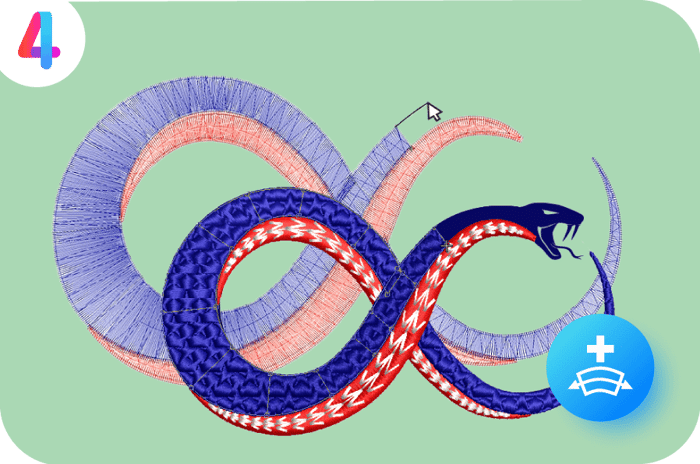
Continue Digitizing
Available in DESIGNING and DECORATING only
Say goodbye to tedious rework on previously completed objects.
With Continue Digitizing, you can pick up exactly where you left off on existing embroidery objects by simply continuing from the end node. The result? Seamless joins, smoother stitching, faster editing, and a more intuitive creative flow.
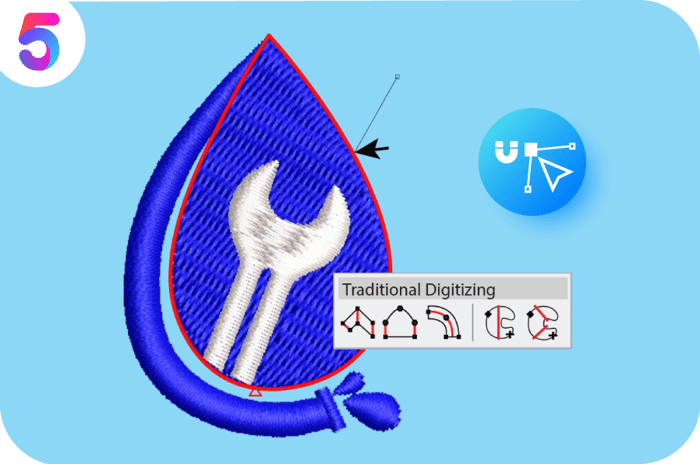
Precision Digitizing with Snapping Options
Available in DESIGNING, DECORATING & EDITING
Take your digitizing accuracy to the next level with advanced Snapping Options — including Snap to Grid, Snap to Guide, and the brand-new Snap to Objects.
Input points now automatically snap to grids and objects, guided by clear visuals for effortless precision. A true game changer — work faster and achieve perfect alignment every time.
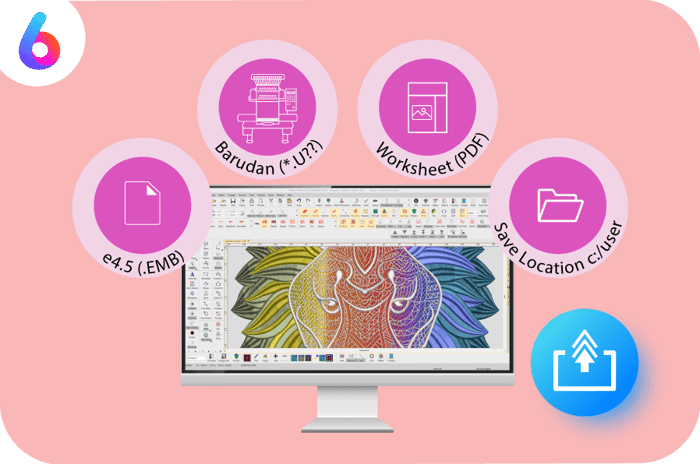
Streamline Production Export
Available in ALL LEVELS
Save time by exporting designs and production worksheets in just one step.
With customizable Export and Print Profiles, you can predefine file formats, worksheet options, and destination folders, so you can generate every required output file at once.
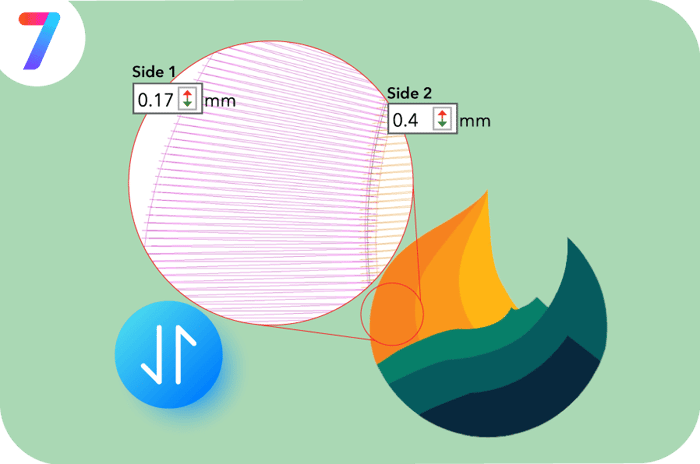
Independent Pull Compensation
Available in ALL LEVELS
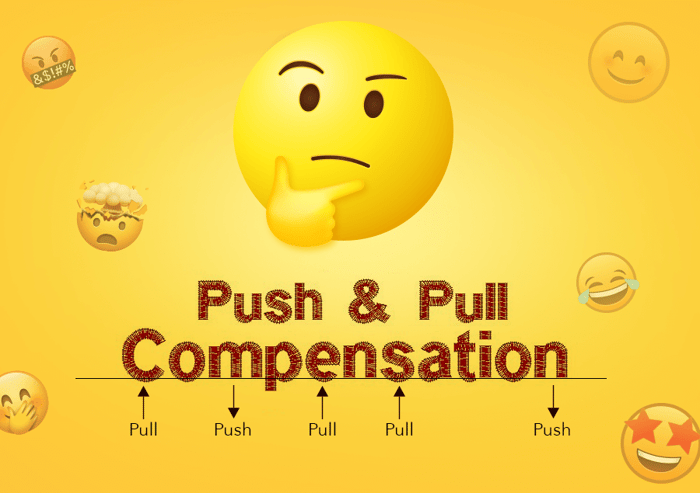
Set different and independent pull compensation values for each side of an object.
This ensures greater accuracy when stitching over existing fills or directly onto fabrics, where each side reacts differently to stitching stress. The result is cleaner edges, fewer manual adjustments, and more reliable, professional-quality embroidery.
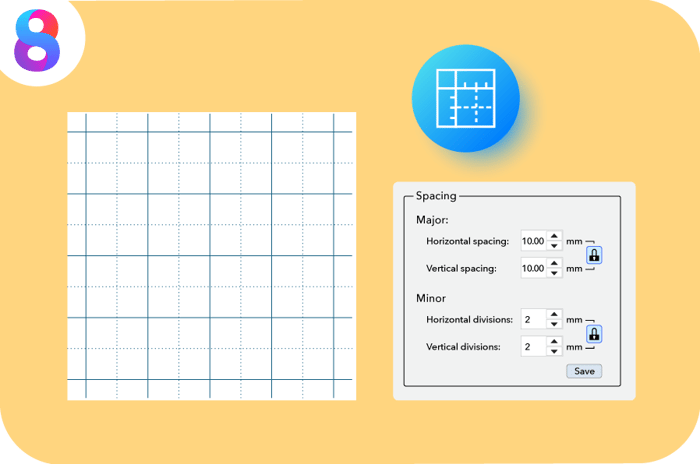
Major & Minor Grids
Available in ALL LEVELS
Get the precision you need. The existing 10mm grid remains, while a new minor grid lets you fine-tune every detail. Perfect for detailed design work that requires accuracy and control.
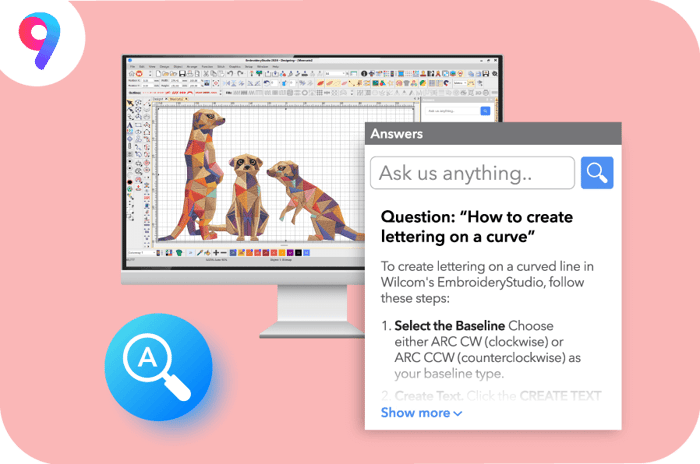
Answers
Available in ALL LEVELS
An on-demand AI assistant powered by Wilcom-trained knowledge, providing fast, factual, step-by-step guidance right where you need it, inside EmbroideryStudio.
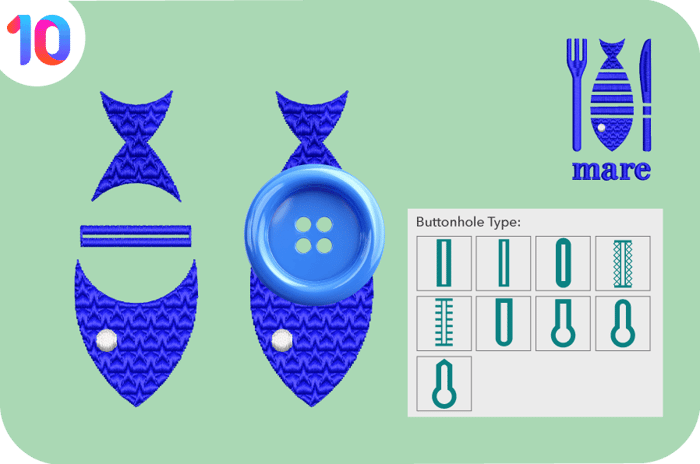
Automatic Buttonholes
Available in DESIGNING & DECORATING
The new Add Buttonhole tool automates buttonhole creation with adjustable size and stitch parameters — ideal for fashion, apparel, and decorative embroidery applications.

Plus, CorelDRAW® Graphics Suite 2025
Combine the power of Wilcom’s embroidery tools with CorelDRAW® Graphics Suite 2025 for seamless creativity in EmbroideryStudio. Available in DESIGNING & DECORATING
Plus more Inclusions
20 New Fonts | New Motif patterns
Current Subscribers
Enjoy all these new features — automatically included in your subscription!
You’ll always have the latest and greatest, plus access to your exclusive features.
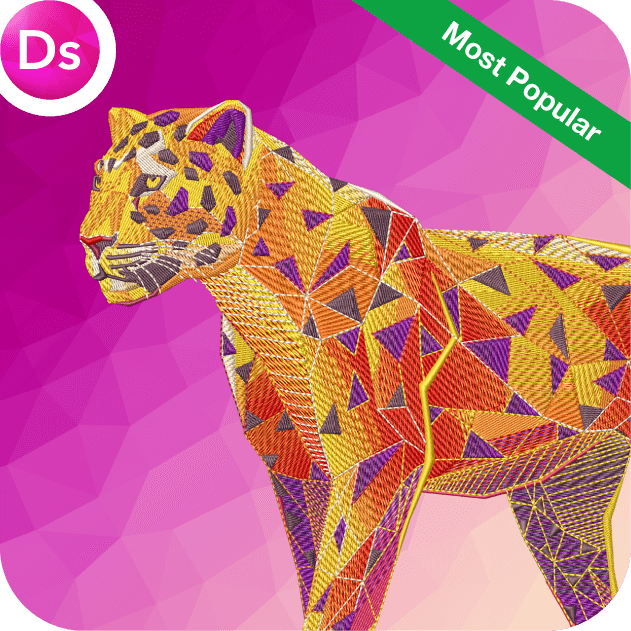
DESIGNING Subscription
Experience Wilcom’s most advanced embroidery software, packed with every feature for embroidery excellence.
EXCLUSIVE FEATURES:
Includes ALL add-on Elements
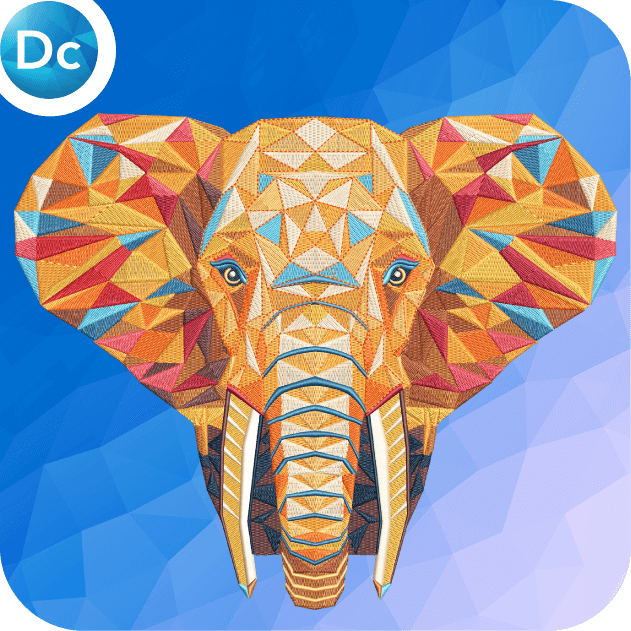 DECORATING Subscription
Access easy-to-use digitizing tools to streamline your embroidery workflow.
EXCLUSIVE FEATURES:
Includes 6 add-on Elements

To learn more about these and other new features, please visit www.wilcom.com

Wilcom Academy
Access comprehensive, step-by-step training to support your learning journey, with exclusive content available FREE to licensed Digital Edition, 2025, and 2026 customers.
Watch EmbroideryStudio 2026 in Action!
Ask about the world's
favorite embroidery software!

Got questions? We’re here to help.
Contact us