





Batch Exports in WilcomWorkspace Library
Don't Underestimate Batch Exports
Most people look at WilcomWorkspace Library one feature at a time: design storage, search, cloud access. Each is useful on its own, but Batch export is where the time savings really show.
It's not ONE feature, it's how they all connect. And now it's even faster!The real value isn't any single feature. It's how they connect in a working embroidery business. Design Status, powerful search, cloud access, and production-ready exports all work as one system, giving you full control over your embroidery operations without switching between tools.
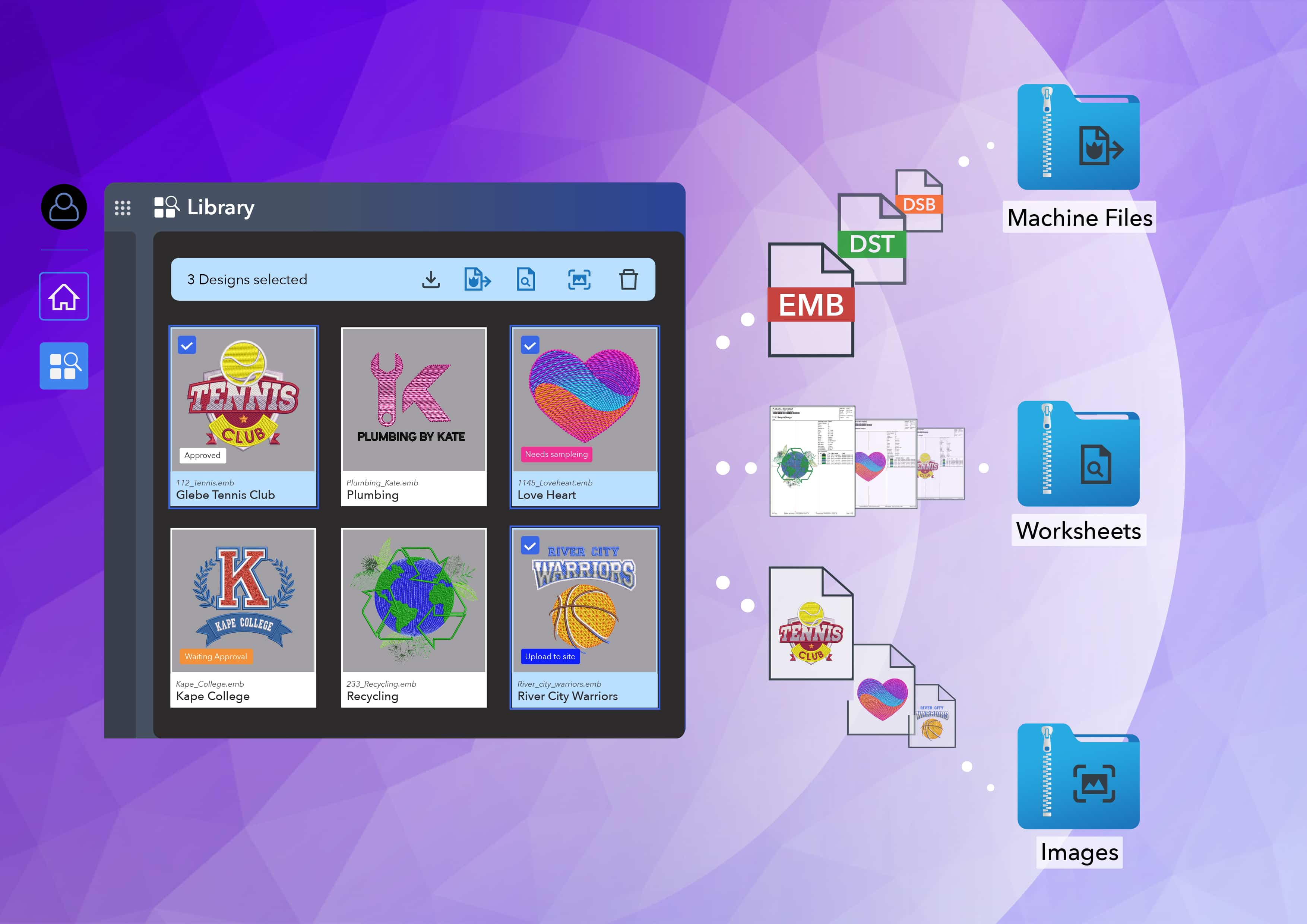
And now that connected workflow moves faster. The new Batch actions let you select a group of designs to download, export, generate production worksheets, or capture bitmap images in a single action. No more opening and exporting designs one at a time.
What's new: Batch actions at a glance
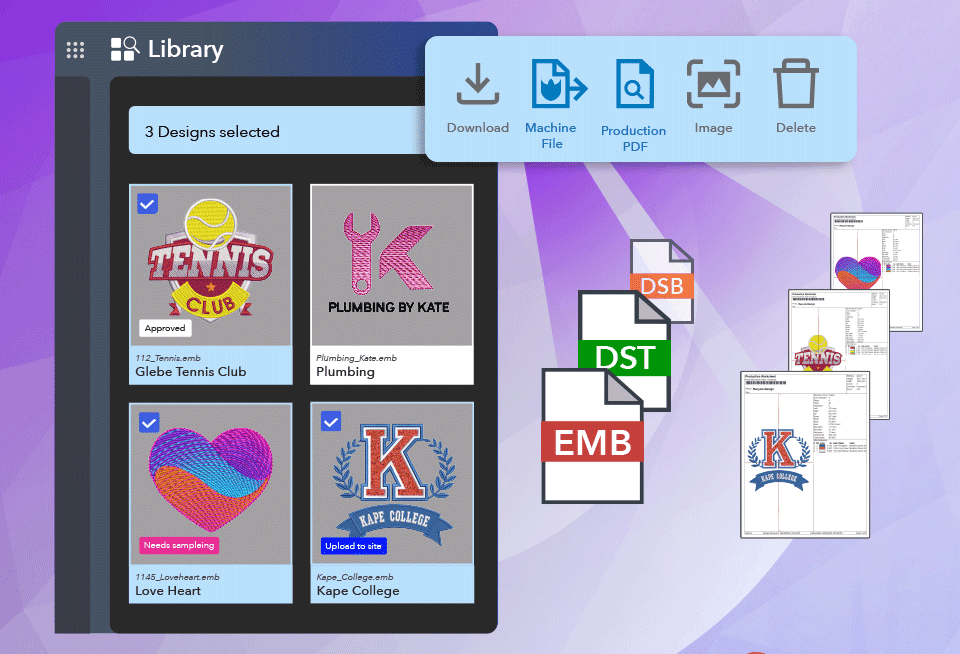
Tick one or multiple designs in Library, then choose what to do with the whole selection:
- Batch Download. Download the original .EMB files for every selected design in one go, instead of downloading file by file.
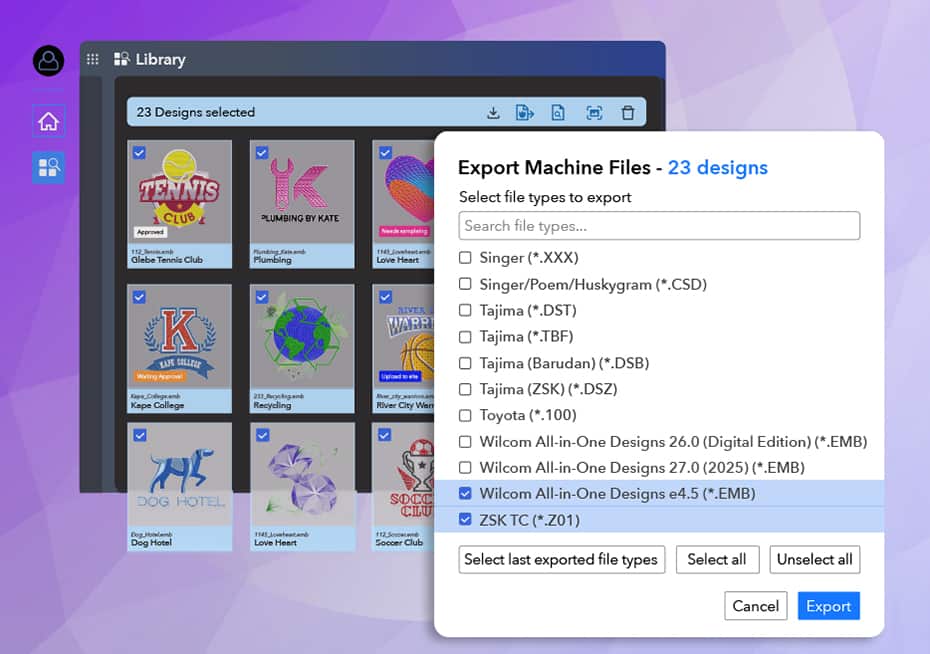
- Batch Export. Export the selection to your machine stitch format (Library supports 24 formats). If an older software version is needed, you can save the entire selection down to a previous EMB version at the same time.
- Batch PDF. Generate and print production worksheets for every design in one pass. Each worksheet is barcoded, so scanning a job on the floor calls up the right design instantly.
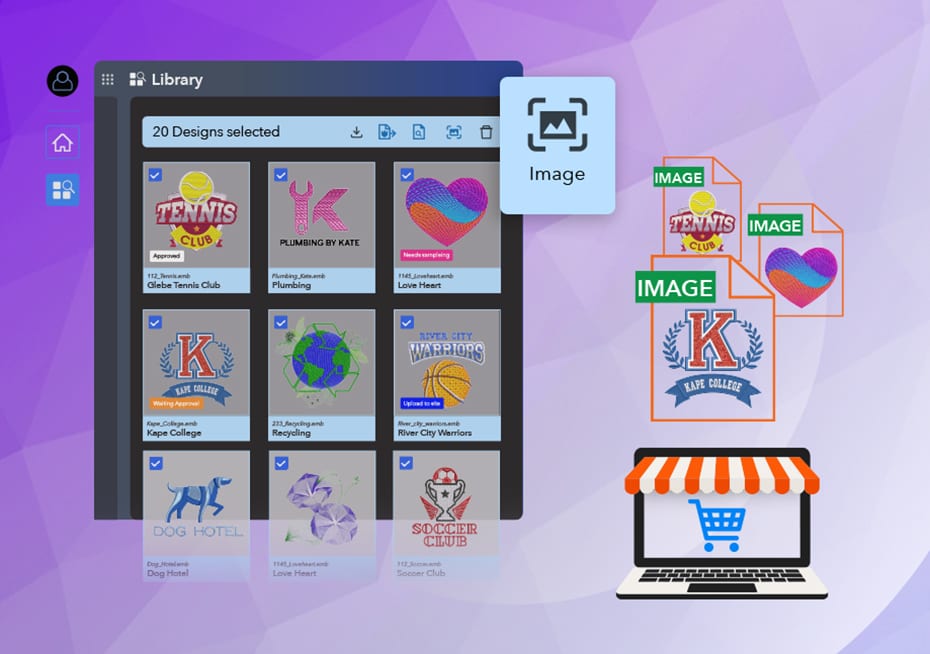
- Batch Capture Design Bitmap. Generate PNG images for your whole selection at once, ready for quotes, catalogs, customer approvals, or your online store.
- Batch Delete. Clean up in bulk. A confirmation step guards against accidental clicks, and deleted designs can be restored within 30 days.
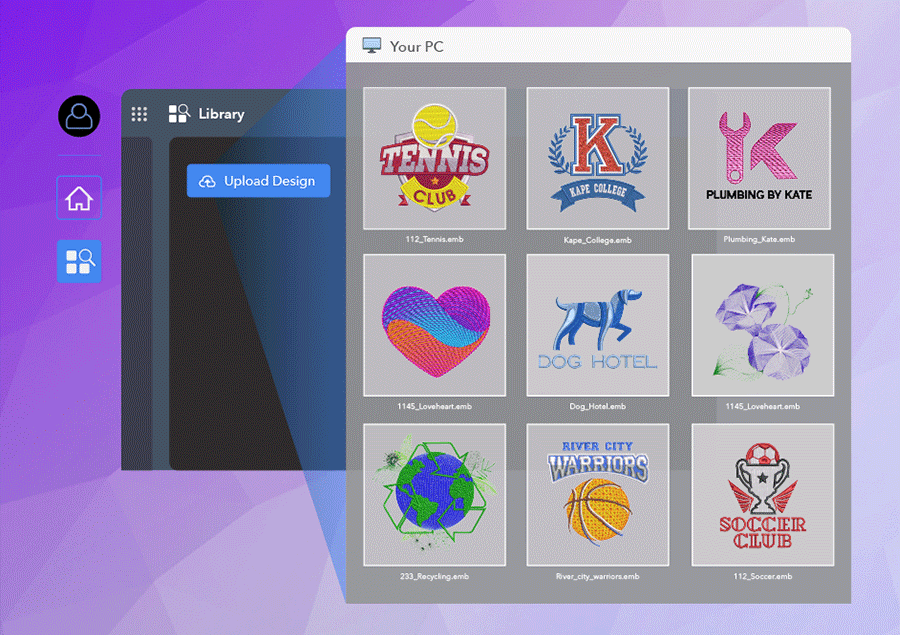
See Library in Action
Library works with all major embroidery formats.
Batch Upload
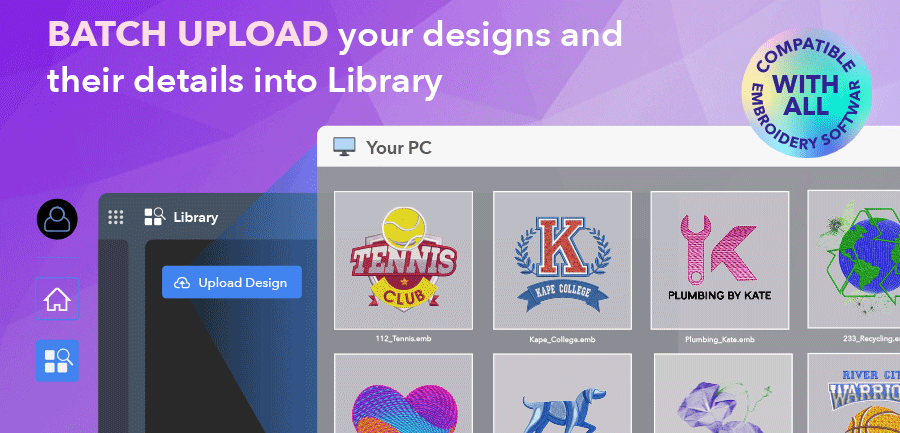
Getting designs in, is just as quick. Batch Upload lets you drag and drop multiple files or whole folders. You can also keep working while uploads run in the background.
Learn more about Batch Upload
Why it matters?
On their own, batch actions save clicks. Combined with the rest of Library, they change how a day's work gets done.
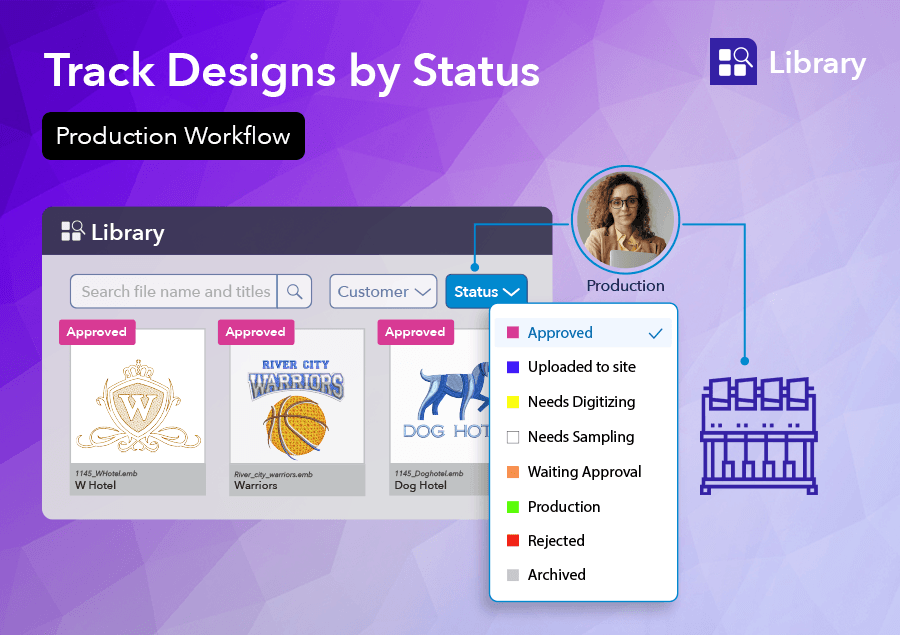
- Design Status tells you which designs are In Progress, Approved or Ready for Production.
- Search and filters find designs by status, customer, decoration area or tags in seconds.
- Cloud access means anyone on your team can reach the approved embroidery design from a PC, Mac or tablet, on the production floor, or when working from home.
- Batch Actions then turn that filtered list into machine files, worksheets, and images in just a few clicks.
Filter. Select. Batch.
Here's what that looks like for three very different embroidery businesses.1. Batch Production Preparation
For embroidery production teams
Prepare a whole day's production run in a few clicks. Filter and sort by Design Status to see today's approved designs, select the lot, and export barcoded production worksheets and machine stitch files for every design, ready to go.
Do it per machine, or as one batch for the whole shift. Operators scan the barcode on the worksheet and the correct, approved design comes up, so there's no guessing which version belongs on the machine.
2. Batch Export for Outsourcing
For outsourcing and digitizing services
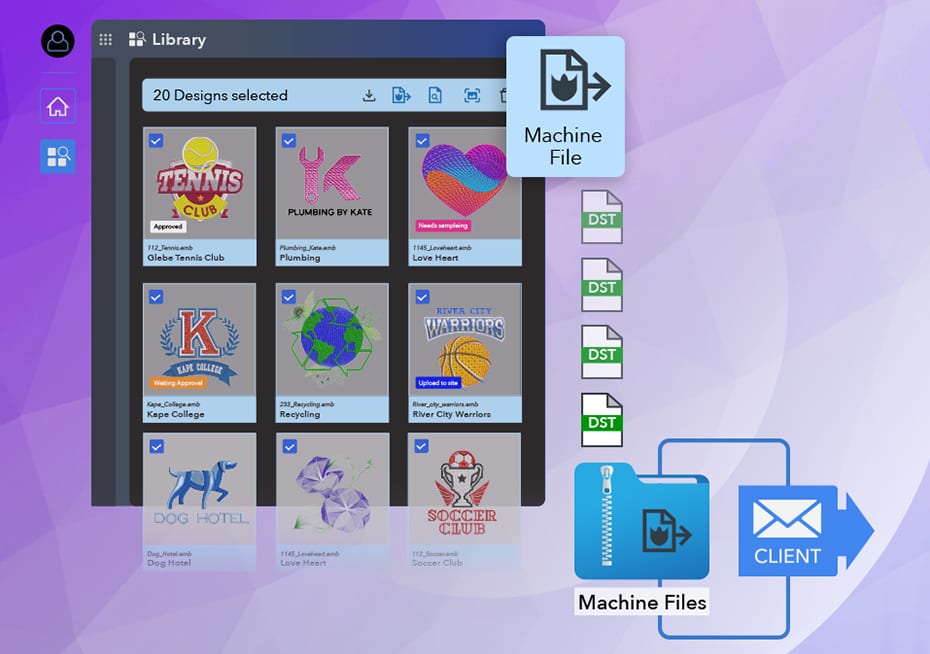
Running an outsourcing or digitizing service? Filter your designs by customer, select the batch, and export it to the machine file format that customer needs. If they run older software, save the batch down to a previous EMB version in the same step.
Library zips the files up, ready to email. Add PNG images too if your customer wants previews before they stitch.
3. Batch Images for Online Stores
For online store owners
Selling designs online? Select multiple designs in Library and export them all to a machine stitch file plus web-ready images in just a few clicks. Then upload straight to your site. What used to be an afternoon of opening, exporting, and screenshotting becomes a single task.
And remember: every Library license includes Truesizer, Wilcom's online design viewer and editor, at no extra cost. Open a design from Library, adjust sizing or colors, and save it straight back.
Less file handling, more of the work that pays
Whether you run a production floor, a digitizing service, an online store, or any other embroidery business, the result is the same: less time spent handling files and more time for the work that pays.
Don't underestimate the power of Library. Its value isn't in any single feature, but in how they all work together, and Batch Actions now let you apply that across many designs at once.
Find out more about WilcomWorkspace Library
Ask about the world's
favorite embroidery software!
Got questions? We’re here to help.
Contact us