








Batch Upload Without Disrupting Your Embroidery Workflow
Table of Contents
- How to adopt a new system WITHOUT disrupting your existing embroidery workflow
- Upload Once, Organize Your Way
- See how easy it is
- Automatic Efficiency
- What's Included
- Adopt Library at Your Own Pace
- Works With Your Existing Software
- Discover how WilcomWorkspace Library can build efficiency into your business.
How to adopt a new system WITHOUT disrupting your existing embroidery workflow
Every embroiderer knows the challenge of moving a design collection to a new system—hours spent uploading files one by one, re-organizing folders, and disruptions to an established embroidery workflow. WilcomWorkspace Library removes that friction with its new Batch Upload feature.
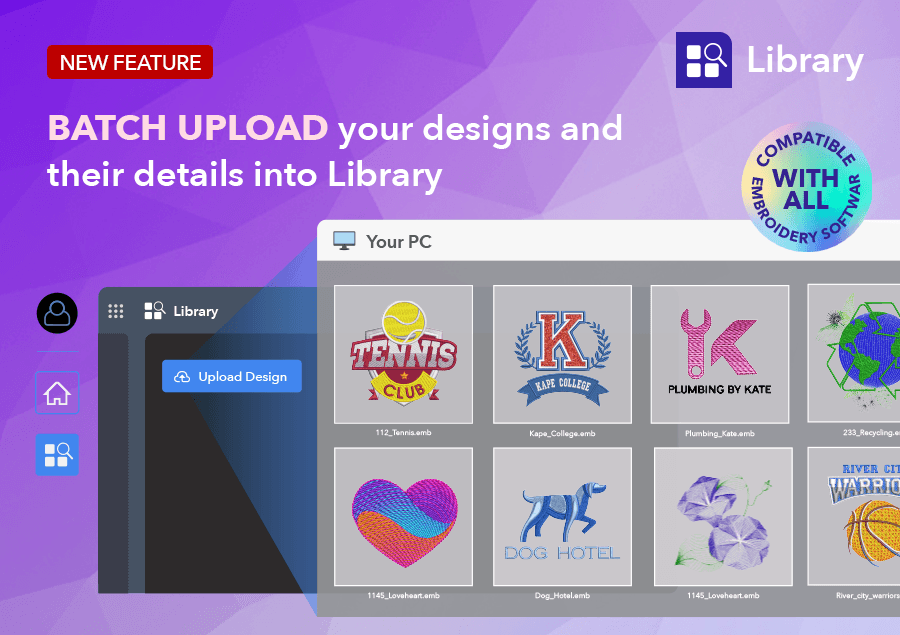
Upload Once, Organize Your Way
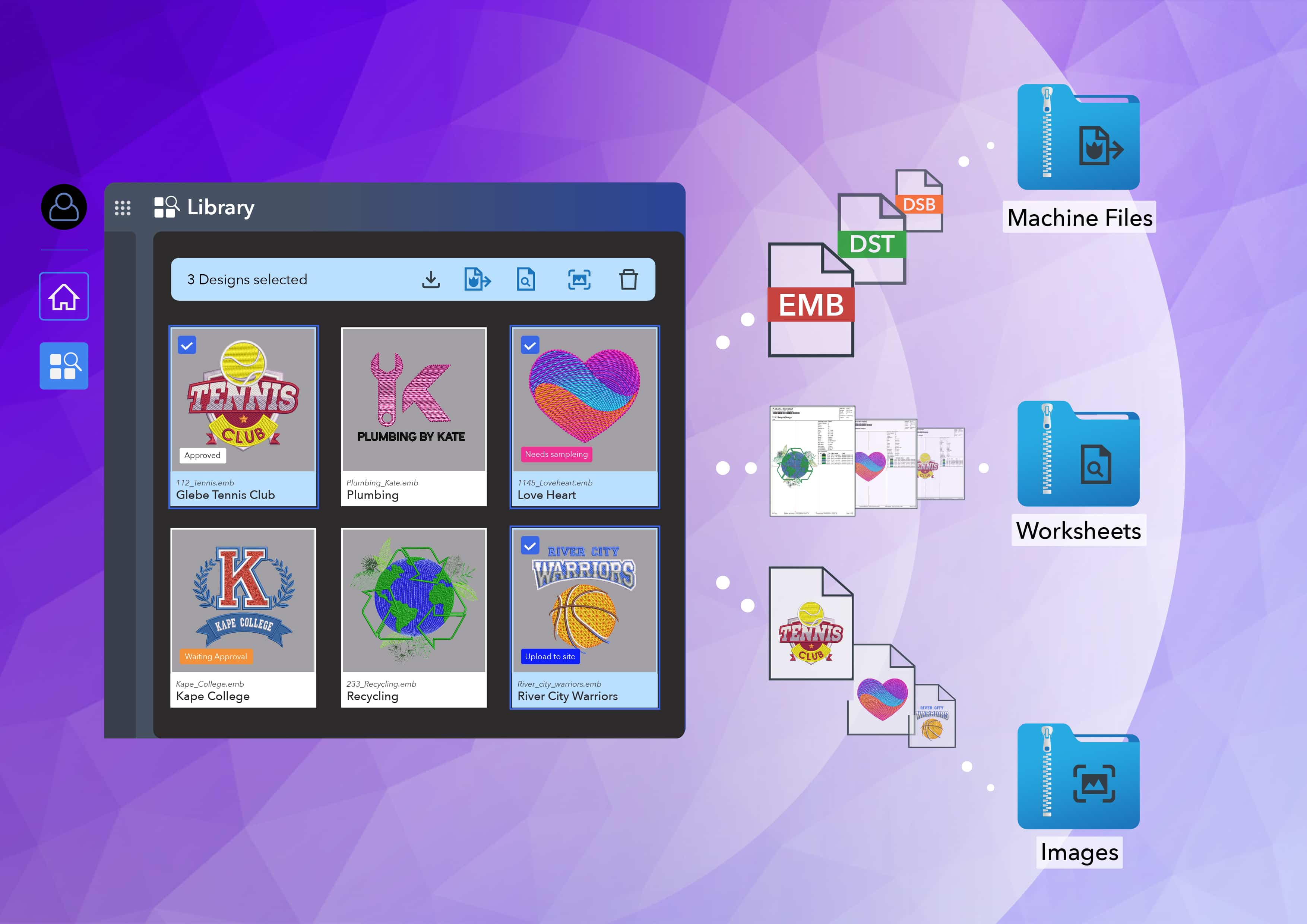
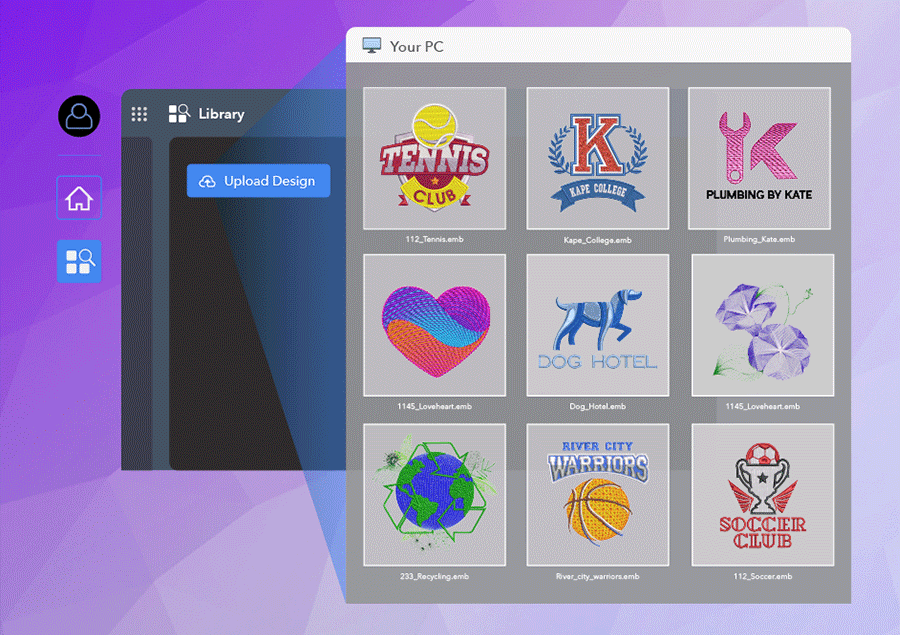
Batch Upload lets you upload multiple files—or an entire folder—into Library in a single operation, while giving you full control over how design information is added as it comes in, including attachments. You can apply data consistently across every design in the batch and edit individual design details before the upload is finalized. Your organization stays exactly the way you want it, right from the start.
Uploads also run in the background, so you're never stuck waiting around. Keep working in Library while your files process, and check progress at any time in the Upload Manager, which shows what's completed and flags anything that needs your attention. Because uploads run concurrently, multiple team members can upload designs to the same Library at the same time—no bottlenecks, no waiting your turn.
Once your designs are in, you can immediately start taking advantage of everything Library has to offer.
See how easy it is
Automatic Efficiency
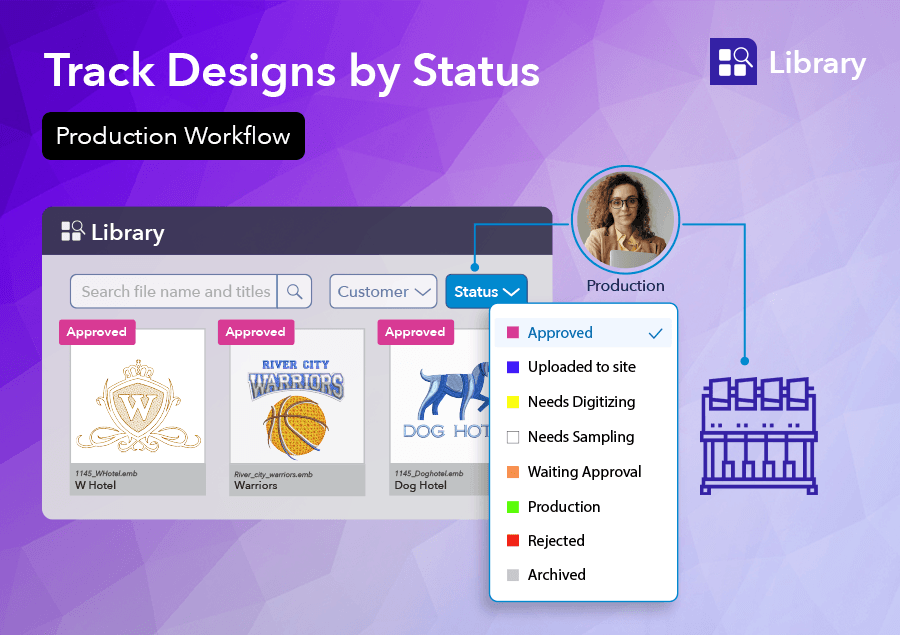
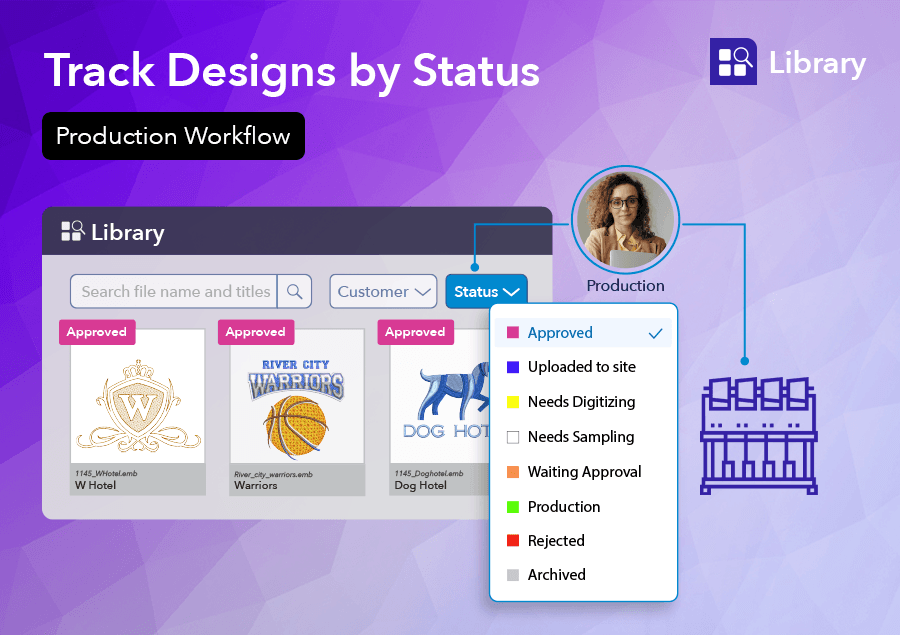
The real advantage begins after the upload. Library becomes a secure, central home for every embroidery design, along with its design information and attachments. Your entire team—from digitizers to production managers—has access to the same master design, while Design Status makes it easy to filter jobs and keep production moving efficiently.
No duplicate files. No uncertainty over which version is current. Just one reliable source of truth for every job.
What's Included
Every Library subscription includes:
- 10GB of secure cloud storage (50GB storage add-ons available)
- Access from PC, Mac, and tablet
- Production workflow tools
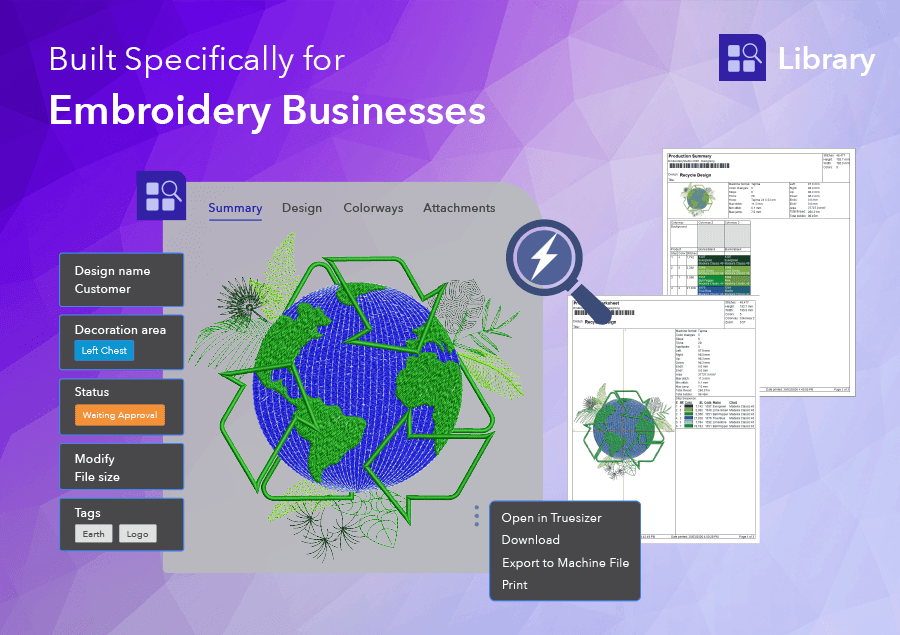
- Export to 24 machine stitch formats
- Truesizer built in for every user
Outgrowing your 10GB? You can now buy extra storage as your library grows.
 Adopt Library at Your Own Pace
Best of all, adopting Library doesn't require you to change your embroidery workflow overnight. Keep using your existing folder structure while gradually bringing your designs into Library. Work at your own pace, with no disruption to production, while your design collection becomes more secure, organized, and accessible.
Works With Your Existing Software
Whether you use EmbroideryStudio or another embroidery software package, Library fits seamlessly into your existing embroidery workflow without locking you into a particular platform.
Discover how WilcomWorkspace Library can build efficiency into your business.
See the Batch Upload details in the Release Notes
Ask about the world's
favorite embroidery software!

Got questions? We’re here to help.
Contact us