









Feature overview
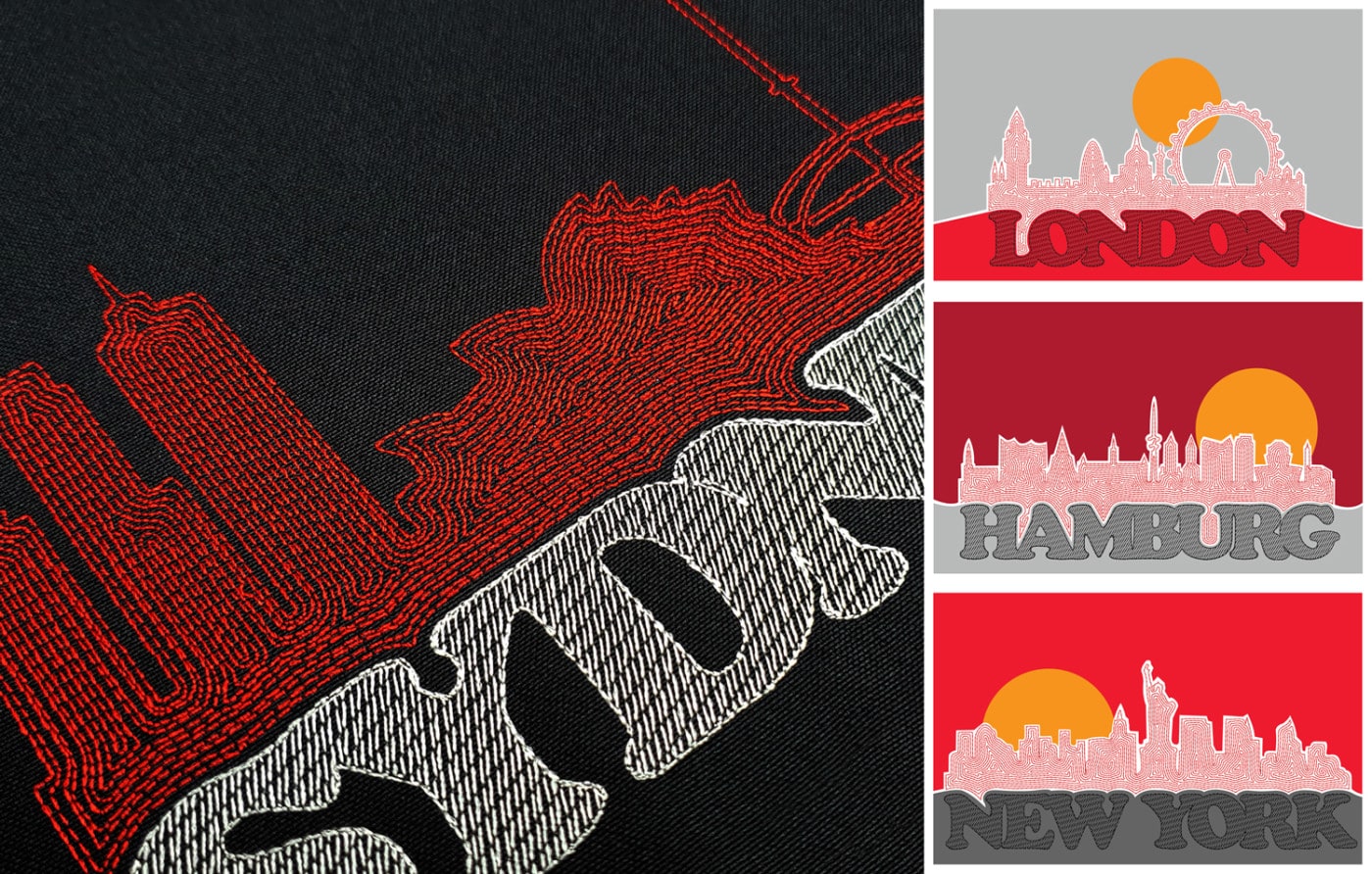
CorelDRAW Graphics Suite & Maze Fill
Blog | EmbroideryStudio | Feature overview
As a digitizer, you have intimate knowledge of stitches and embroidery. Learn to design your own logos. Here we demonstrate how to create a modern cityscape logo using the integrated CorelDRAW®...
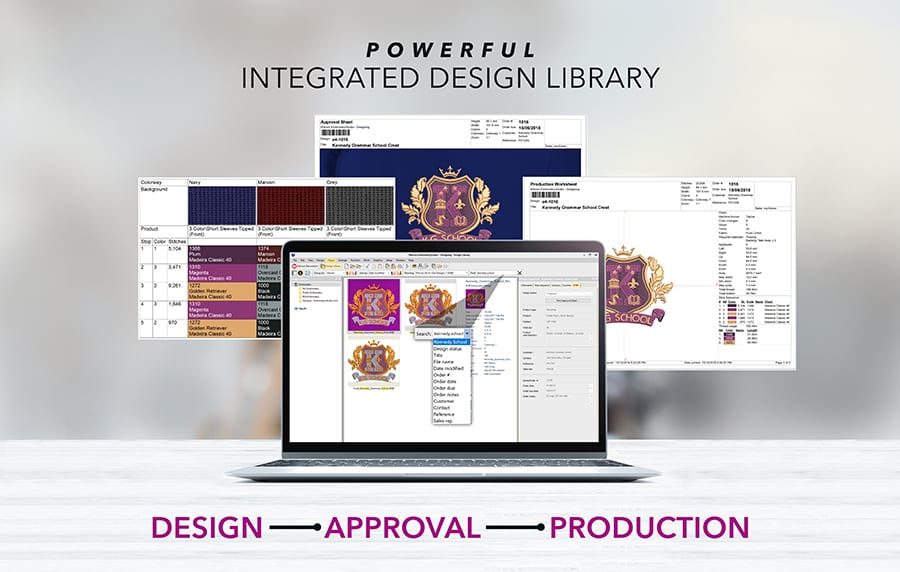
Powerful Design Library
Blog | EmbroideryStudio | Feature overview
Wilcom’s EmbroideryStudio Design Library is the heart of our flagship embroidery software product, as it provides access to all your embroidery designs. Design Library is so powerful that many users who...

Tips and Shortcuts
Blog | EmbroideryStudio | Feature overview | Tips & Tutorials
We all have skills we now perform without thinking — like riding a bike, driving a car, or playing a favorite sport or instrument. These things were once unfamiliar, but with repetition and...
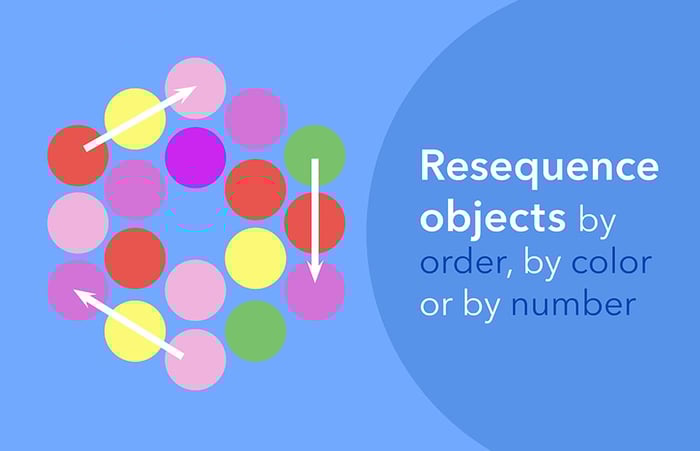
Sequence Toolbar
Blog | EmbroideryStudio | Feature overview | Tips & Tutorials
EmbroideryStudio has many time-saving features that can greatly reduce the time to create or edit a design. Today, I will discuss the Sequence Toolbar and illustrate different ways to resequence designs. You may...
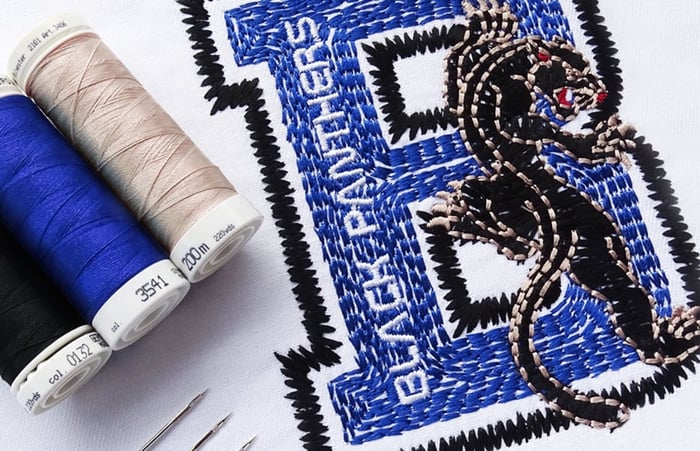
Hand Stitch Effect for logo designs
Blog | EmbroideryStudio | Feature overview
Natural hand-styled embroidery designs are all the rage in fashion. We talk about the Hand Stitch Effect for logo designs. With the hand stitch effect for logo designs, you can take the lead and easily...

Multi-sequin embroidery designs
Blog | Elements | Feature overview
Ever wanted to digitize dazzling sequin designs? EmbroideryStudio already offers a Single Sequin Element for the creation of single sequin runs and fills. EmbroideryStudio e4.5 now also supports twin...
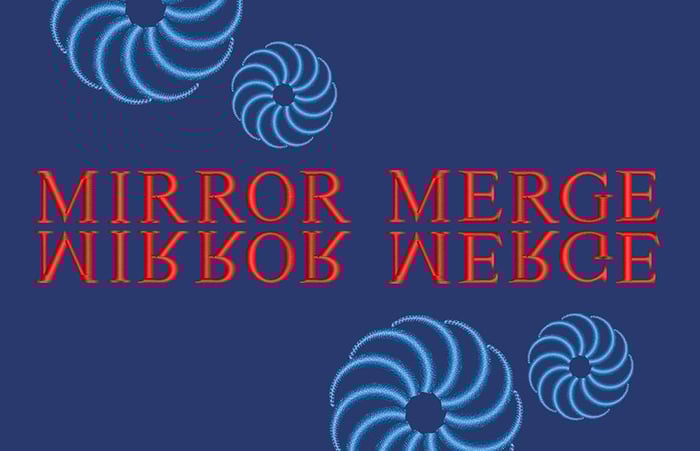
Mirror Merge
Blog | EmbroideryStudio | Feature overview
Balance is the key to great design, but symmetry is one of the tools you can use to get there quickly. Here, we explain how EmbroideryStudio’s Mirror Merge tools works. For the most...
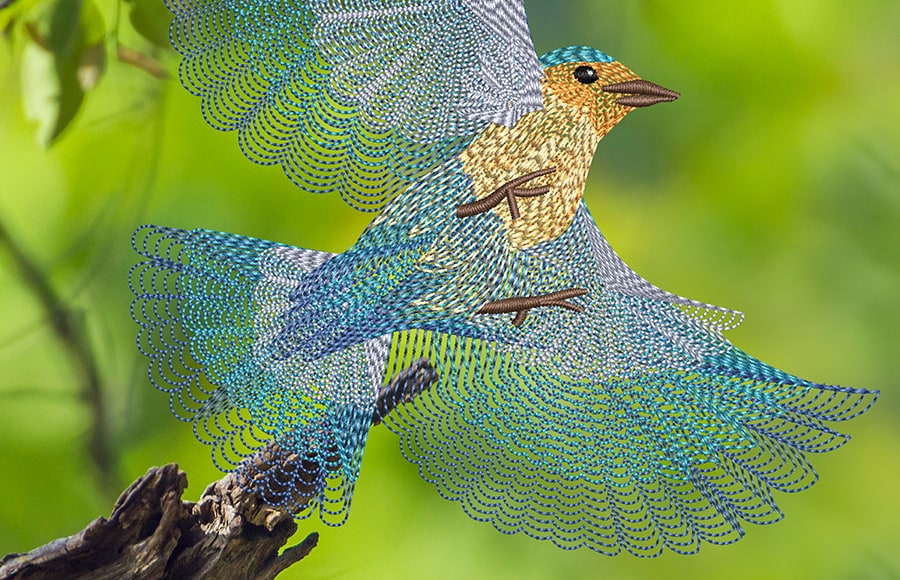
Use Spiral Fill to digitize a realistic bird design
Blog | Elements | EmbroideryStudio | Feature overview
Spiral Fill is a captivating addition to EmbroideryStudio Digital Edition Designing! Enhance your designs with dynamic stitch patterns, adding motion and depth with perfect spirals. Bring your...
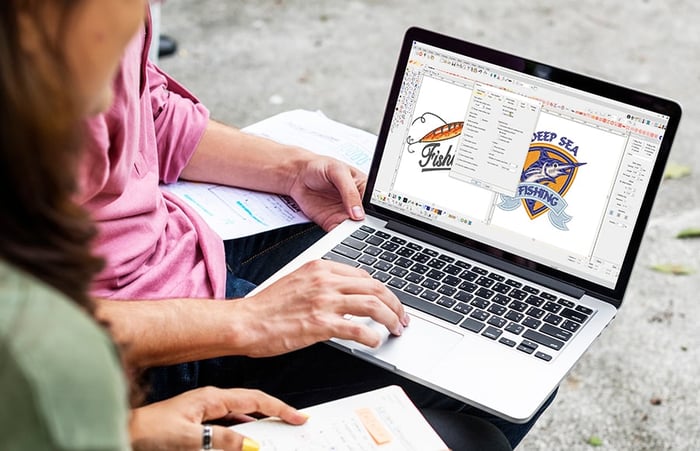
A First Look at EmbroideryStudio
Blog | EmbroideryStudio | Feature overview | Tips & Tutorials
To be successful at any endeavour a sound foundation of knowledge is essential. In this article and attached video I have “cherry picked” Menus and features that I think are the foundation...
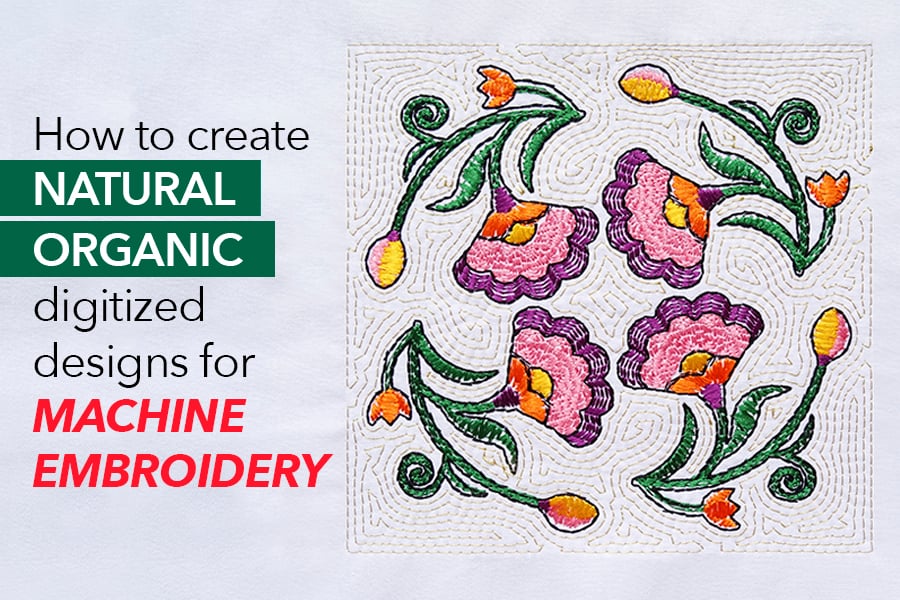
Natural organic hand stitch effect for machine embroidery
Blog | Elements | EmbroideryStudio | Feature overview
The latest EmbroideryStudio e4.5 feature is called “Hand Stitch Effect.” Apply this newest effect to your favorite stitch types, and you’ll have a natural...
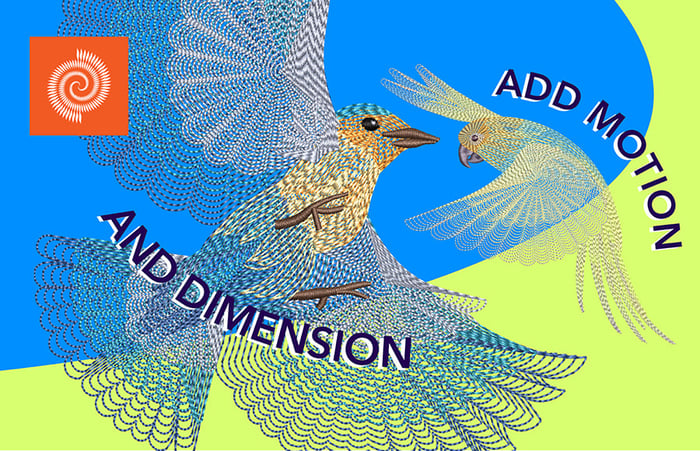
Easily add motion and dimension with Spiral Fill
Blog | Elements | EmbroideryStudio | Feature overview
It is useful when trying to emphasize movement in your digitizing. However, it works best with simple shapes that can be stitched in ONE segment. The default property values produce tight...
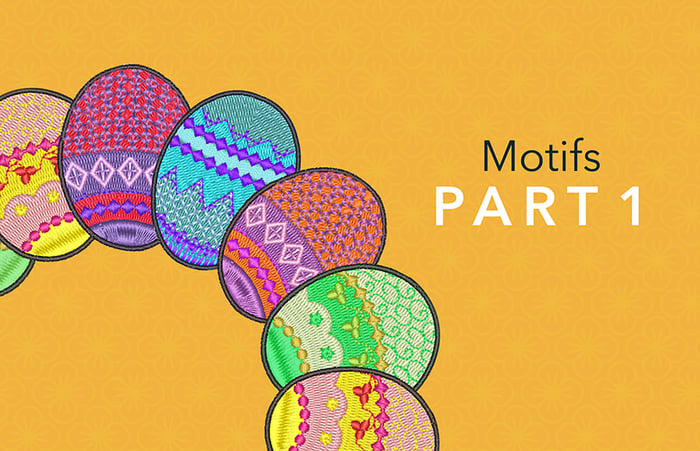
Motif as a Stamp
Blog | Elements | EmbroideryStudio | Feature overview
There are four methods of adding a motif pattern to an Embroidery Design in EmbroideryStudio 4.5 Each of these applications is based on the same library of Motif shapes. To select the motif you wish to use...