









EmbroideryStudio
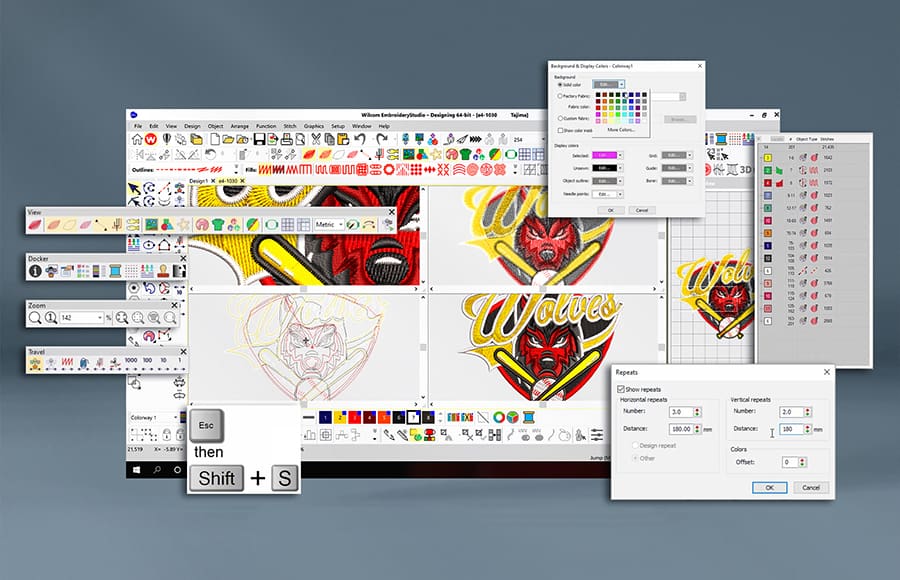
9 Ways to View Designs in EmbroideryStudio
Blog | EmbroideryStudio
EmbroideryStudio stands as a comprehensive program offering a wide array of viewing modes that optimize your design workflow. Your unique role within the production process frequently dictates the most...
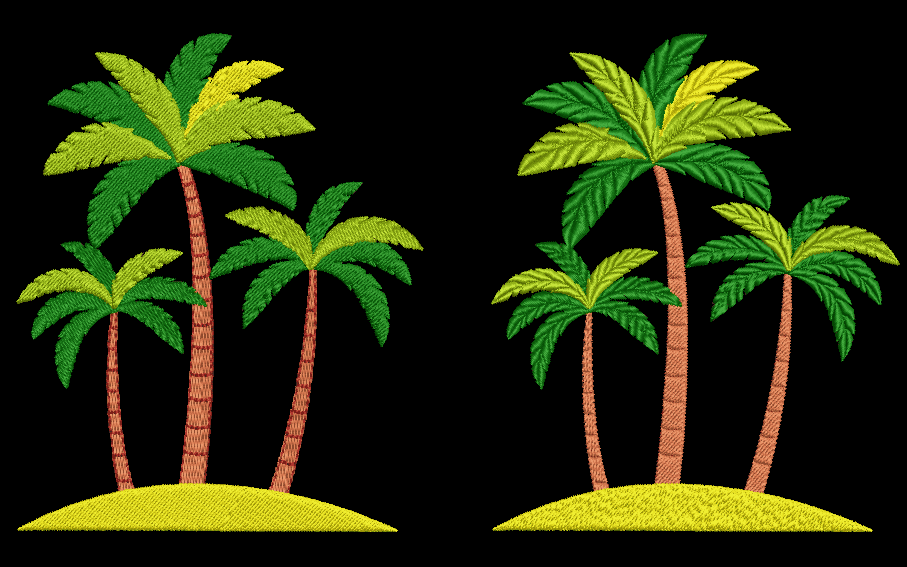
Split the difference with custom splits
Blog | Elements | EmbroideryStudio
Custom Splits is a feature used by professional digitizers to create exciting designs with texture and detail while still optimizing designs for efficient machine run time. Wilcom’s EmbroideryStudio...
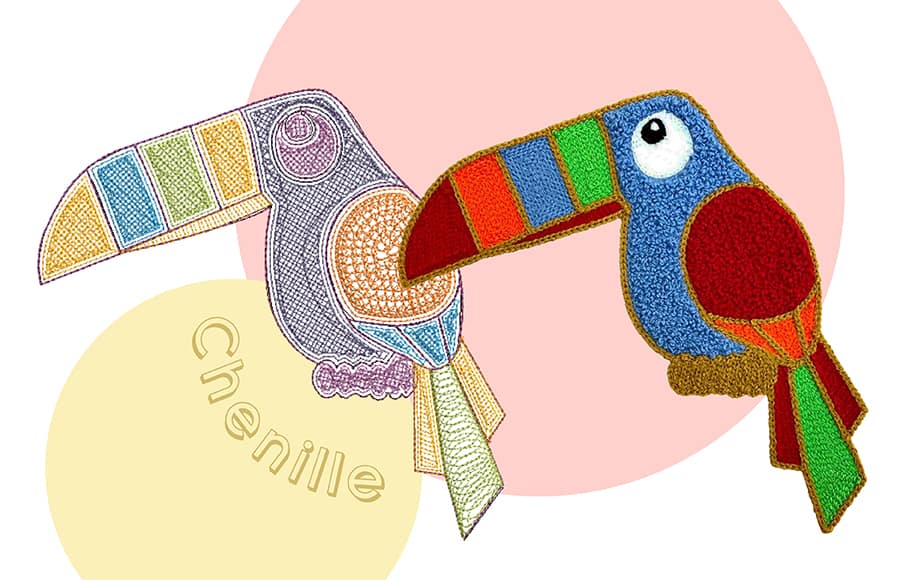
Traditional Chenille embroidery
Blog | Elements | EmbroideryStudio
Traditional chenille embroidery is made with a single, continuous yarn worked into the material and raised in a loop or pile. Commonly recognized by loops of yarn, chenille provides a soft fuzzy carpet-like...
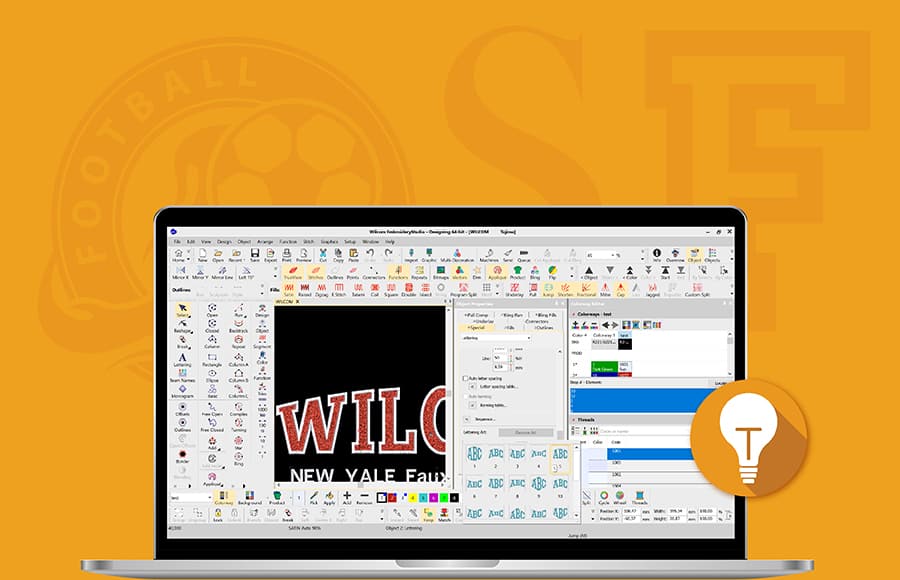
Tips for Creating Custom Embroidery Logo Designs in Minutes
Blog | EmbroideryStudio
EmbroideryStudio Designing offers exclusive tools for creating professional-quality embroidery designs. With over 220 professionally digitized fonts, Wilcom’s premium software ensures precise and reliable...

Best-practice for faux Chenille embroidery
Blog | EmbroideryStudio
for ‘Faux Chenille’ embroidery! Burmilana wool blend embroidery thread creates an interesting texture and fills objects quickly. When paired with the correct stitch types, it creates the look...
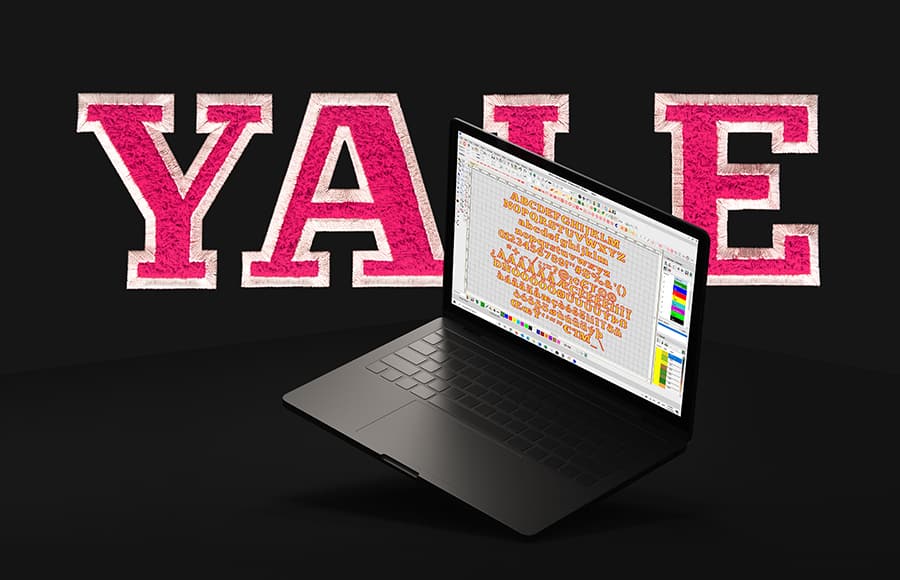
YALE Faux Chenille ESA Font
Blog | EmbroideryStudio
The Latest Professionally Digitized ESA Font Created by Wilcom Experts Faux chenille effects has taken the world by storm and is being widely used in both fashion and sports textiles. Due to this global...
Outsourcing and EmbroideryStudio e4.5 Editing
Blog | EmbroideryStudio
Now, more than ever, businesses are looking to streamline their costs and outsourcing remains a key strategy. Embroidery companies are either outsourcing some or all of their digitizing needs in...
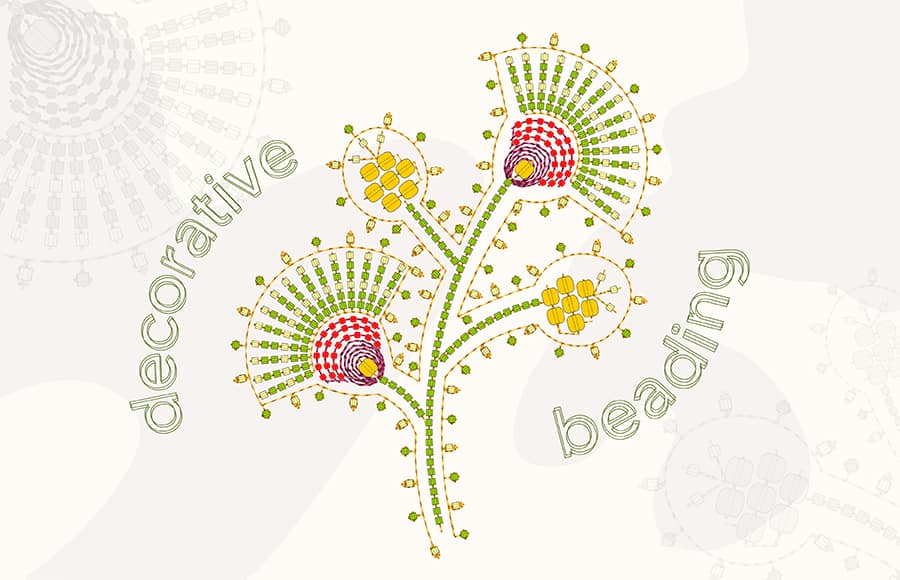
Beading
Blog | Elements | EmbroideryStudio
EmbroideryStudio e4.5 Designing now supports Beading devices using the much-anticipated new Beading add-on Element. Never have there been so many beading decorative options and variations possible. Create detailed...
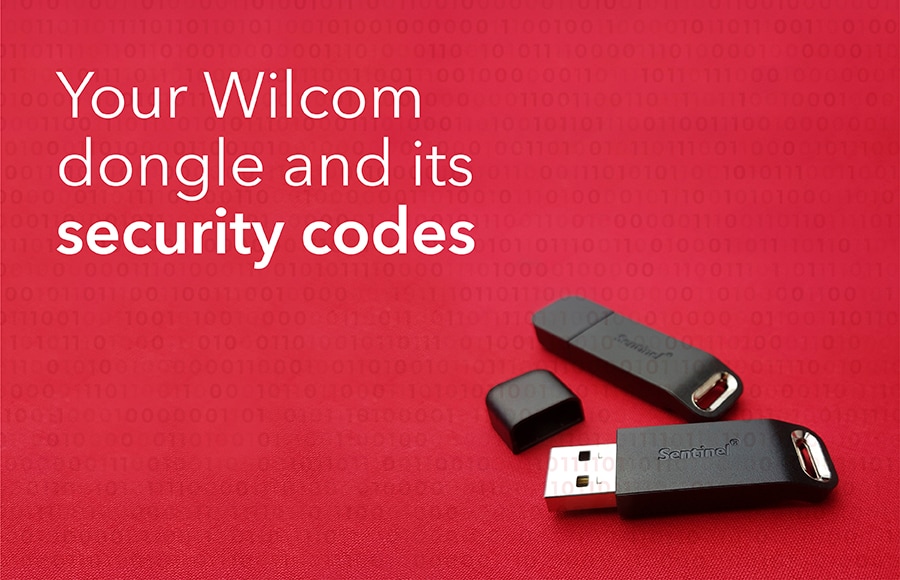
Your Wilcom Dongle and its Security Codes
Blog | EmbroideryStudio
Wilcom uses a security device (called a dongle) to protect your EmbroideryStudio software license. This USB device not only protects the investment put into developing our intellectual property, but more...
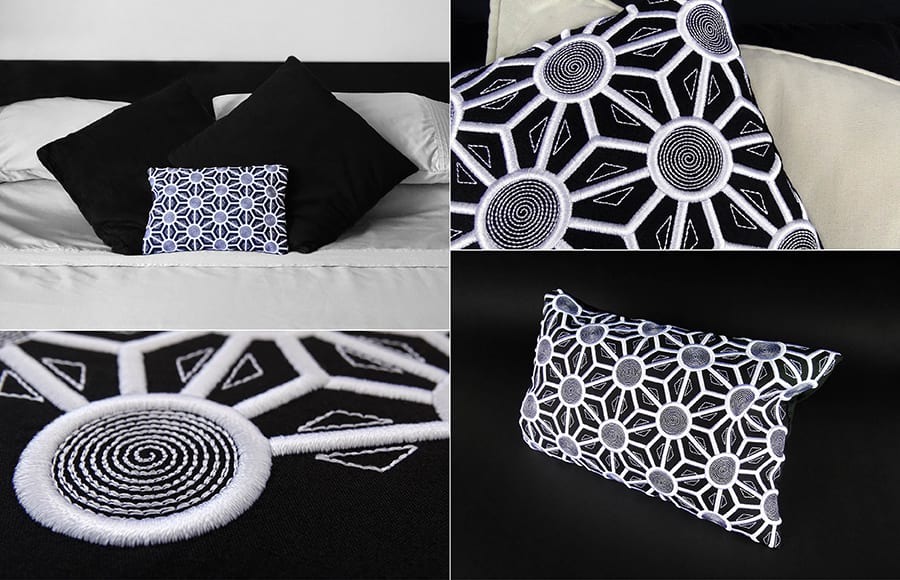
Raised Satin
Blog | Elements | EmbroideryStudio
EmbroideryStudio Designing is packed with hundreds of features to facilitate and speed up the digitizing process. The Wilcom design team was tasked with creating a quick and impressive embroidery design....

June Giveaway
Blog | Elements | EmbroideryStudio
Experience Wilcom’s amazing creative stitch types with our FREE weekly giveaway.This embroidery design is courtesy of DavidSharp.co.uk Wilcom has given away ONE FREE embroidery design each week in...
Why update from e3 to EmbroideryStudio e4.5 Designing
Blog | EmbroideryStudio
Still using old EmbroideryStudio software ? Here are 18 reasons to update (including inclusions and exciting paid Elements). Imagine the difference all this can make to your productivity and your...