









EmbroideryStudio

June Giveway Rewind
Blog | EmbroideryStudio
Experience Wilcom’s amazing creative stitch types from Week 1 & Week 2 of our June Giveaway. Due to popular demand, we are offering previous weeks design again. For a limited time only!!...
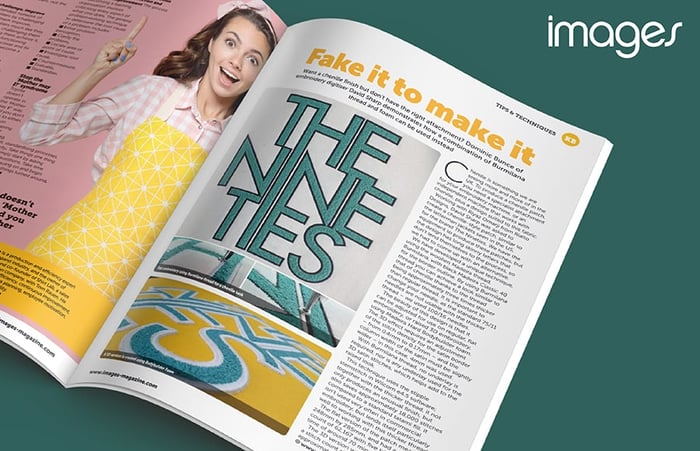
Faux Chenille
Blog | Elements | EmbroideryStudio
David Sharp, a Wilcom UK customer, has used one of the numerous creative stitches in Wilcom’s EmbroideryStudio e4.5 Designing to create the look and feel of Chenille without the need for...
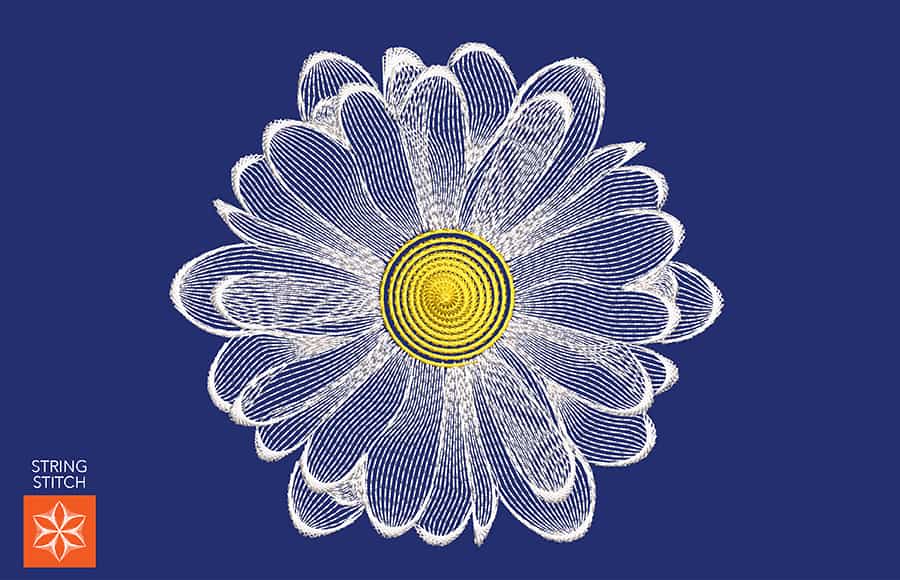
String Stitch Daisy Flower
Blog | Elements | EmbroideryStudio
At Wilcom, we’ve been showcasing our creative stitch types with different applications. Today we showcase the String Stitch Element. It creates decorative ‘string art’ stitch effects,...
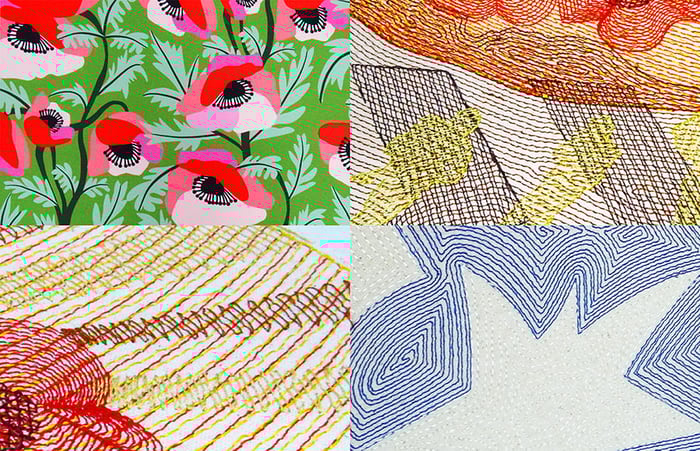
A Gift of Gratitude
Blog | EmbroideryStudio | News and Stories
There has never been a better time to reflect and remember the many men and women who have served us locally and overseas and those that continue to do so today. Let us take a moment to express our...
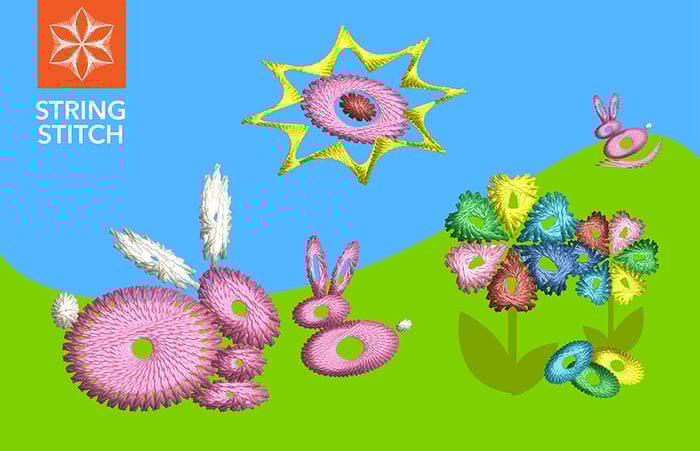
Texture with String Stitch
Blog | Elements | EmbroideryStudio
Now is the time to experiment with textural stitch type. See what you can create with this uniquely traditional Indian stitch, called Paghadi Stitch. The series of overlapping ‘curved...
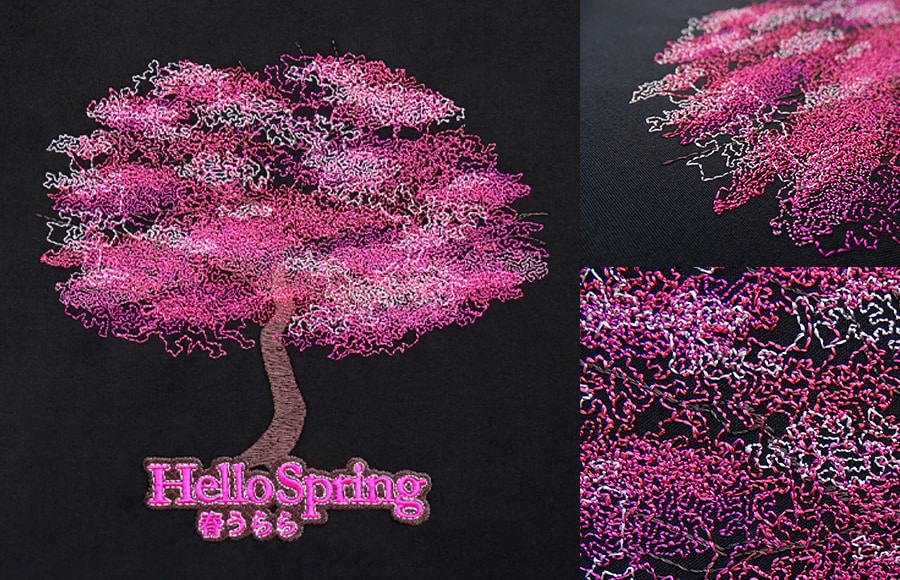
Layer with Reef Photo Stitch
Blog | Elements | EmbroideryStudio
Bring a logo or digitizing to life with layers of tonal thread colors. To produce this unique design, we use an image rather than a photo. We incorporate layers of varying shades, and the end result is...
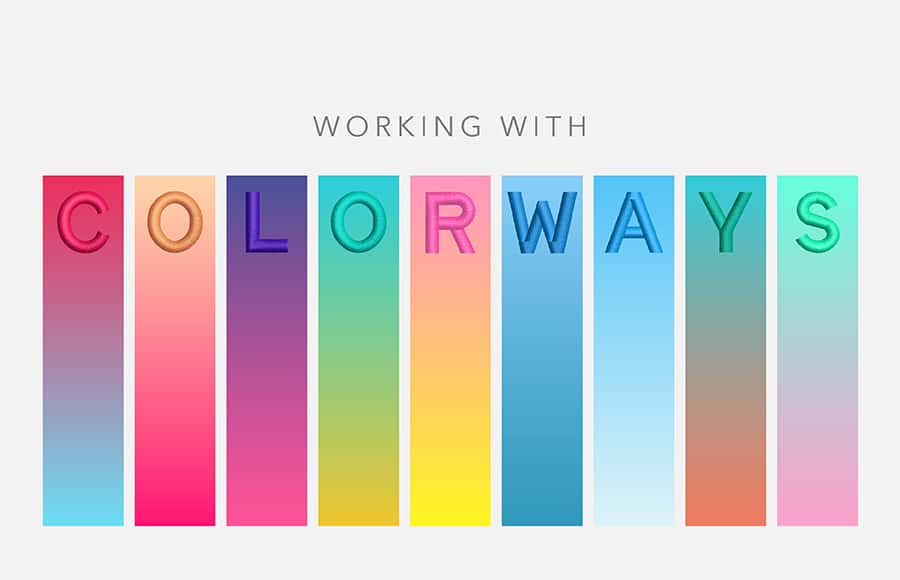
Working with Colorways
Blog | EmbroideryStudio
To ensure customers get the correct colors embroidered every time they order. It’s important the digitizer records the different color options. It could be PMS colors for the corporate logos...
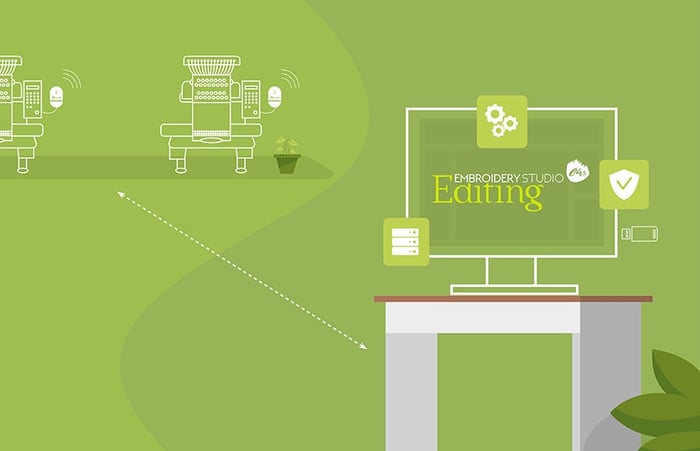
Wilcom’s Social Distancing Production Solution
Blog | EmbroideryStudio
In today’s new world, keeping staff safe is a priority, and Wilcom’s wireless embroidery solution is perfect for maintaining your physical distancing protocols. This package is...
Design Editing Techniques
Blog | EmbroideryStudio
Whether a newbie or you feel like a refresher, this video walks you through some basic, but frequently used techniques for digitizing or editing. It provides a great overview to anyone looking to learn more...
Auto Start End Update
Blog | EmbroideryStudio | Lettering | Tips & Tutorials
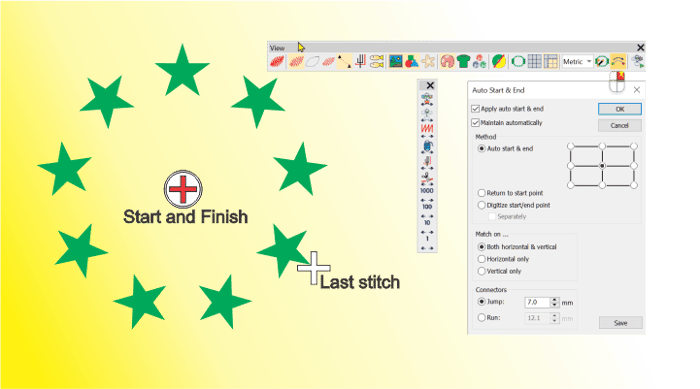
In version 4.5 of the software the last stitch of the last object created is identified with a white cross (location of the cursor.)When using the Stitch edit tool or traveling through the design the...
FlexiSplits
Blog | EmbroideryStudio | Tips & Tutorials
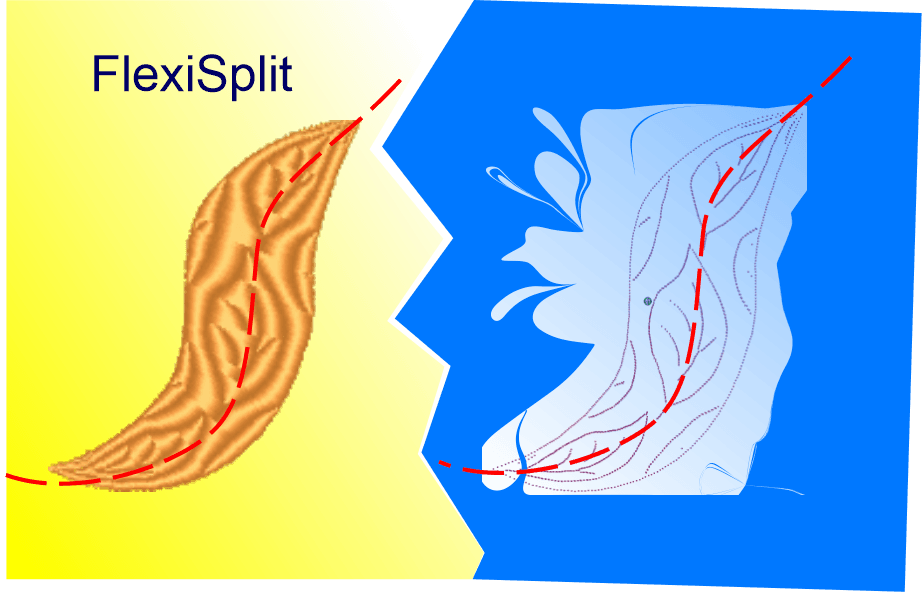
Flexisplit is an effect that can be applied to Satin or Tatami fills created with any tool. There are dozens of preset Flexisplit patterns available to choose from, each of which can be resized and applied as a...
CorelDRAW Graphics Suite & Maze Fill
Blog | EmbroideryStudio | Feature overview
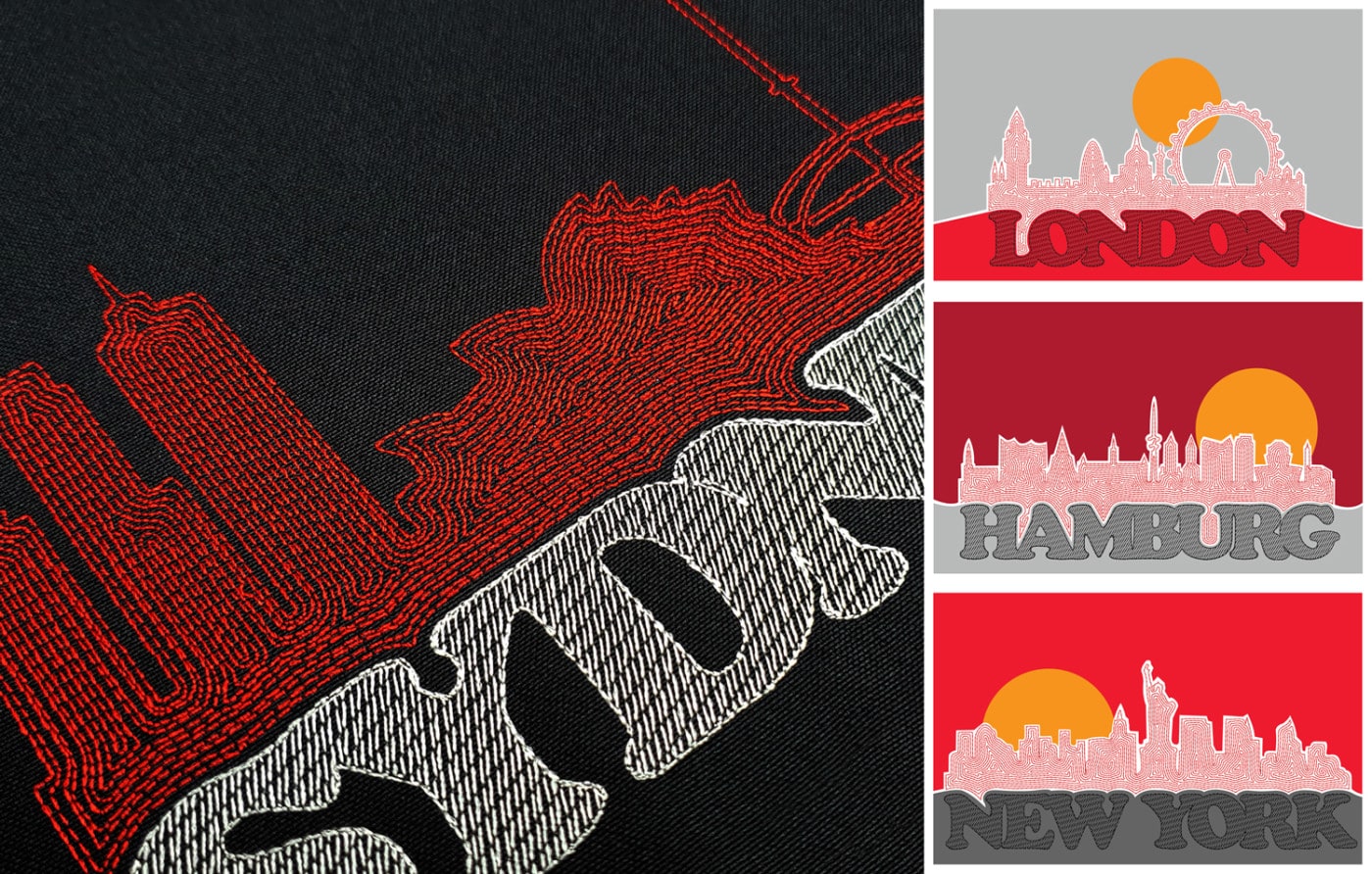
As a digitizer, you have intimate knowledge of stitches and embroidery. Learn to design your own logos. Here we demonstrate how to create a modern cityscape logo using the integrated CorelDRAW®...