









EmbroideryStudio

Boost your digitizing productivity with keyboard shortcuts
Blog | EmbroideryStudio | Tips & Tutorials
Knowing your keyboard shortcuts will save you lots of time when digitizing. I recommend taking the time to learn a few new keyboards each day, and in a no time at all you’ll see massive productivity...

New thread chart – Embroidery Service Polyfil
Blog | EmbroideryStudio
A new thread chart Embroidery Service Polyfil is available to download for Wilcom EmbroideryStudio. The polyester thread chart comes from Embroidery Services, an Italian manufacturer,...
EmbroideryStudio e4 Update 4 is Released!
Blog | EmbroideryStudio | Release announcement
EmbroideryStudio e4 Update 4 is released! Click here to download the full EmbroideryStudio e4 Update 4 Release Notes. New or improved: Fixes: Visit the Wilcom Help site to download ES Update 4....
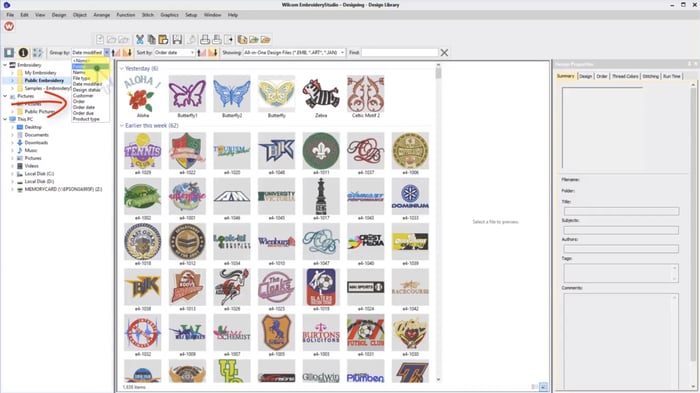
Never lose an embroidery design again with Wilcom’s EmbroideryStudio Design Library
Blog | EmbroideryStudio | Feature overview | Video
When I teach Wilcom I always start my students in Design Library. Why? Because Design Library is the heart of Wilcom’s EmbroideryStudio and gives you instant access to your embroidery designs. I...
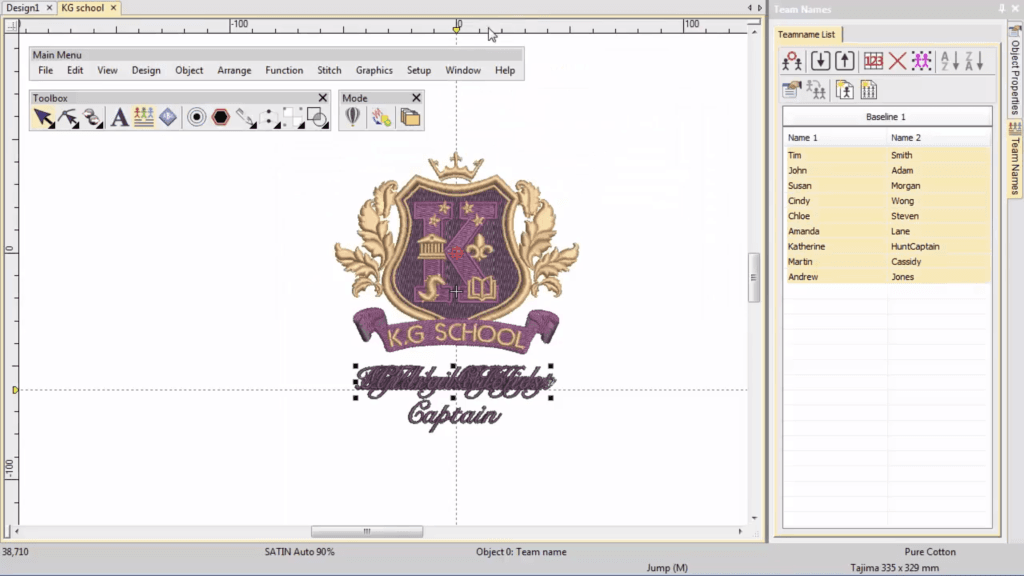
Save Time and Eliminate Errors with Teamnames
Blog | EmbroideryStudio | Tips & Tutorials | Video
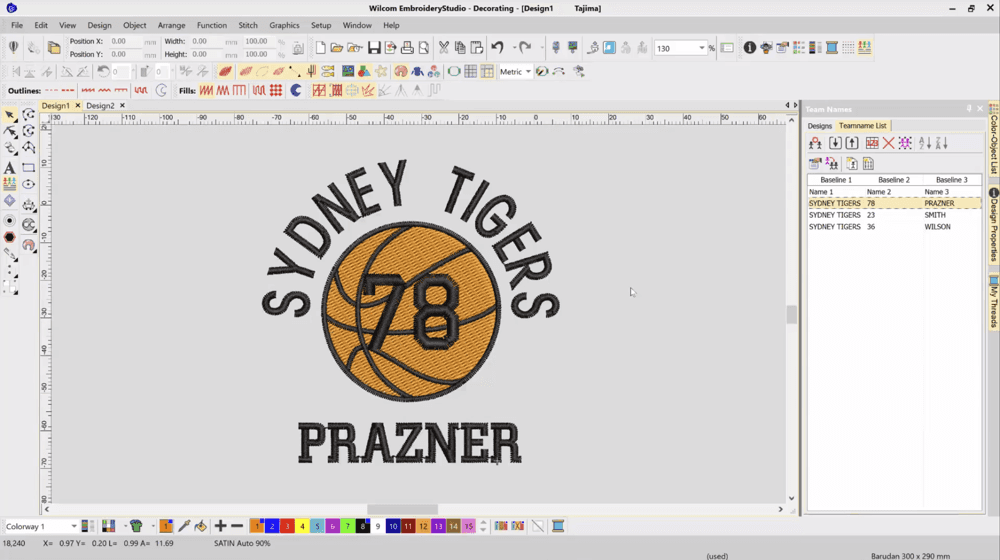
Ideal for uniforms and sportswear, Teamnames is a great feature to help you save time and eliminate errors with unique names on multiple garments. In this video, Ben from our Documentation team walk us...
EmbroideryStudio e4 Update 3 is Released!
Blog | EmbroideryStudio | Release announcement
EmbroideryStudio e4 Update 3 is released! Click here to download the full EmbroideryStudio e4 Update 3 Release Notes. New or improved: Fixes: Visit the Wilcom Help site to download ES Update 3....
Creating a Teamname Design Template Video Tutorial
Blog | EmbroideryStudio | Tips & Tutorials | Video
All lettering has maximum and minimum recommended sizes, to find these recommendations go to the HELP MENU and ONLINE MANUAL. In the Navigation Bar Keyboard Shortcut “H”...
EmbroideryStudio e4 Update 2 is Released!
Blog | EmbroideryStudio | Release announcement
EmbroideryStudio e4 Update 2 is released! Click here to download the full EmbroideryStudio e4 Update 2 Release Notes. New or improved: Fixes: Visit the Wilcom Help site to download ES Update 2....
How to Turn Off Your ES icon in Thumbnails Tutorial Video
Blog | EmbroideryStudio | Tips & Tutorials | Video
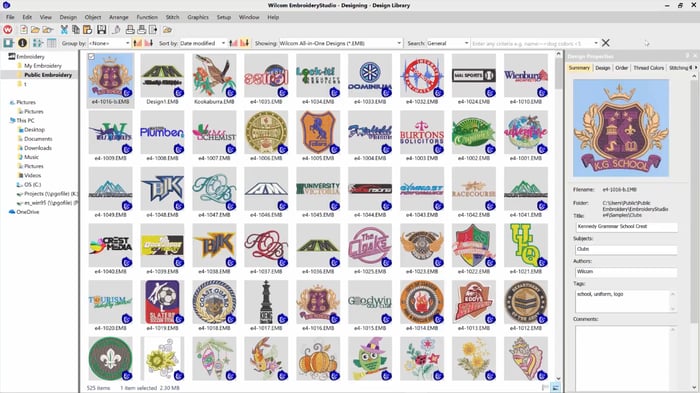
When you browse your design files in the Wilcom EmbroideryStudio Design Library or in Windows File Explorer, the design contains a small blue ‘ES’ icon. Sometimes this icon can be distracting...
Creating a Vector Cut Line from an Embroidery Design Video
Blog | EmbroideryStudio | Tips & Tutorials | Video
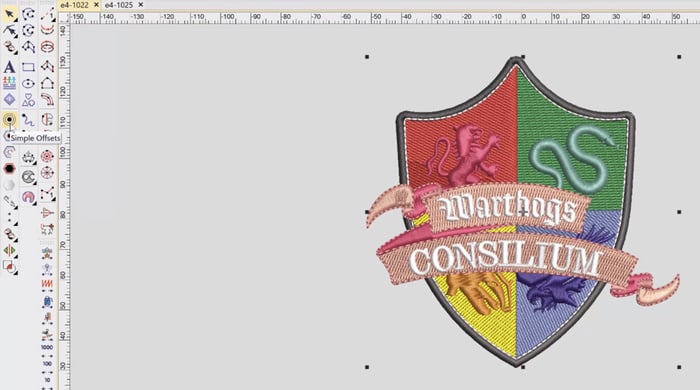
A vector cut line from your embroidery design can be required to create an applique cut line, or when creating a dye cut or laser cut outline. In this short video I show you how you can take an...

Sample Post
Blog | Elements | EmbroideryStudio | Feature overview
Paragraph Bold Italy Underline Link Image description text <p>Test</p> 1:38:25 PM