









EmbroideryStudio
Duplicating Objects
Blog | EmbroideryStudio
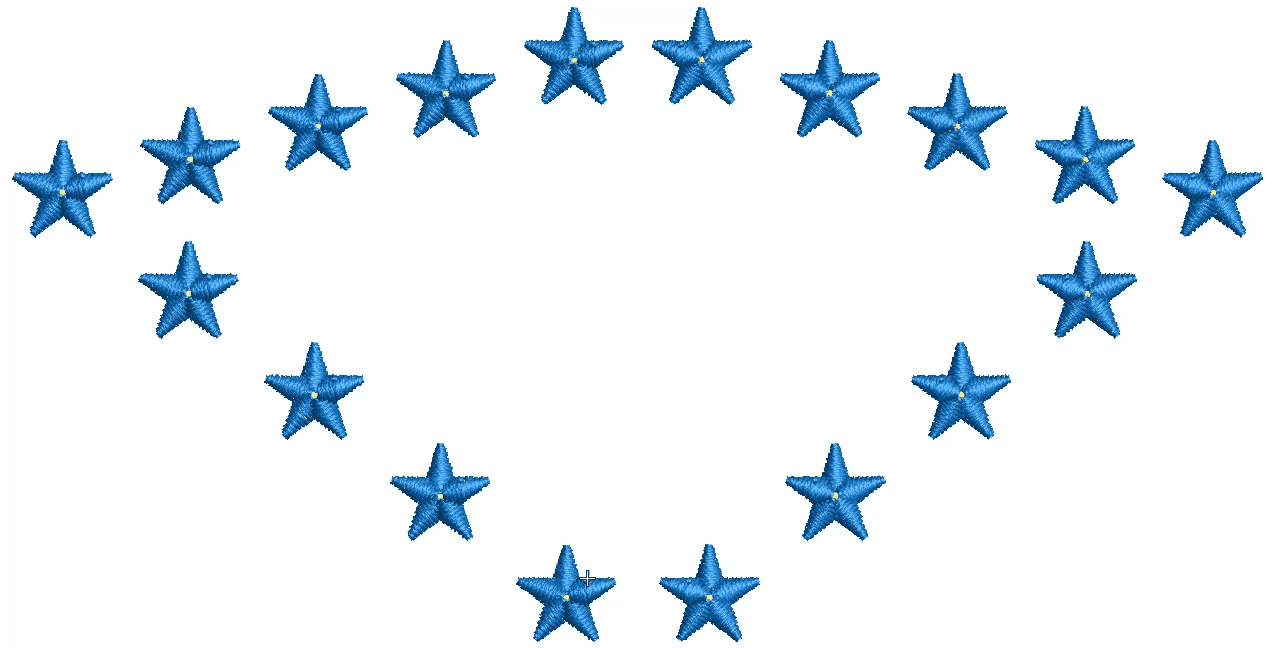
The easiest way to duplicate an object is to right click on the object – drag and release. To keep the object in a vertical or horizontal line hold the Control key while dragging.I find...
Colorways and Splitting a Color
Blog | EmbroideryStudio | Feature overview | Release announcement | Video
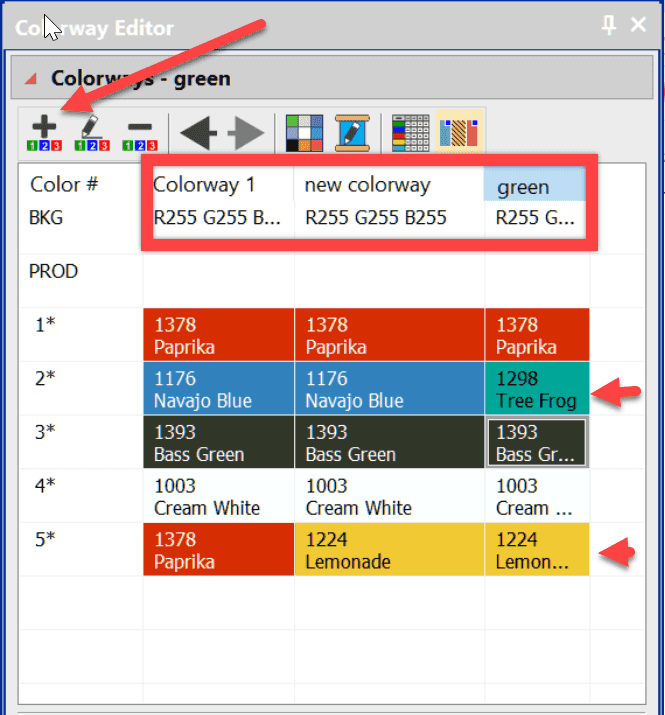
Saving several versions of the same design simply because of a color change is unnecessary and poor practice.The danger is that you make an edit to one of the color combinations and forget to make it to the...
EmbroideryStudio e4.2 – A sneak peek
Blog | EmbroideryStudio | Release announcement
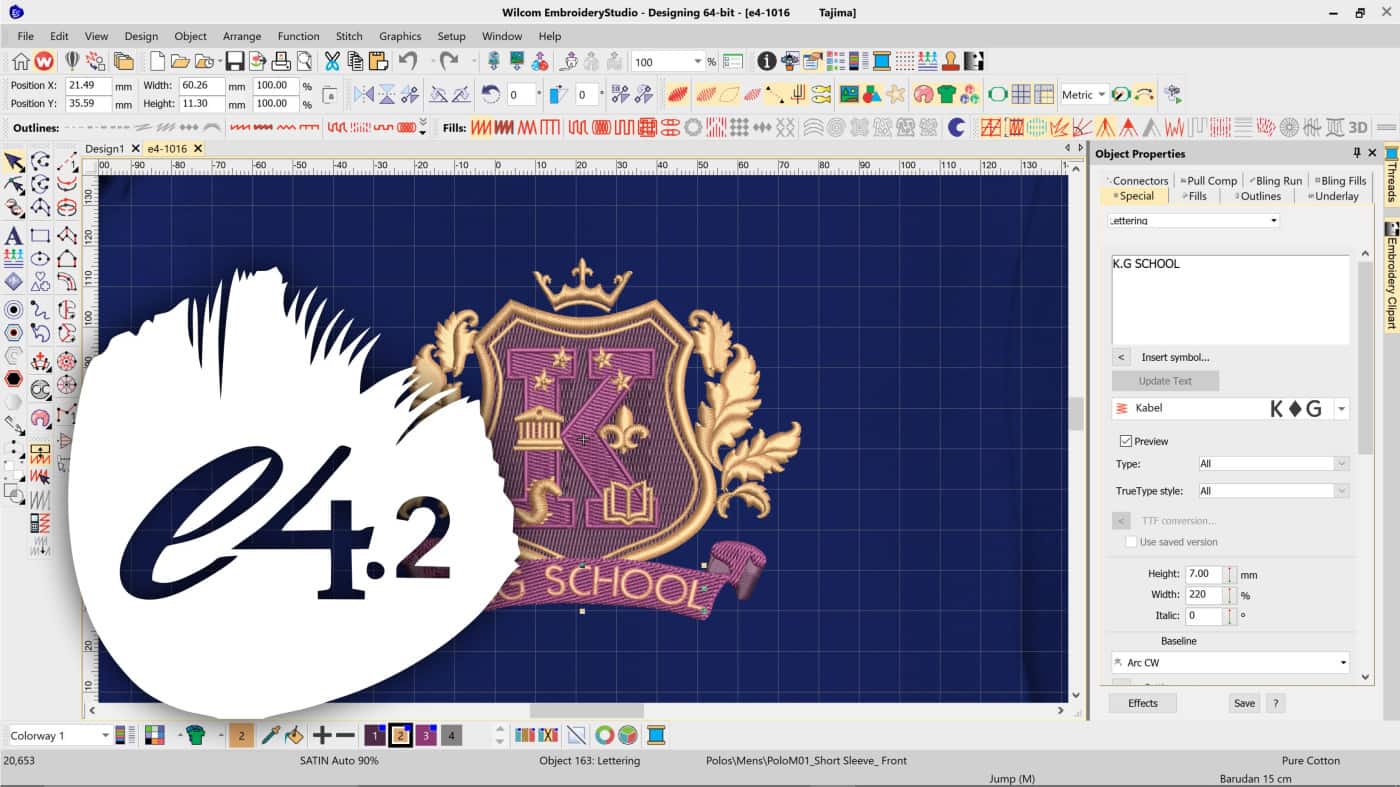
UPDATE: EmbroideryStudio e4.2 is released. Click here for more information. 2019 is an exciting year for us at Wilcom. It kicks off with us celebrating our 40th anniversary building world-leading embroidery...
Stitch Spacing or Density
Blog | EmbroideryStudio
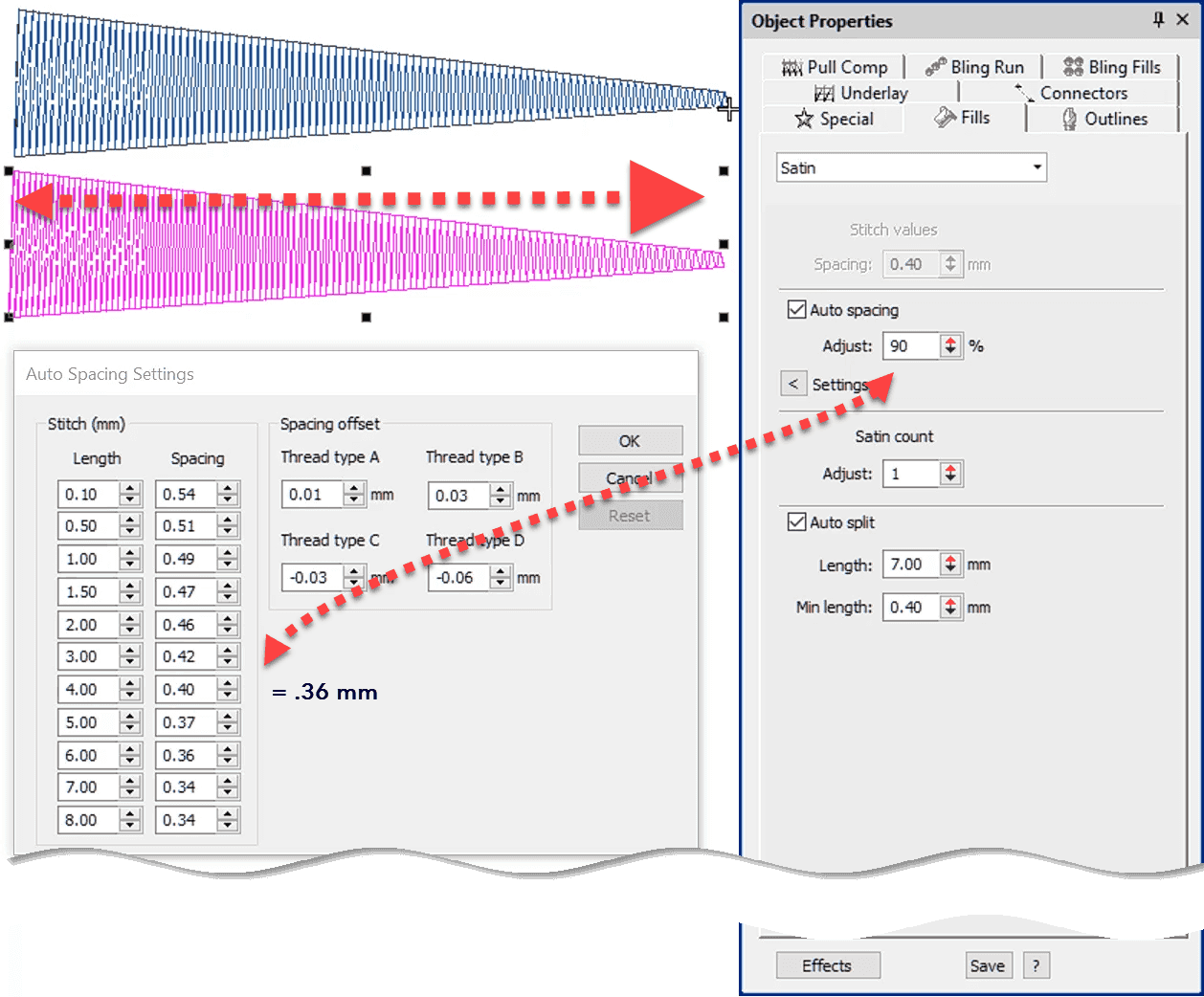
Stitch Spacing is a critical property for good design and may vary from one fabric to another and one object to another.Understanding how to adjust for auto spacing in columns of satin and using the...
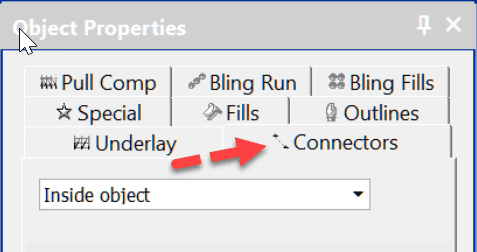
Connectors – the functions between objects
Blog | EmbroideryStudio | Tips & Tutorials | Video
Connectors are the machine functions that occur between objects or in the case of lettering inside the object and between each letter. So the logic is to select inside object when you need to deal with the...
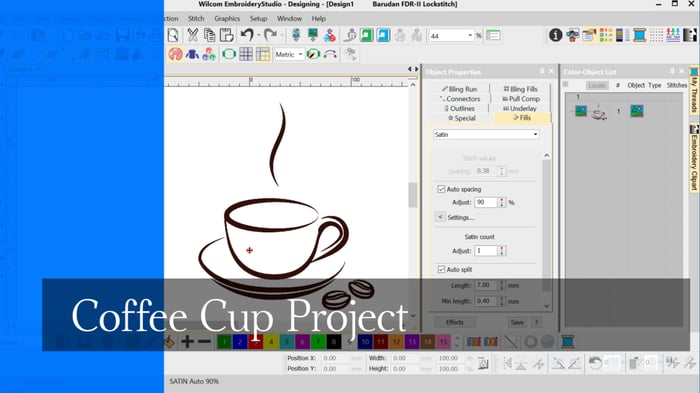
Coffee Cup Project
Blog | EmbroideryStudio | Tips & Tutorials
When learning to digitize I think it is important to begin with simple designs, after all even the most complicated embroidery design is created with a few simple tools and a few stitch...
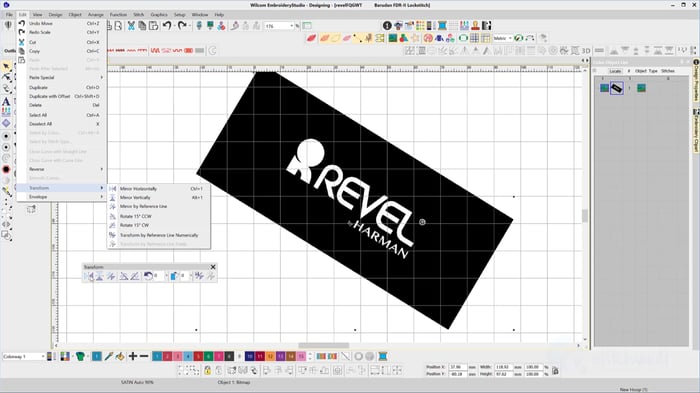
The Transform Toolbar
Blog | EmbroideryStudio | Feature overview
The Transform Toolbar contains icons (functions) to resize, reflect, rotate and slant images and or embroidery objects in a precise and accurate manner. Simply select the tool, plot a line with two...
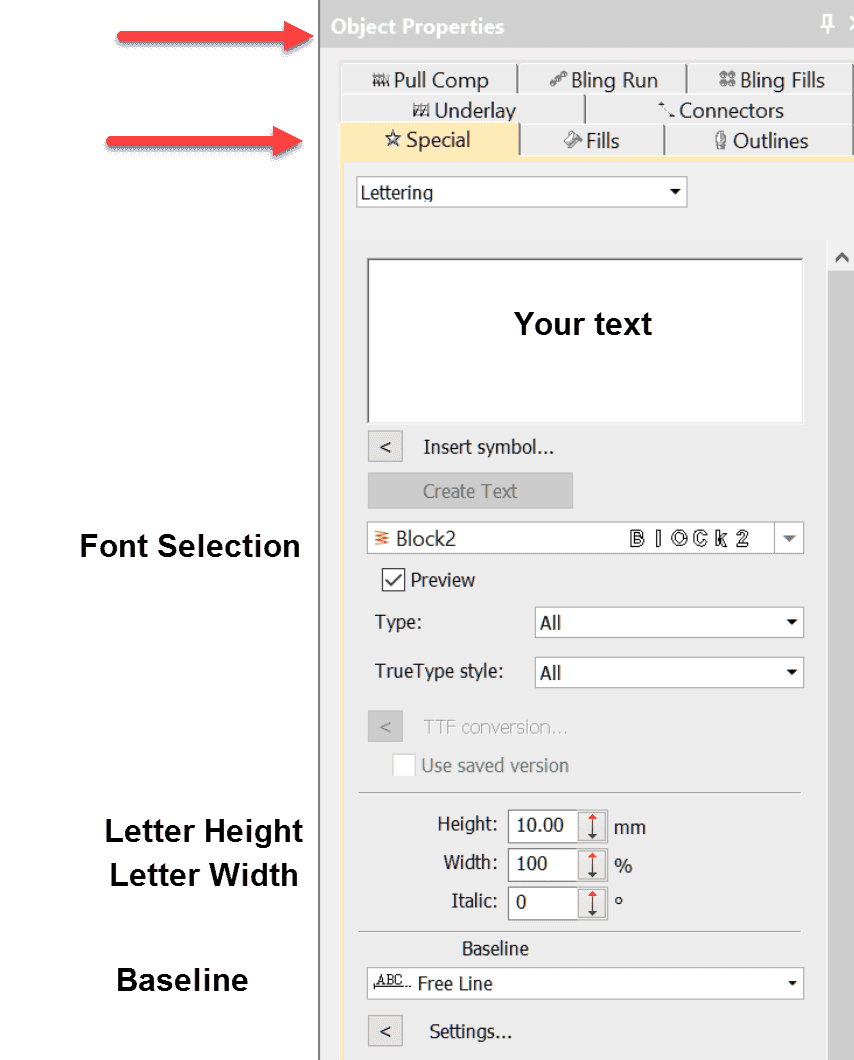
Your first line of lettering created on a Freeline
Blog | EmbroideryStudio | Lettering | Tips & Tutorials | Video
Whether you are using a lettering package or a high end digitizing system the same standard procedure to create lettering applies.When you are talking about Wilcom’s lettering it is difficult to use...

Complex Fill Tool
Blog | EmbroideryStudio | Tips & Tutorials | Video
The complex fill tool is used to create larger shapes where a single stitch angle is required, the tool is generally associated with tatami stitching, of course the size of the object will also help...
Column A tool
Blog | EmbroideryStudio | News and Stories | Video
In Decorating the tool is called “Digitize Column” and in Designing “Column A”The two variants are found in the Traditional digitizing toolbar in Designing and the Graphic...
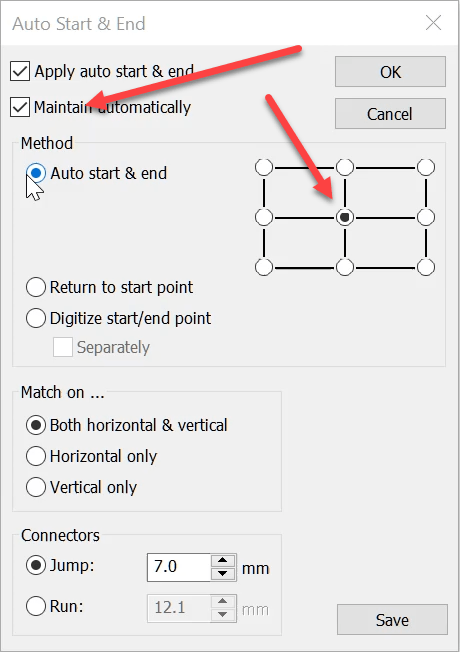
Auto Start End
Blog | EmbroideryStudio | Tips & Tutorials | Video
The Auto Start End feature is critical to have set correctly to avoid driving the needle into a hoop but it is more useful than this basic function.It is possible to place the start and finish point at...

A taste of what Wilcom is bringing in 2019
Blog | EmbroideryStudio
As Wilcom flies towards 2019, users from around the world have been anticipating what they will see in the New Year. Well, the answer is an exciting new flagship release, EmbroideryStudio e4.2!Most...