









Tips & Tutorials
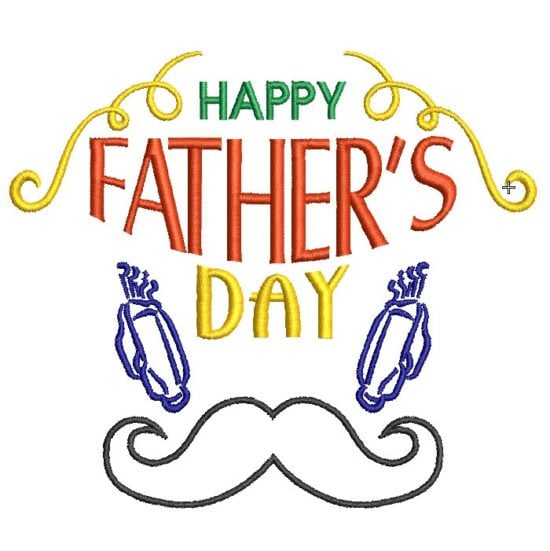
Father’s Day Fun
Blog | EmbroideryStudio | Tips & Tutorials
Here is a fun exercise creating a Father’s Day design with a minimum of effort.Sometimes you need to get a design out quickly and you know you have suitable and available Clipart to draw from.In...
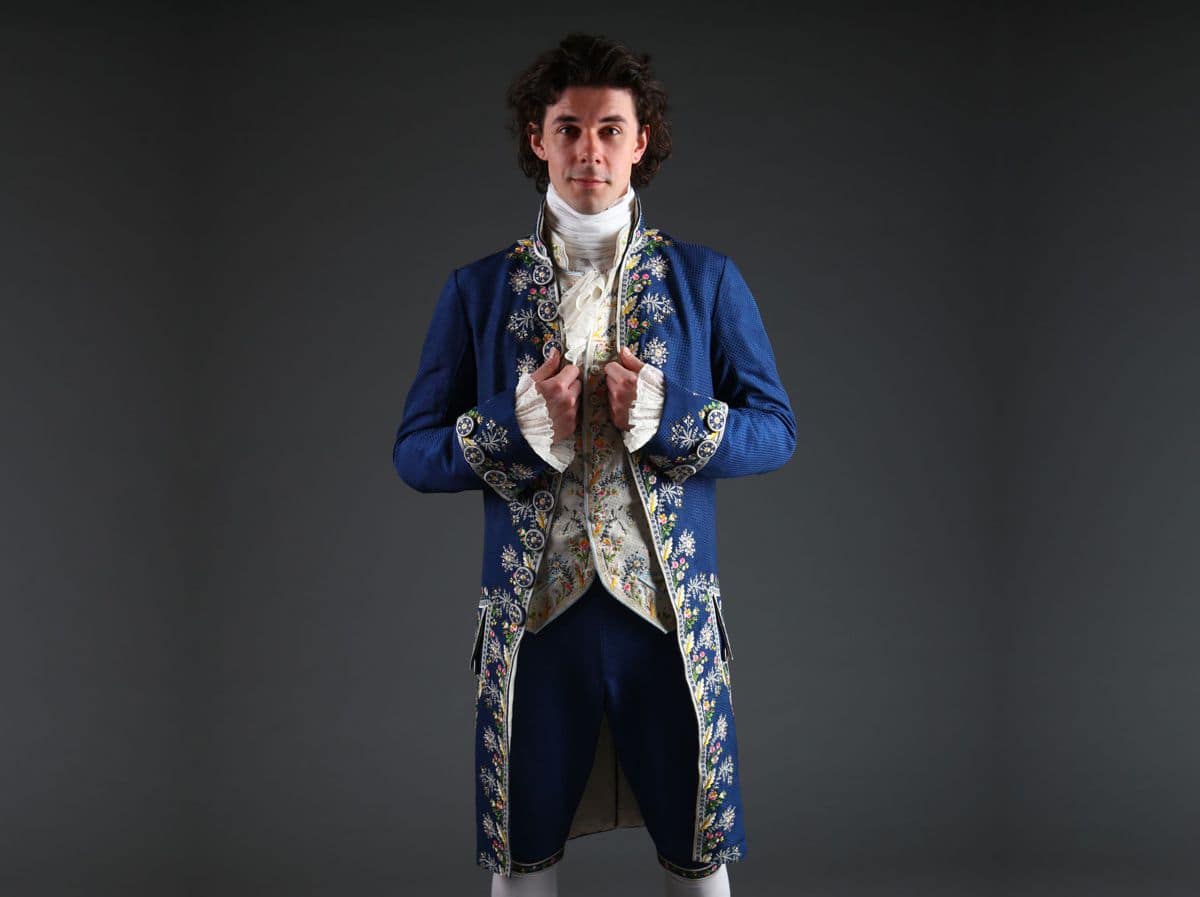
Behind the Scenes of Twan Lentjes Creations
Blog | EmbroideryStudio | News and Stories | Tips & Tutorials | Video
I set my goals high, and with aspirations of working in theatre costume design, I decide on creating a beautifully embroidered habit à la française for my final year project. Is this...
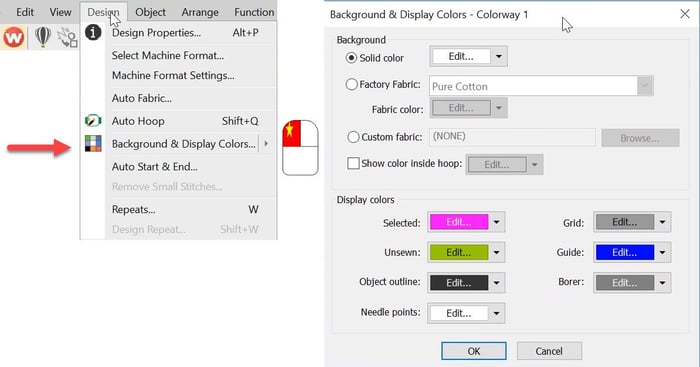
Background and Display Colors
Blog | EmbroideryStudio | Tips & Tutorials
The Background and Display dialog can be accessed from the Design menu. Or the colored cubes and the left end of the color palette. The top half of the dialog box deals with the background on your...
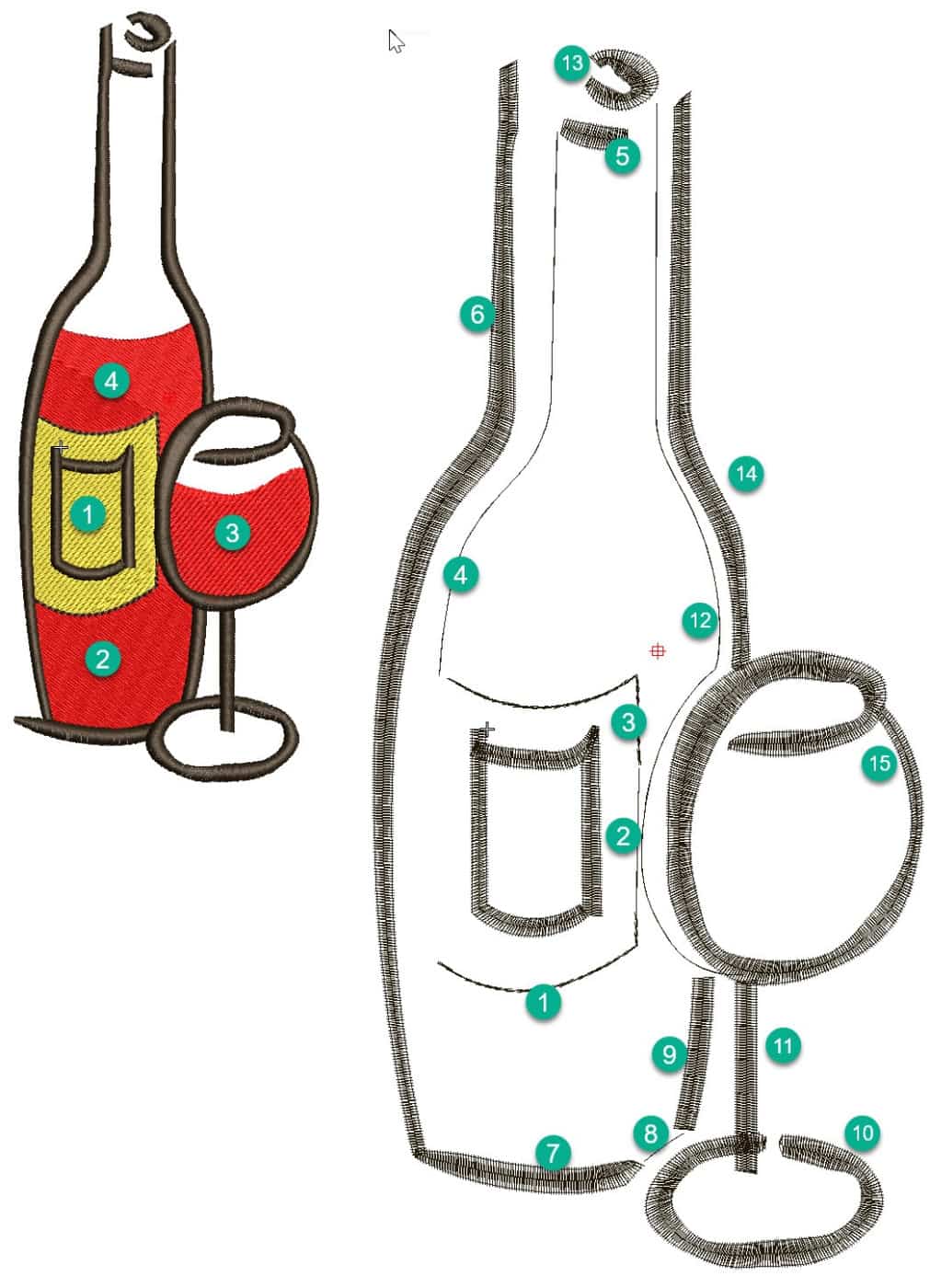
Planning a Design(wine bottle project)
Blog | EmbroideryStudio | Tips & Tutorials
In this article and video I would like to discuss some ideas about sequencing objects in a design and choosing the tools and stitch types I think are most suited to create the vector shapes. When...
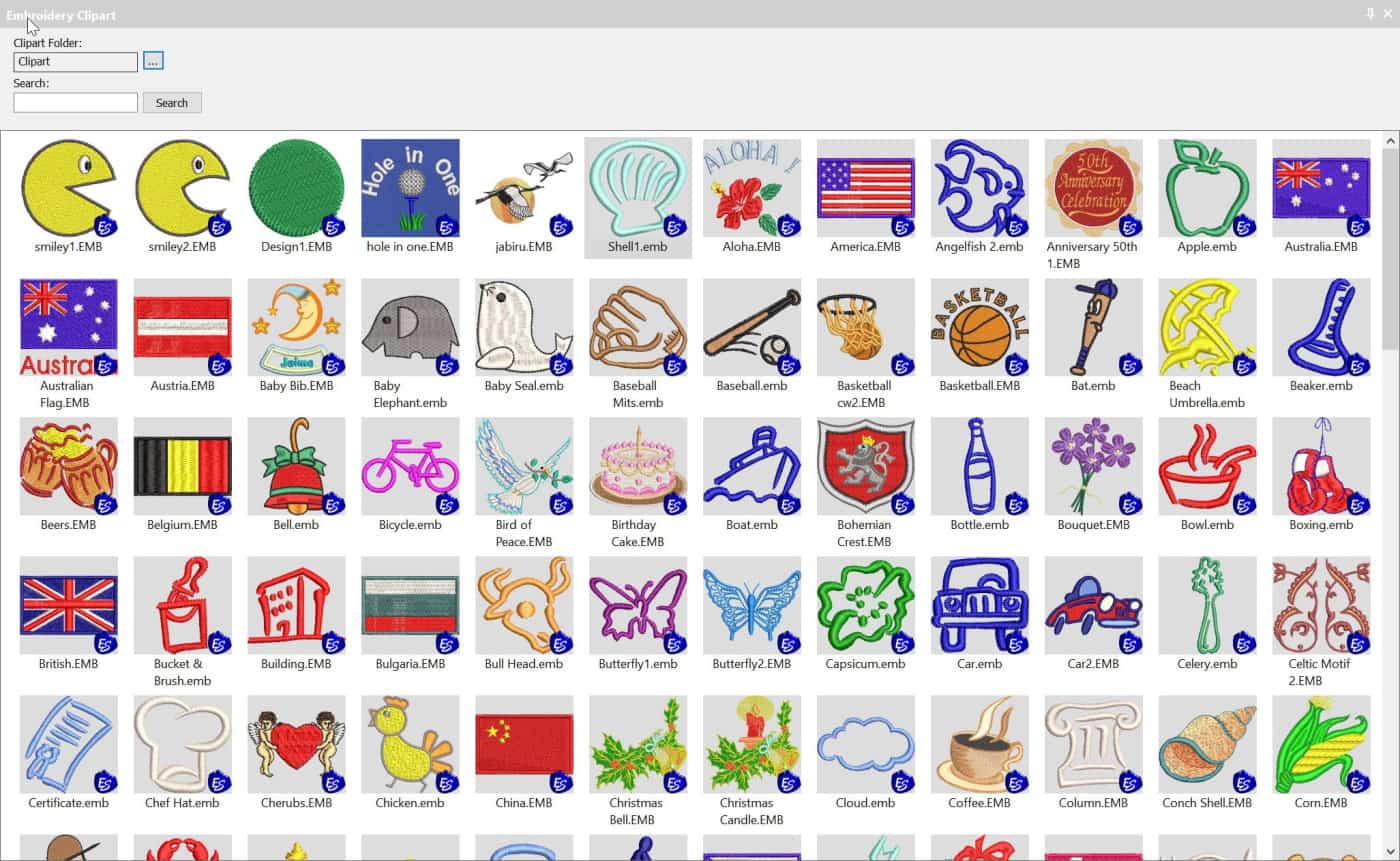
Add Embroidery Designs to Wilcom Clipart
Blog | EmbroideryStudio | Tips & Tutorials | Video
Clipart is a convenient way to store and add embroidery files to your designs.Clipart is usually used for generic type files that can be re used in more than one design.But you can add any file or part of a...
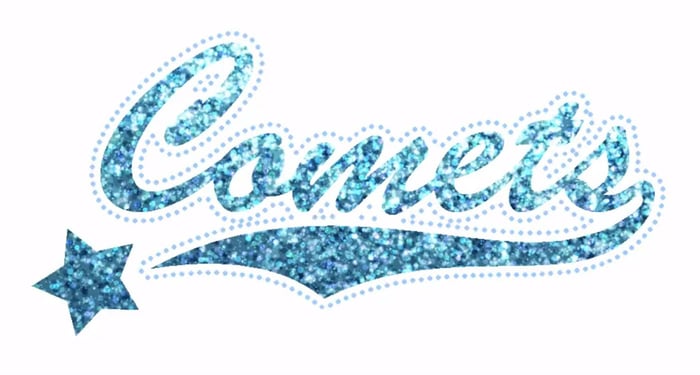
Digitizing for bling with Wilcom’s EmbroideryStudio
Blog | EmbroideryStudio | Feature overview | Tips & Tutorials
Bling refers to decorative objects placed on garments or templates, either on their own or in combination with other design elements. Bling is supplied in varying sizes, shapes, colors and materials....
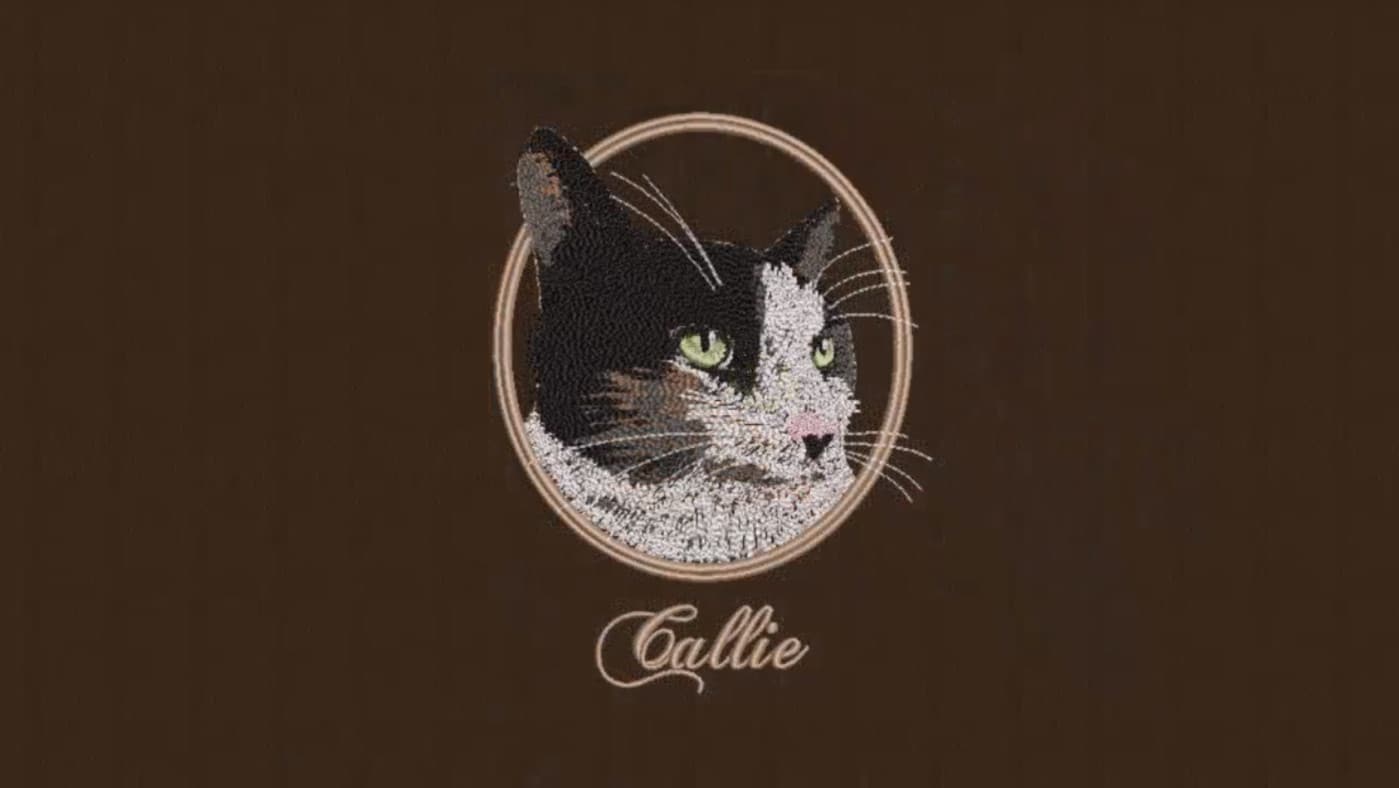
Creating freehand embroidery with Wilcom’s EmbroideryStudio
Blog | EmbroideryStudio | Tips & Tutorials | Video
The Freehand feature provides functionality similar to CorelDRAW® Graphics Suite Freehand and Polyline tools. Freehand has many benefits. It lets you create designs with a hand-drawn appearance,...
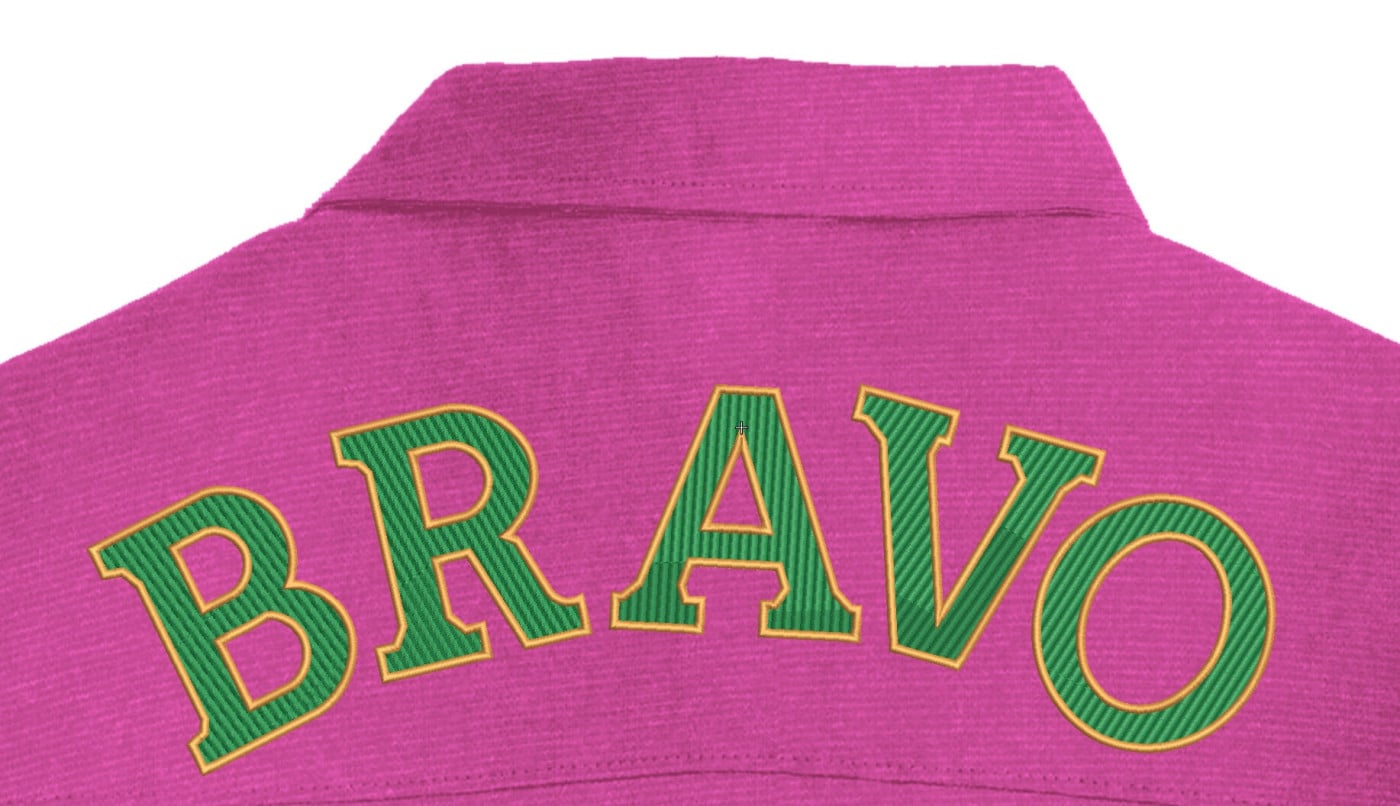
Create Large Lettering for Garment Backs
Blog | EmbroideryStudio | Tips & Tutorials
All lettering has maximum and minimum recommended sizes, to find these recommendations go to the HELP MENU and ONLINE MANUAL. In the Navigation Bar Look for Appendices and Embroidery Fonts....
Creating a Predefined Baseline
Blog | EmbroideryStudio | Feature overview | Tips & Tutorials
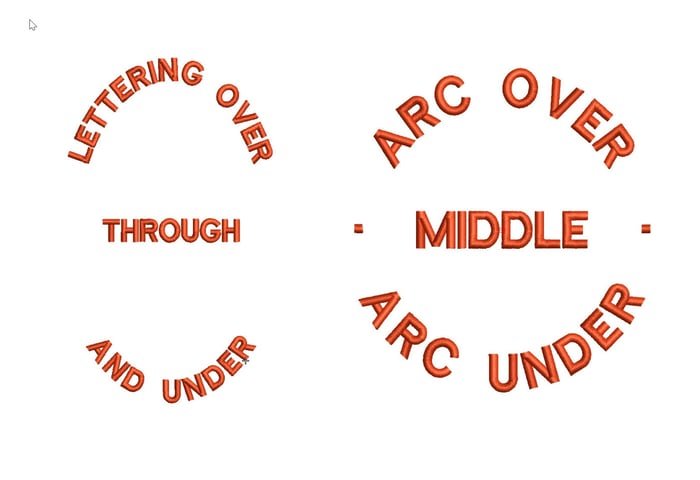
d elliptical designs that have lettering around the logo and possibly through the middle. The procedure is exactly the same as for a circular baseline but involves three lines of lettering.If you do...
How to reshape objects in your embroidery design
Blog | EmbroideryStudio | Tips & Tutorials | Video
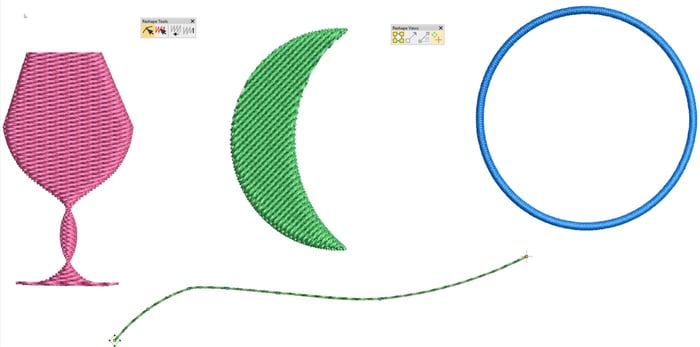
Keyboard Shortcut “H” is one of my top 10 shortcut keys. Objects need to be reshaped for all sorts of reasons, perhaps to make a slight adjustment to correct a registration issue or improve the...
Create custom split patterns with Carving Stamp
Blog | EmbroideryStudio | Tips & Tutorials
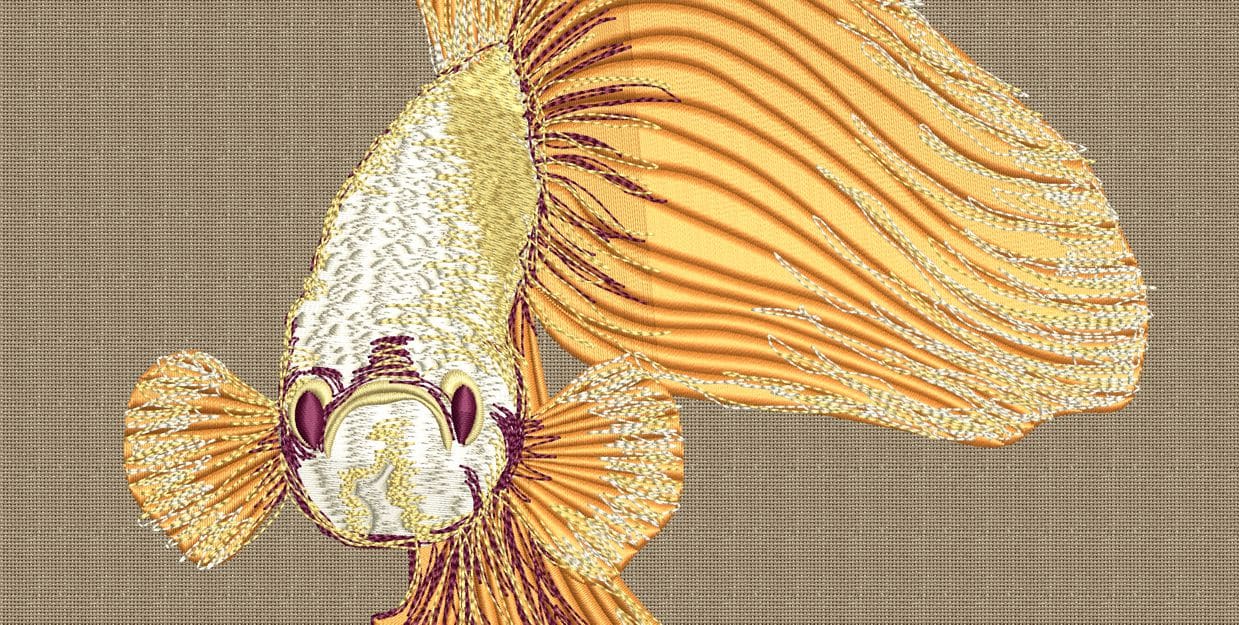
Carving Stamp is a great feature to add a level of creativity to your design, because they enable you to quickly an easily add custom split patterns in just seconds. You can create your customer split...
How to Create Lettering on a Circular or Elliptical Baseline
Blog | EmbroideryStudio | Lettering | Tips & Tutorials
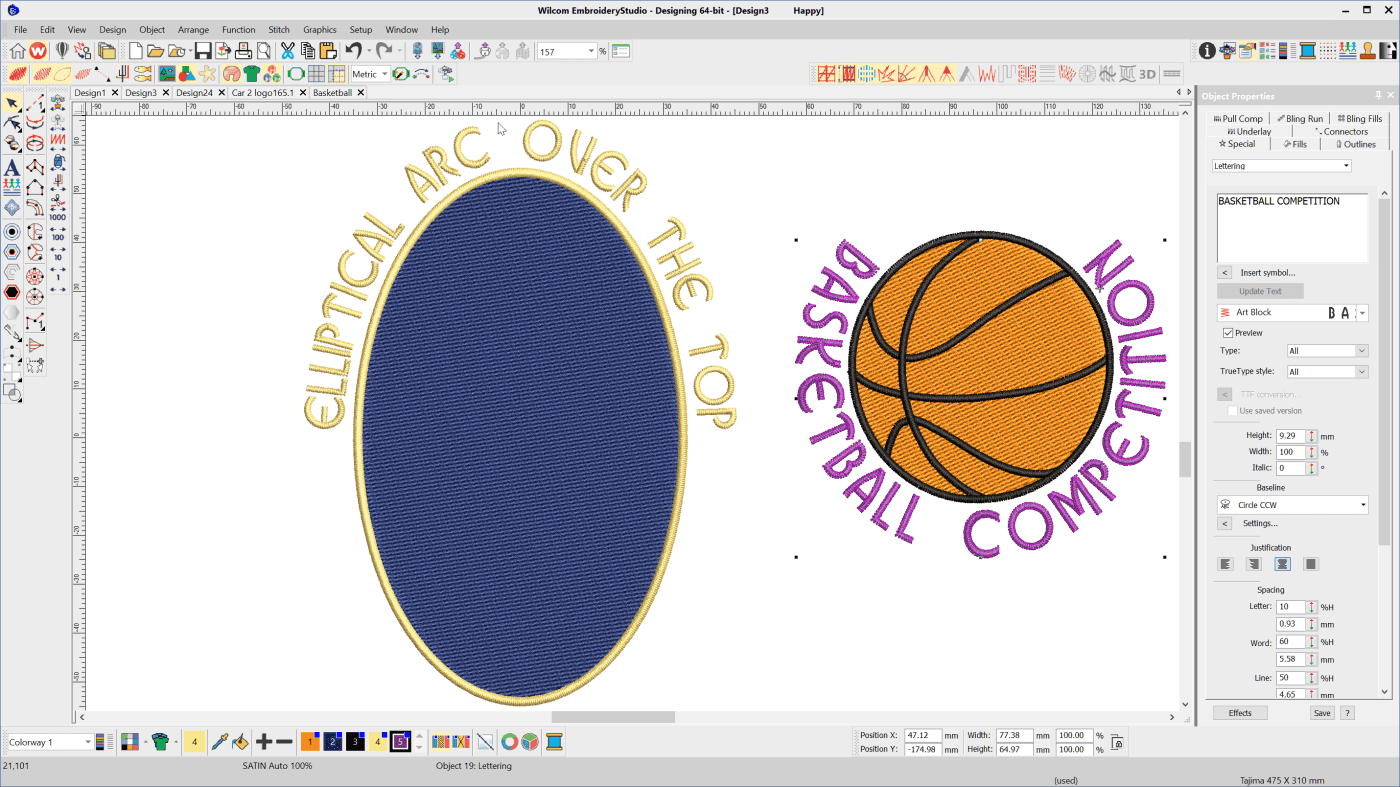
To create lettering on Circular or Elliptical baselines choose the Circle CW or Circle CCW baseline depending on whether you want the line to arc over or under the logo After typing the letters into the...