









Tips & Tutorials
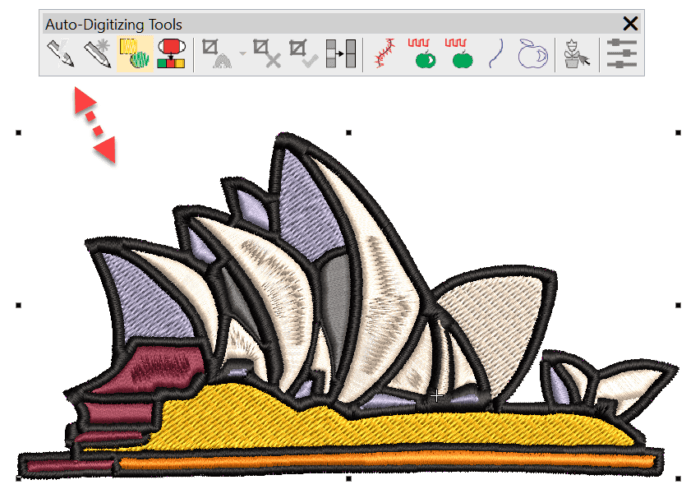
Some compelling reasons to upgrade DecoStudio to EmbroideryStudio e4 Decorating
Blog | EmbroideryStudio | Tips & Tutorials | Video
There are many compelling reasons to update from DecoStudio to e4 Decorating. Here are a few Instant smart Design will create an .emb embroidery file from a raster image within seconds, but what I...
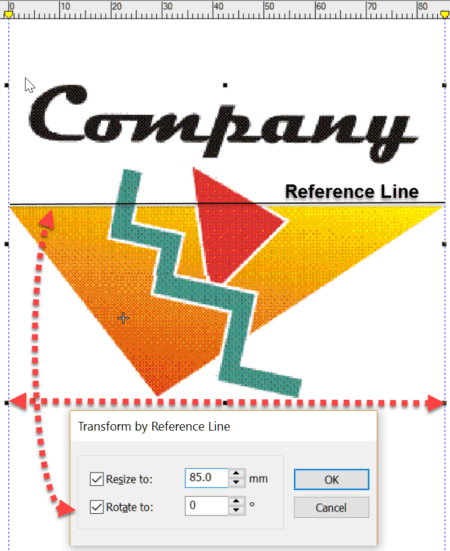
More Reasons to upgrade from DecoStudio to Decorating e4
Blog | Feature overview | Tips & Tutorials | Video
Importing an image to the work area is the first step in creating a design. DecoStudio relies on CorelDRAW to import and edit images, while this is adequate, the process is time consuming and...
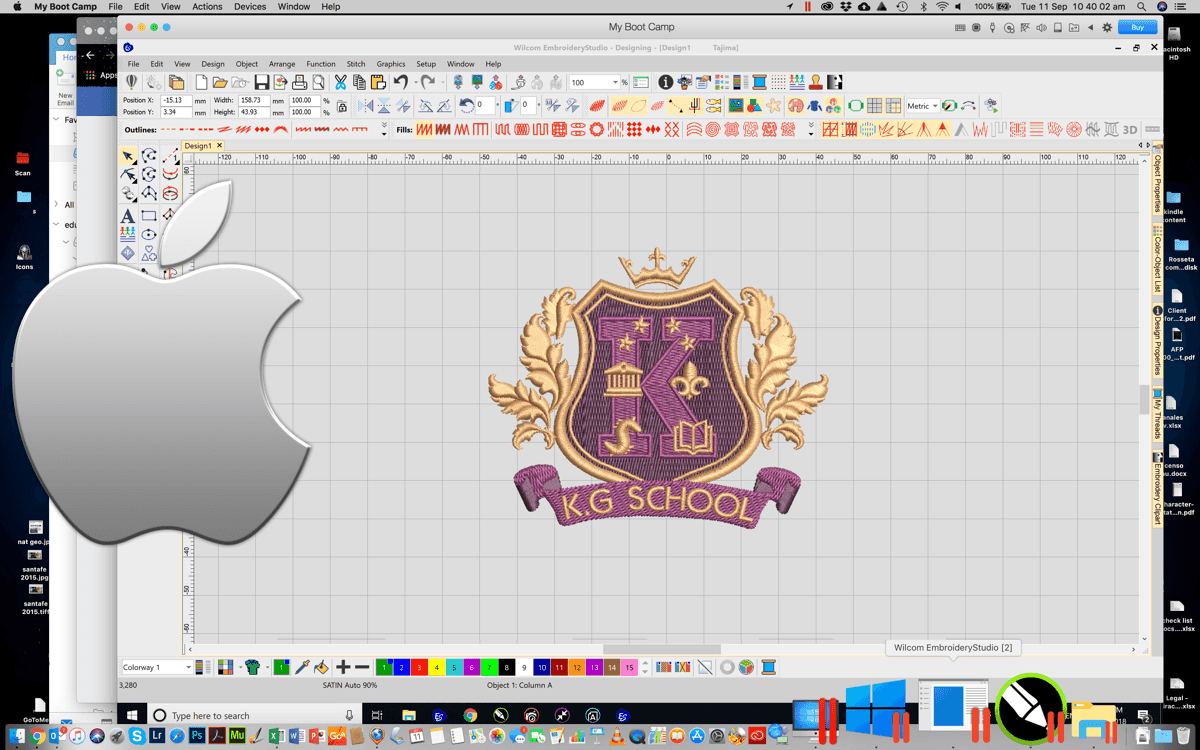
Installing Wilcom EmbroideryStudio on a Mac
Blog | EmbroideryStudio | Tips & Tutorials
UPDATE: At present, EmbroideryStudio does not support Windows on Mac with Apple M1 chip using Parallels Desktop. Click here for future updates. Yes you can! There are basically two options, Boot Camp...
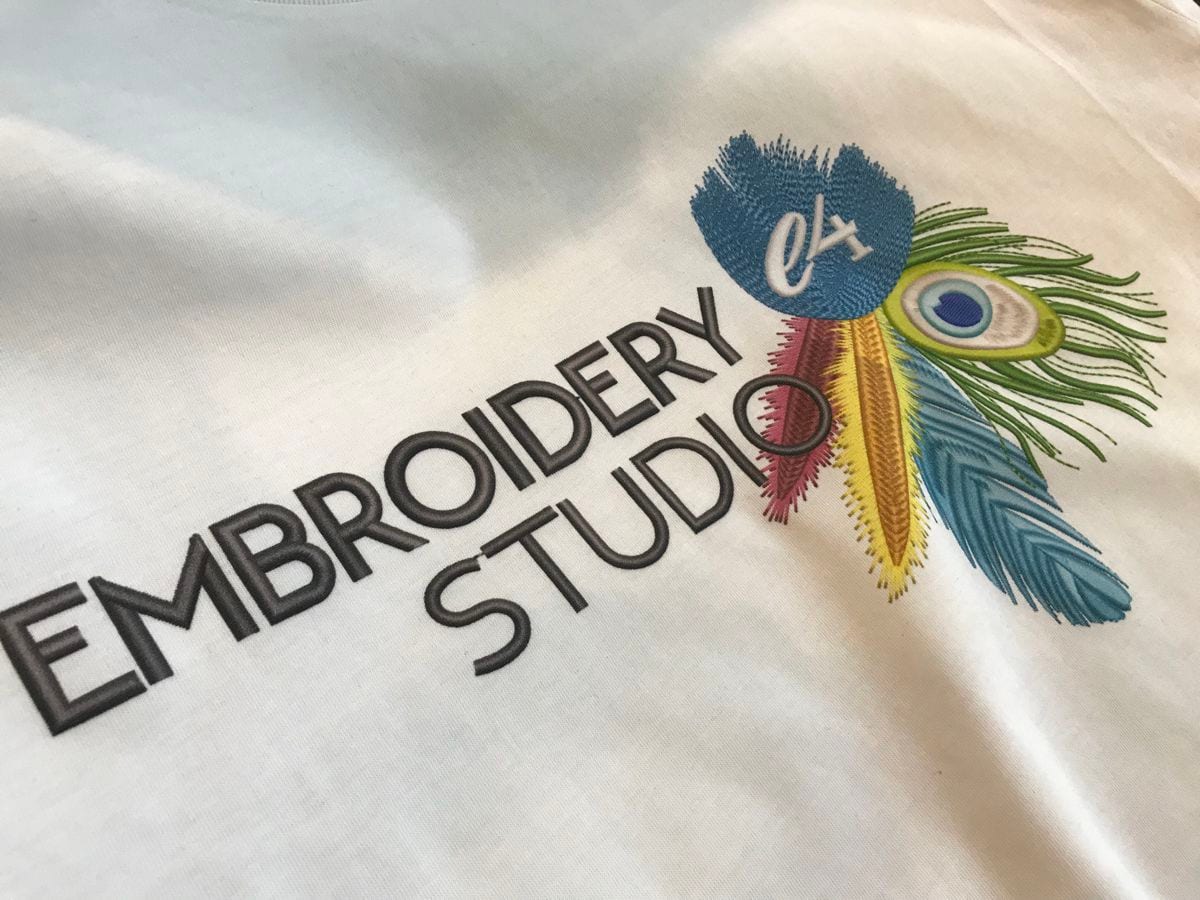
Creating Virtual Printable Embroidery with Wilcom’s EmbroideryStudio
Blog | EmbroideryStudio | Tips & Tutorials
The rise of Direct to Garment (DTG) printing has opened up lots of new opportunities for decorators, making printing quantity one affordable. Wilcom’s EmbroideryStudio has a feature called...
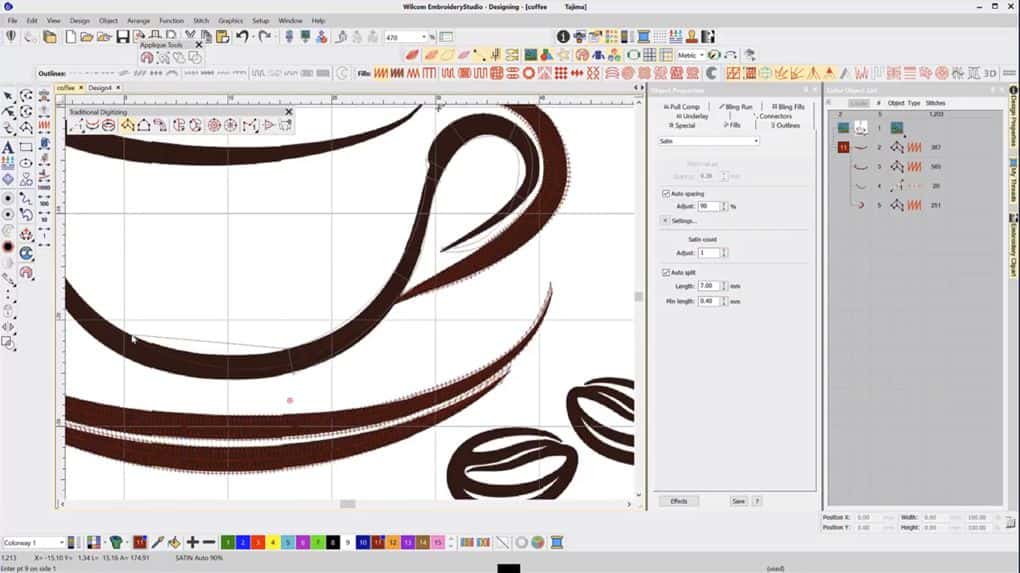
Simple embroidery digitizing tutorial
Blog | EmbroideryStudio | Tips & Tutorials | Video
In this embroidery digitizing tutorial, I focus on using the Single Run outline tool and Column A digitizing tool, as a result giving you an overview of digitizing a design in Wilcom...

Boost your digitizing productivity with keyboard shortcuts
Blog | EmbroideryStudio | Tips & Tutorials
Knowing your keyboard shortcuts will save you lots of time when digitizing. I recommend taking the time to learn a few new keyboards each day, and in a no time at all you’ll see massive productivity...
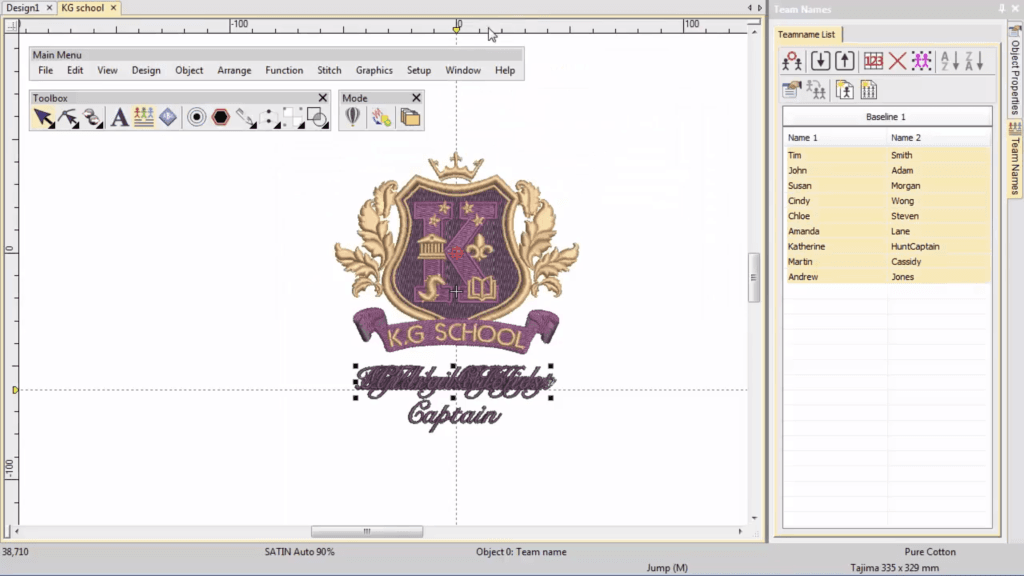
Save Time and Eliminate Errors with Teamnames
Blog | EmbroideryStudio | Tips & Tutorials | Video
Ideal for uniforms and sportswear, Teamnames is a great feature to help you save time and eliminate errors with unique names on multiple garments. In this video, Ben from our Documentation team walk us...
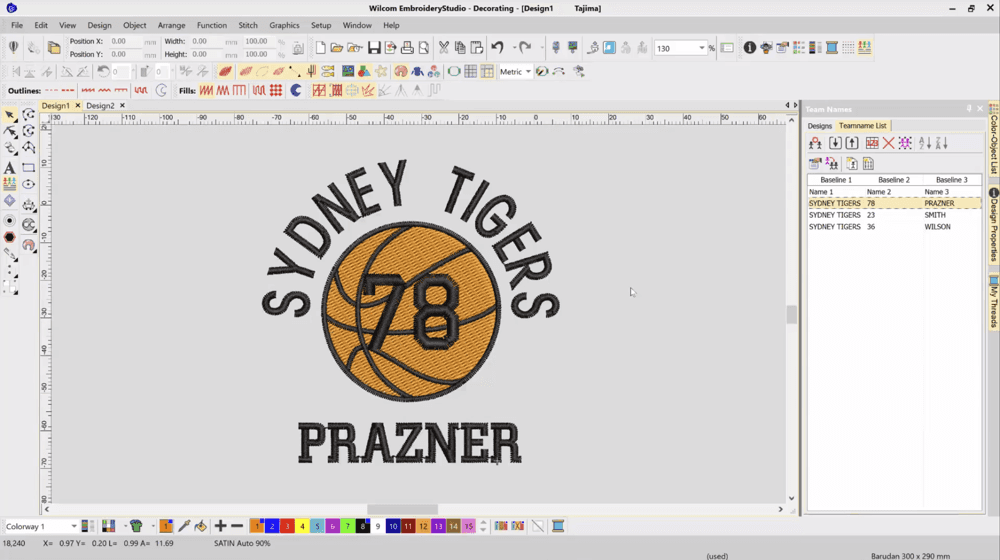
Creating a Teamname Design Template Video Tutorial
Blog | EmbroideryStudio | Tips & Tutorials | Video
All lettering has maximum and minimum recommended sizes, to find these recommendations go to the HELP MENU and ONLINE MANUAL. In the Navigation Bar Keyboard Shortcut “H”...
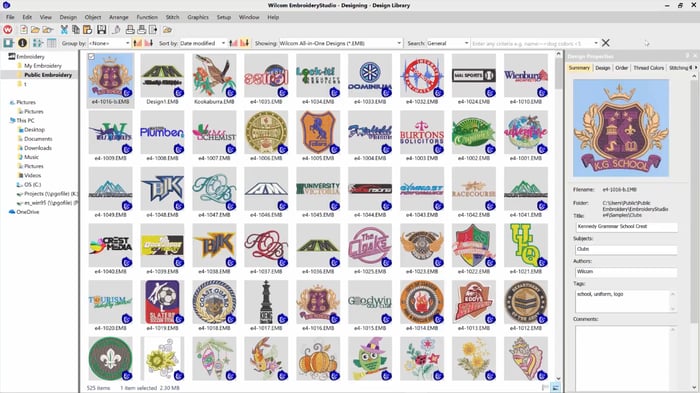
How to Turn Off Your ES icon in Thumbnails Tutorial Video
Blog | EmbroideryStudio | Tips & Tutorials | Video
When you browse your design files in the Wilcom EmbroideryStudio Design Library or in Windows File Explorer, the design contains a small blue ‘ES’ icon. Sometimes this icon can be distracting...
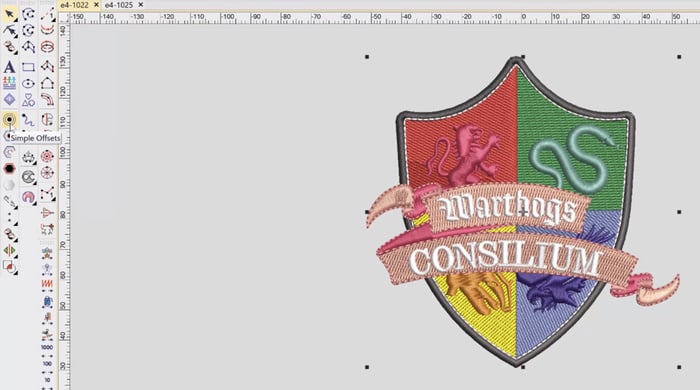
Creating a Vector Cut Line from an Embroidery Design Video
Blog | EmbroideryStudio | Tips & Tutorials | Video
A vector cut line from your embroidery design can be required to create an applique cut line, or when creating a dye cut or laser cut outline. In this short video I show you how you can take an...