









Auto Start End
Blog | EmbroideryStudio | Tips & Tutorials | Video
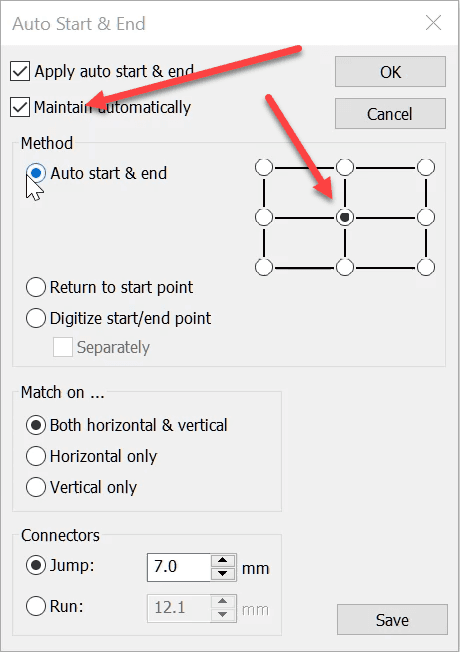
The Auto Start End feature is critical to have set correctly to avoid driving the needle into a hoop but it is more useful than this basic function.It is possible to place the start and finish point at...

A taste of what Wilcom is bringing in 2019
Blog | EmbroideryStudio
As Wilcom flies towards 2019, users from around the world have been anticipating what they will see in the New Year. Well, the answer is an exciting new flagship release, EmbroideryStudio e4.2!Most...
Export a machine file to a USB Drive
Blog | EmbroideryStudio | Tips & Tutorials | Video
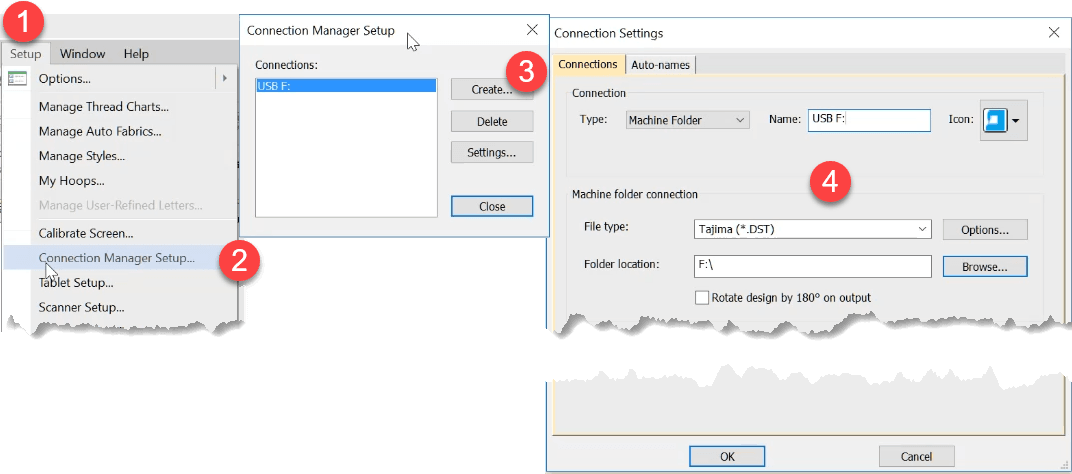
Thanks to Paula, Anne Marie, Crystal, Bob and others who have raised this issue. Some people including myself have been frustrated that Windows 10 is not remembering the default drive to export machine...

Auto Kerning
Blog | EmbroideryStudio | Feature overview | Tips & Tutorials | Video
Even in print different letters have different kerning values.Two O’s are usually spaced closer together than two I’s. This is particularly important in embroidery. Two I’s, if too close...
Auto Fabric Assistant
Blog | EmbroideryStudio | Tips & Tutorials
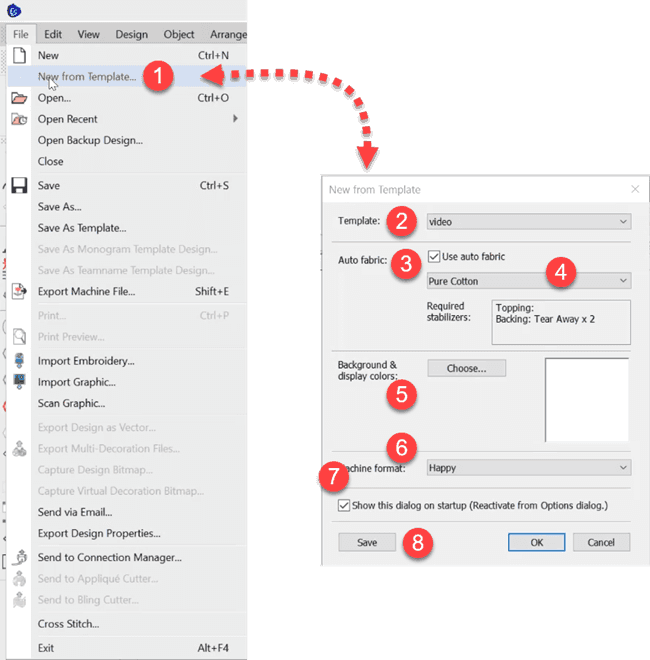
To do this The Auto Fabric Assistant controls three quality control properties in your designs. These settings will change depending on the fabric you choose and the size of the object. To use the auto...
Create an image with a transparent background for the product visualizer
Blog | EmbroideryStudio | Feature overview | Tips & Tutorials
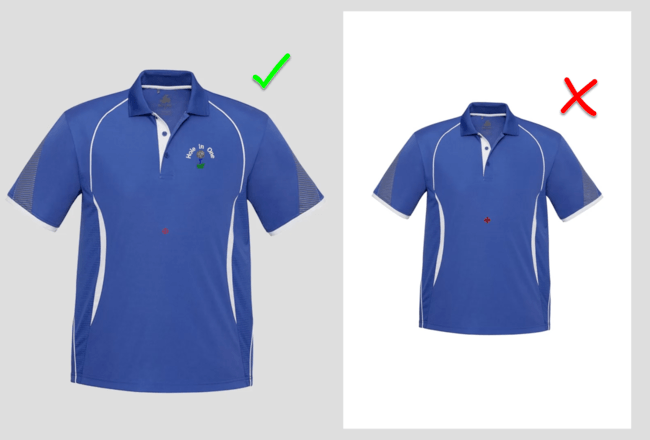
When displaying an image in the product visualizer an image with a transparent background in more professional than showing a white background. Corel PhotoPaint is included in the CorelDRAW suite of...

Shading, Open and Curved Fills
Blog | EmbroideryStudio | Feature overview | Video
Adding curved fills and shading to tatami objects to a design adds depth and vitality to a design. Both features are add on elements to the designing software. They work together or independently to add the...

Repair any Damaged Garment with the help of CorelDRAW
Blog | EmbroideryStudio | Feature overview | Video
If you have not already, then at some time in your embroidery career you will need to make a repair to a damaged garment. One way to do this is cover the old logo or damaged garment with a block of...

Creating automatic borders and outlines with Offsets Advanced Element
Blog | EmbroideryStudio | Feature overview | Tips & Tutorials | Video
Creating a border or outline is something you probably do every day as an embroidery digitizer. But did you know there is a quicker way to create borders and outlines with the Offsets Advanced Element...
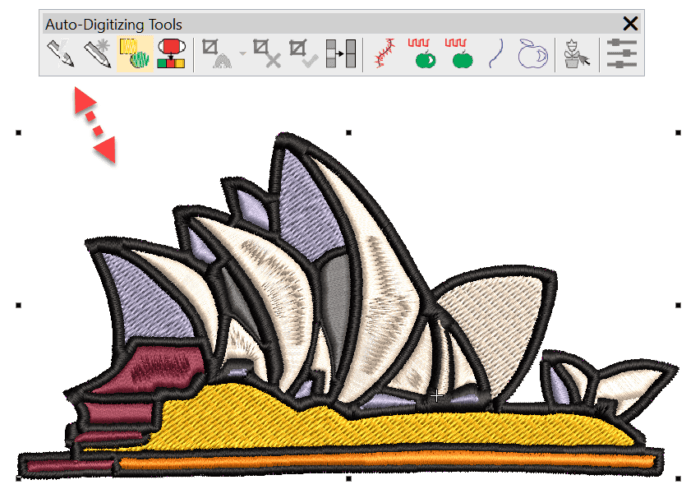
Some compelling reasons to upgrade DecoStudio to EmbroideryStudio e4 Decorating
Blog | EmbroideryStudio | Tips & Tutorials | Video
There are many compelling reasons to update from DecoStudio to e4 Decorating. Here are a few Instant smart Design will create an .emb embroidery file from a raster image within seconds, but what I...
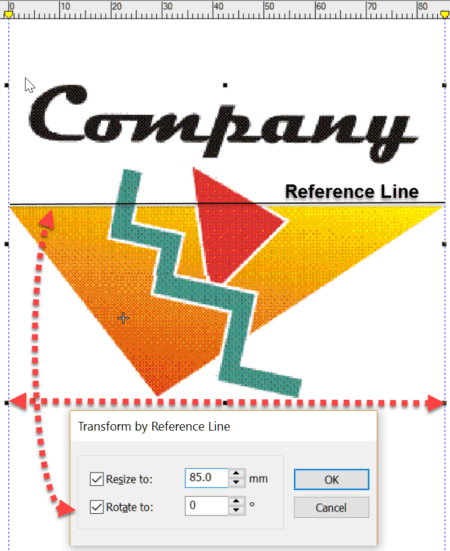
More Reasons to upgrade from DecoStudio to Decorating e4
Blog | Feature overview | Tips & Tutorials | Video
Importing an image to the work area is the first step in creating a design. DecoStudio relies on CorelDRAW to import and edit images, while this is adequate, the process is time consuming and...
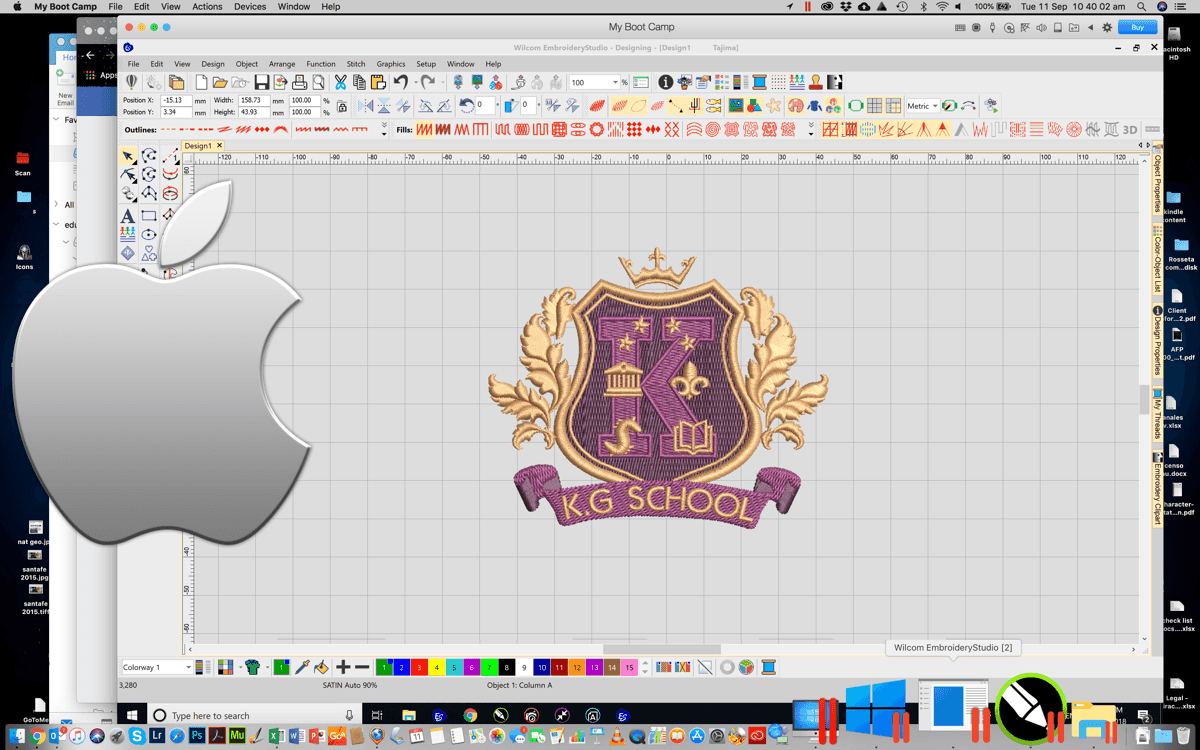
Installing Wilcom EmbroideryStudio on a Mac
Blog | EmbroideryStudio | Tips & Tutorials
UPDATE: At present, EmbroideryStudio does not support Windows on Mac with Apple M1 chip using Parallels Desktop. Click here for future updates. Yes you can! There are basically two options, Boot Camp...